Tally Dascom DL-830 User Guide V1.0
3.
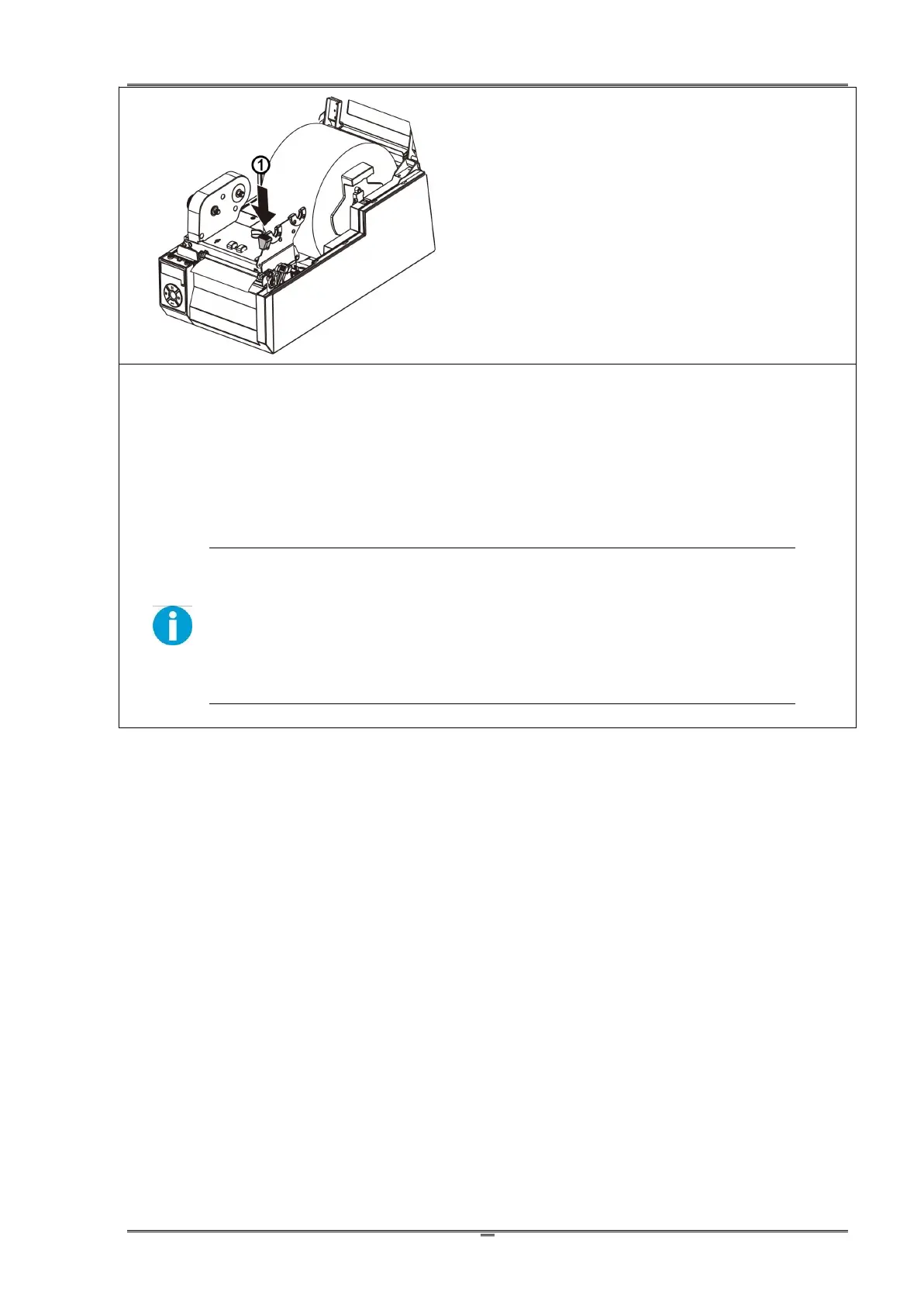
①If new media, read Section 2.4.2 or 2.4.3 to
relocate the media sensors.
② Push the blue Engage Handle to lock up the
print head module.
4.
Making a media calibration ensures the printing starts with the correct position on the fresh media.
Hold the ►►button and then turn on the power. After the beeper sounds twice, release the button
to complete the media calibration process.
Make media calibrations for the following situations:
A fresh media.
A media with different size from the last print task.
Blank printout from in-used media.
Offset printout without changing the settings.



 To Next Page