Tally Dascom DL-830 User Guide V1.0
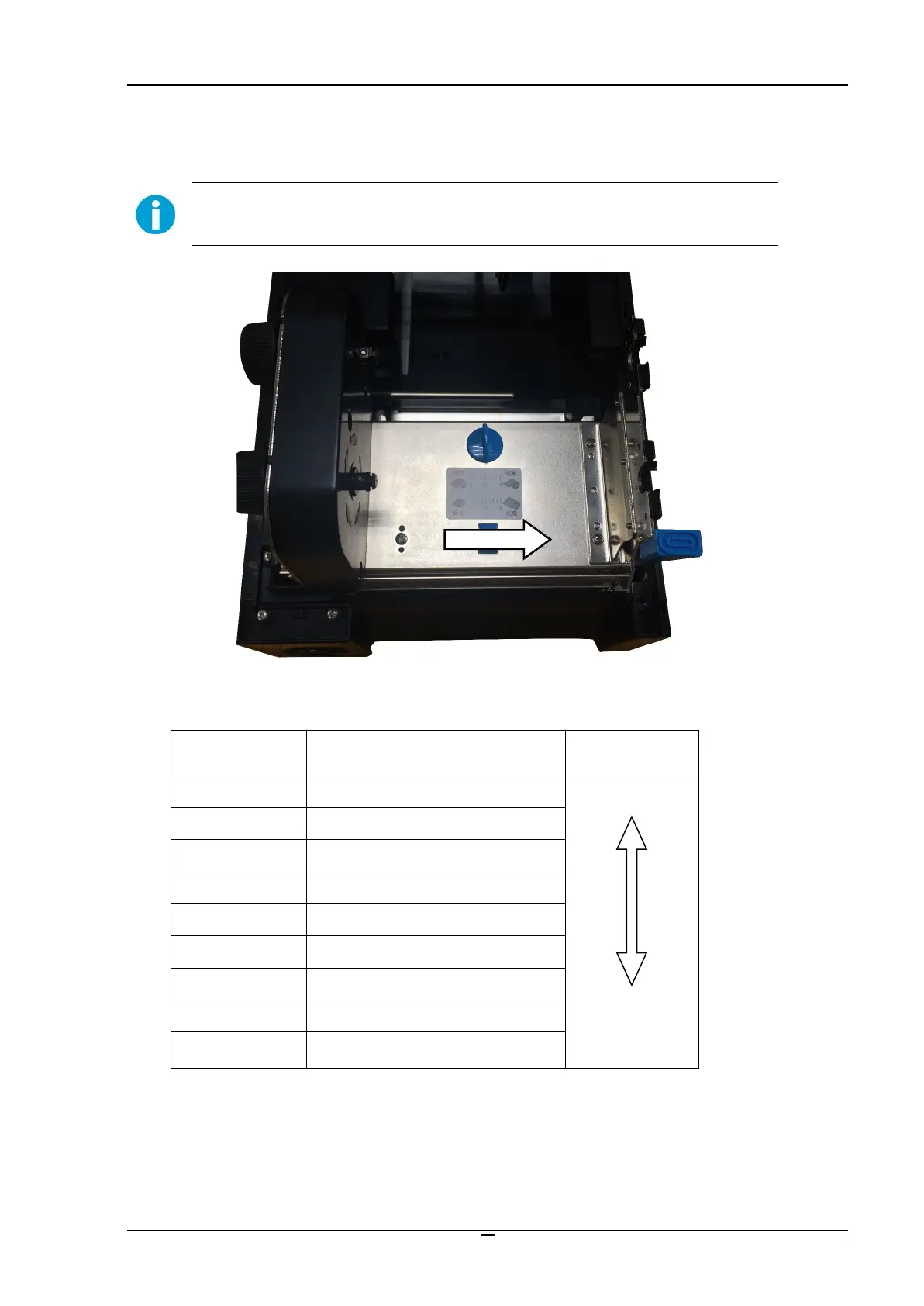
(2)Adjust the media width
Adjusting the position of the Media Width Slider applies an even pressure on the print head
across the media width. When the printout is lighter on one side or crook print media, adjust the
Slider with different positions.
Caution:Must adjust the slider position to avoid jammed media causing head
damage when narrow width media is used.
Recommended
Slider Positions
19.5 ~ 30.0mm(0.77 ~ 1.18)
30.0 ~ 39.0mm(1.18 ~ 1.53)
39.0 ~ 49.0mm(1.53 ~ 1.92)
49.0 ~ 62.0mm (1.92 ~ 2.44)
62.0 ~ 76.0mm (2.44 ~ 2.99)
76.0 ~ 88.0mm(2.99 ~ 3.46)
88.0 ~ 99.0mm(3.46 ~ 3.89)
99.0 ~ 108mm(3.89 ~ 4.25)
108 ~ 118mm(4.25 ~ 4.65)
(default setting)
The above table states the standard setting for general situation.
Adjust the Slider and make test prints when thick media are used or wrinkled ribbon occurs.



 To Next Page