Tally Dascom 1125
5
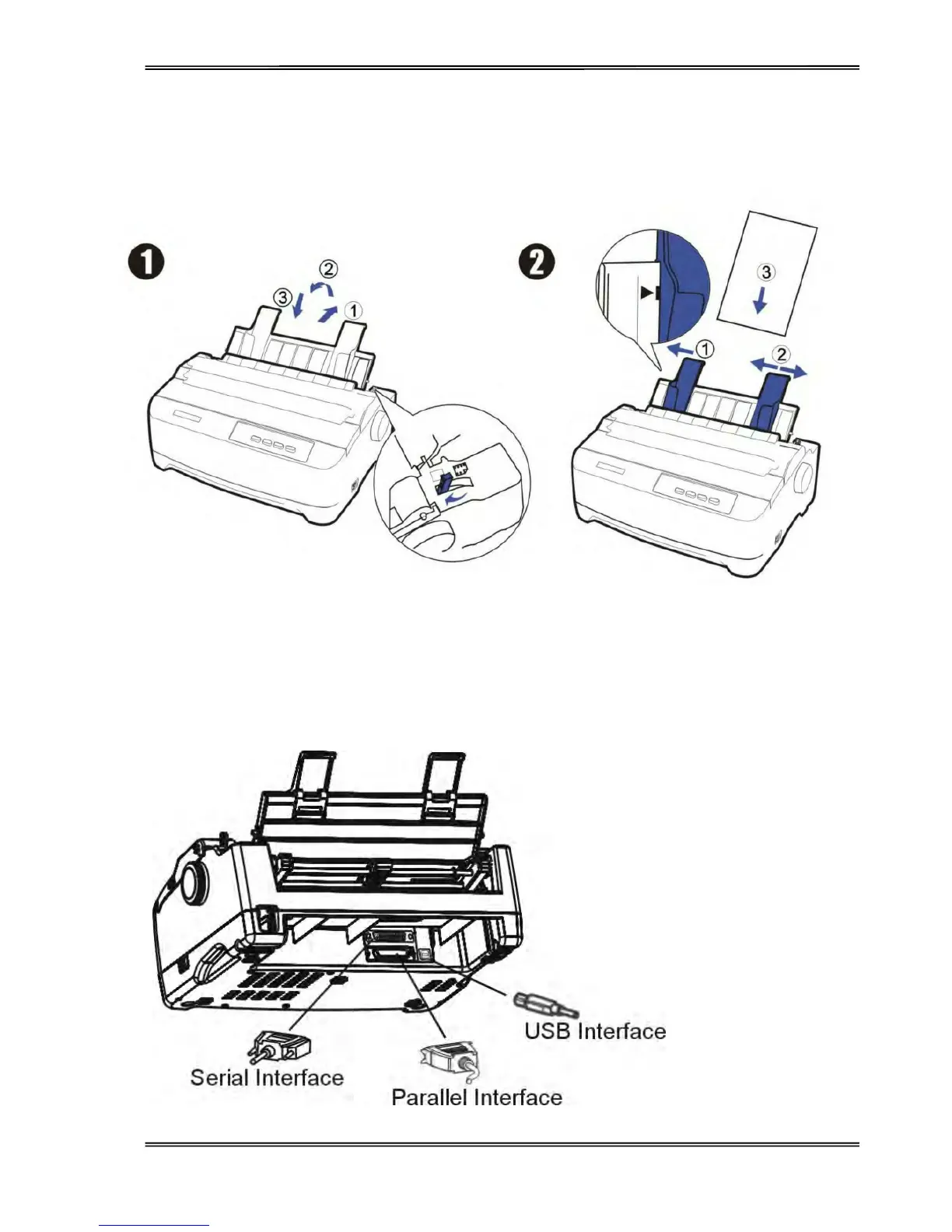
Install the Single Sheet Feeder
Install the single sheet feeder into the rear of the printer.
Connecting the Interface Cable
The 36-pin Centronics parallel, 25-pin serial RS-232C and USB ports are located at the rear of the printer.
IMPORTANT: Make sure the printer and the computer are switched off before connecting or disconnecting the
interface cable to prevent electrical damage to the interface ports.



 To Next Page