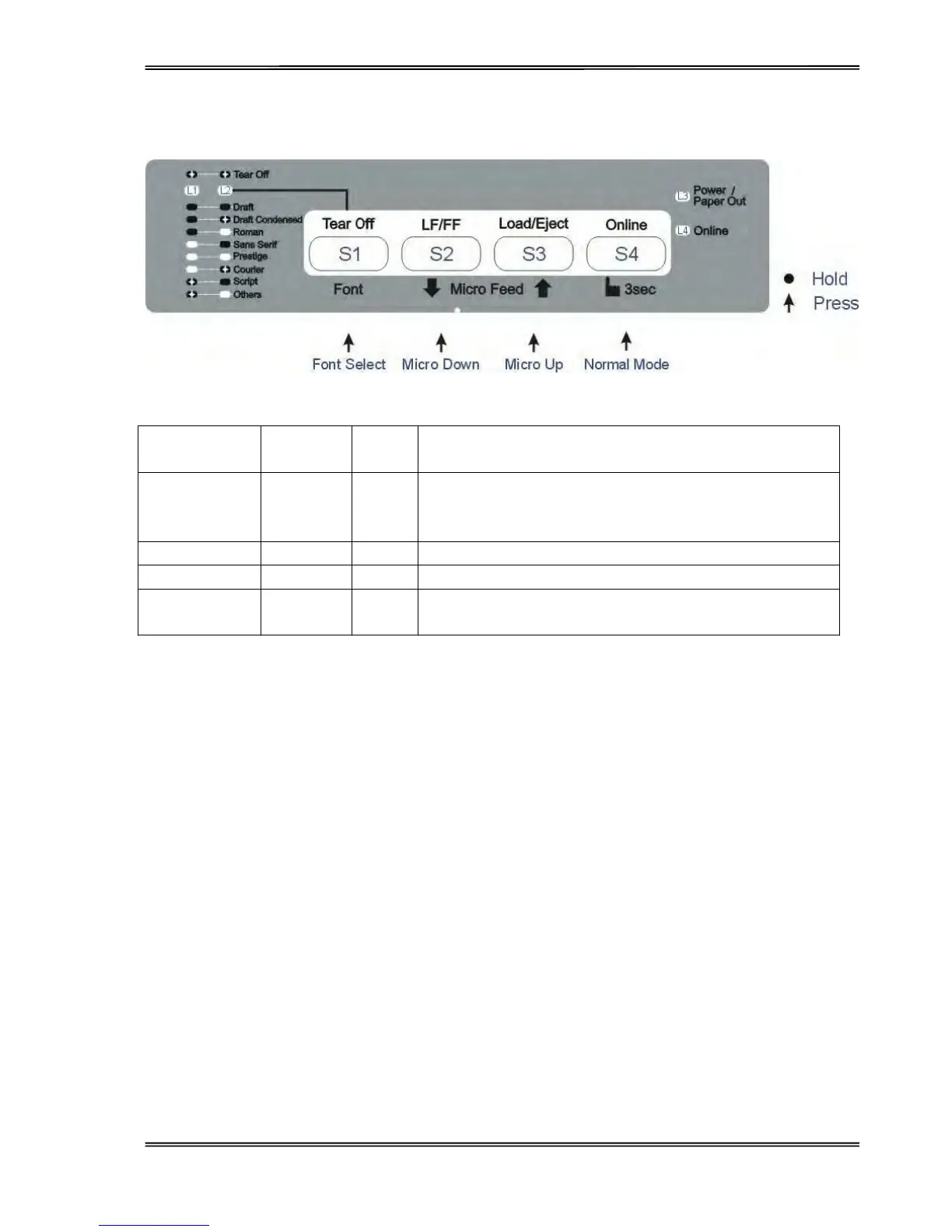
Tally Dascom 1125
18
Setup State
Function Name
Switch
Operation
LED Function Description
Online state {S4} L4
Toggling to the Online state will cause the printer to go into a
ready-to-print state. Any changes made in Setup state will be
saved permanently. Lighting up L4 indicates the Online state.
Micro Up {S3} - Feeds up in 1/360” steps until the release of S3.
Micro Down {S2} - Feeds down in 1/360” steps until the release of S2.
Font Select {S1} L1, L2
Refer to Table 4.1 for details.



 To Next Page