9
※
It is necessary to install a USB device driver. Please see the Hardware
User’s Manual for details about installation.
●
To ensure proper communication, make sure that the USB cable connection
is secure.
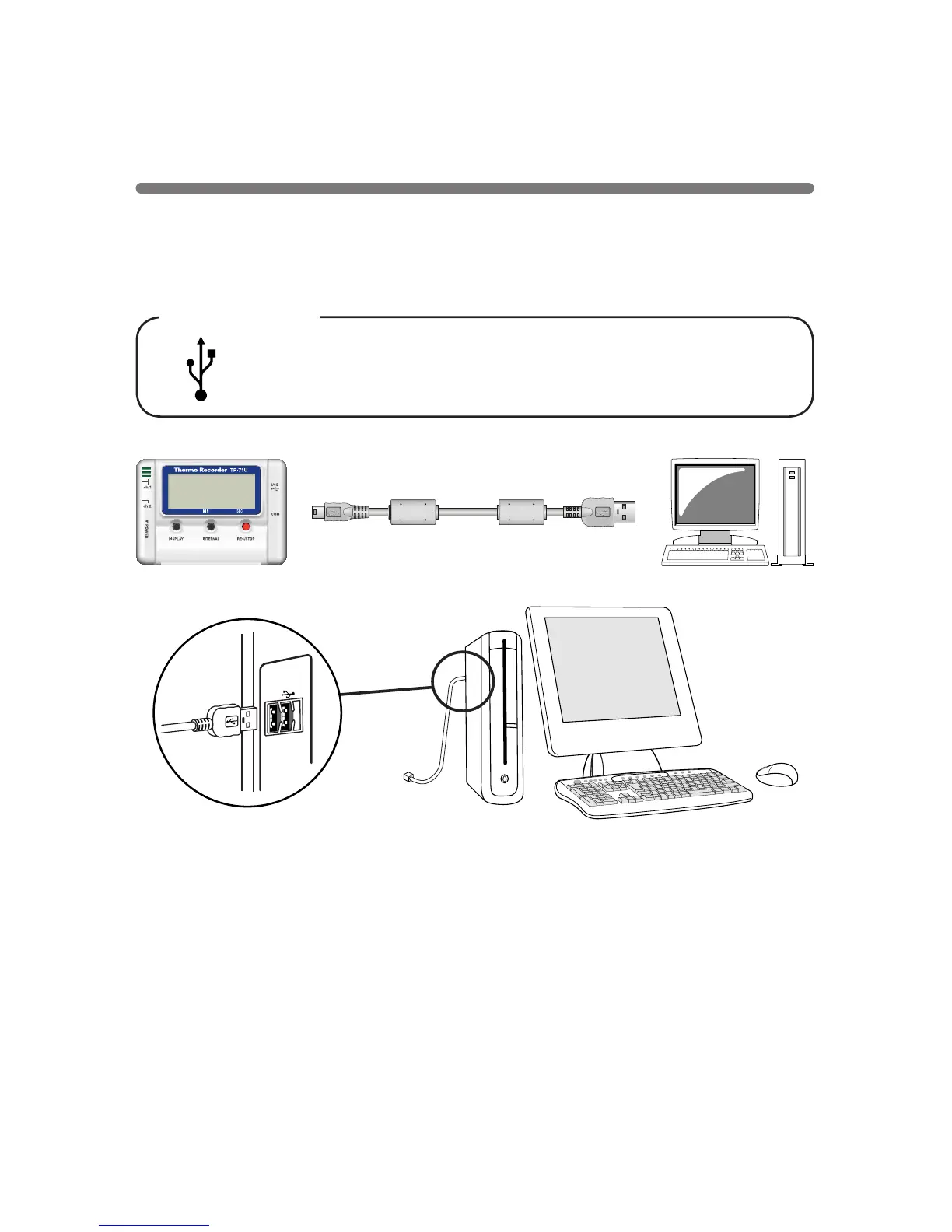
USB Port Mark
The USB cable is a USB A plug
⇔
USB mini-B plug type.
Please connect to a place with this kind of mark.
◆
Connecting a communication cable to your computer
Connect the USB cable
(
US-15C
)
to your computer.
USB mini-B plug USB A plug
To the data logger To your computer
Connecting the Data Logger to
your Computer



 To Next Page