8
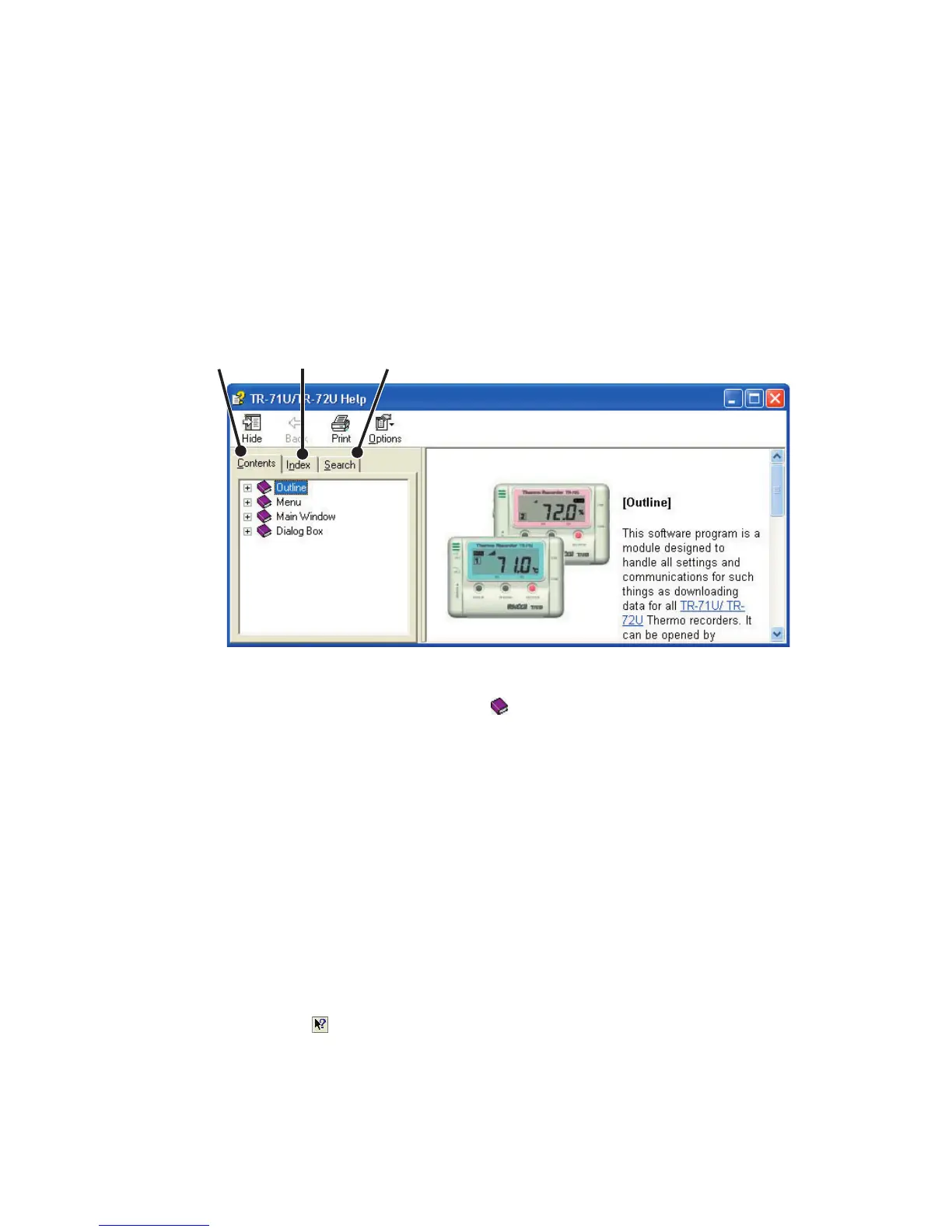
Contents
Index
Search
〔
Contents
〕
By clicking on the classied topic mark you will nd explanations
concerning that topic.
〔
Index
〕
Select a keyword from the keyword list and by clicking the
[
Display
]
button,
the explanation for that topic will appear.
〔
Search
〕
Enter the keyword you wish to search for and click
[
Start Search
].
All
topics containing that keyword will be displayed. Select a topic and click the
[
Display
]
button to display the explanation for that topic.
●
By clicking on the
[
Help
]
button in any dialog box, the explanation for that
dialog box will appear.
●
By clicking the Toolbar in the Graph Display, you can then view
explanations for menus, icons, and objects in the Main Window by clicking
the question mark arrow on those items.
◆
For more detailed assistance on using the software,
see the Help menu contained in the software.
●
By clicking on
[
Help] in the Menu Bar and then
[
Search by Topic] you will
nd three tabs
(
Contents, Index, and Search
)
to click on to help you
search for the topic you are unsure about or have questions about.



 To Next Page