35
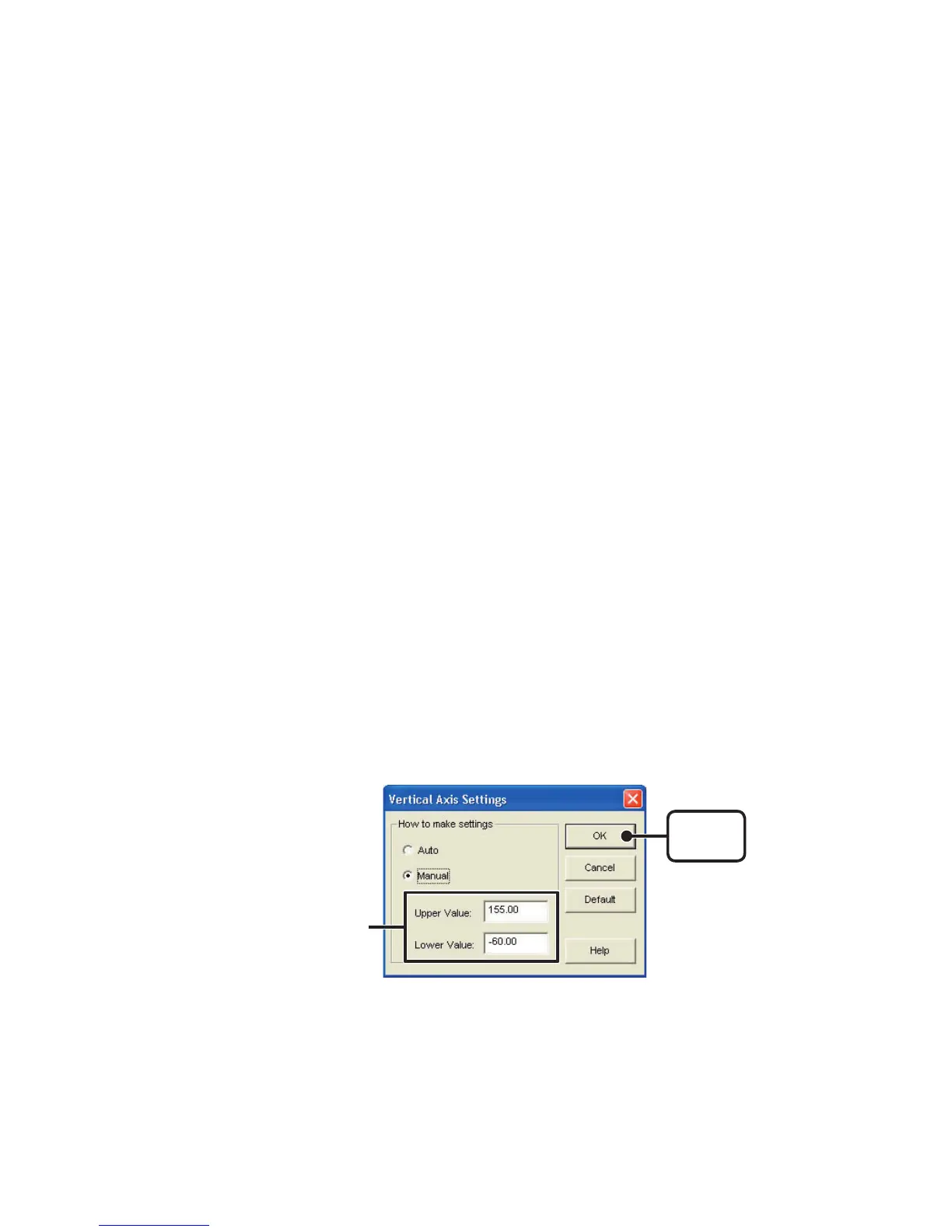
2.Click [OK] to complete the settings.
■
Operating the Graph
:
[
Graph
]
Menu
●
Return to Original Size
Clicking here will return the graph to its original size.
●
Zoom In
/
Zoom Out
Zooms in or out one step at a time
●
Move Cursor Right
/
Left
Simultaneously move the AB Cursors to the right or left.
●
Move Graph Right
/
Left
Move the Graph Display to the right or left.
●
Move Graph Up
/
Down
Move the Graph Display up or down.
●
Vertical Axis Settings
(
AUTO in Default Settings
)
Set the vertical axis scale
(
temperature
)
1.Check either [Auto] or [Manual].
AUTO: The vertical axis will automatically be changed according to the
values of the data.
MANUAL: You can set the upper and lower values of the vertical axis scale.
[
OK
]
button
Enter the range of the
vertical axis scale.



 To Next Page