34
●
Copy Display to Clipboard
:
From the
[
Tools
]
Menu
By clicking
[
Copy Display to Clipboard
]
, you can copy the currently displayed
window to the clipboard and make use of the graph by pasting to other
software.
【
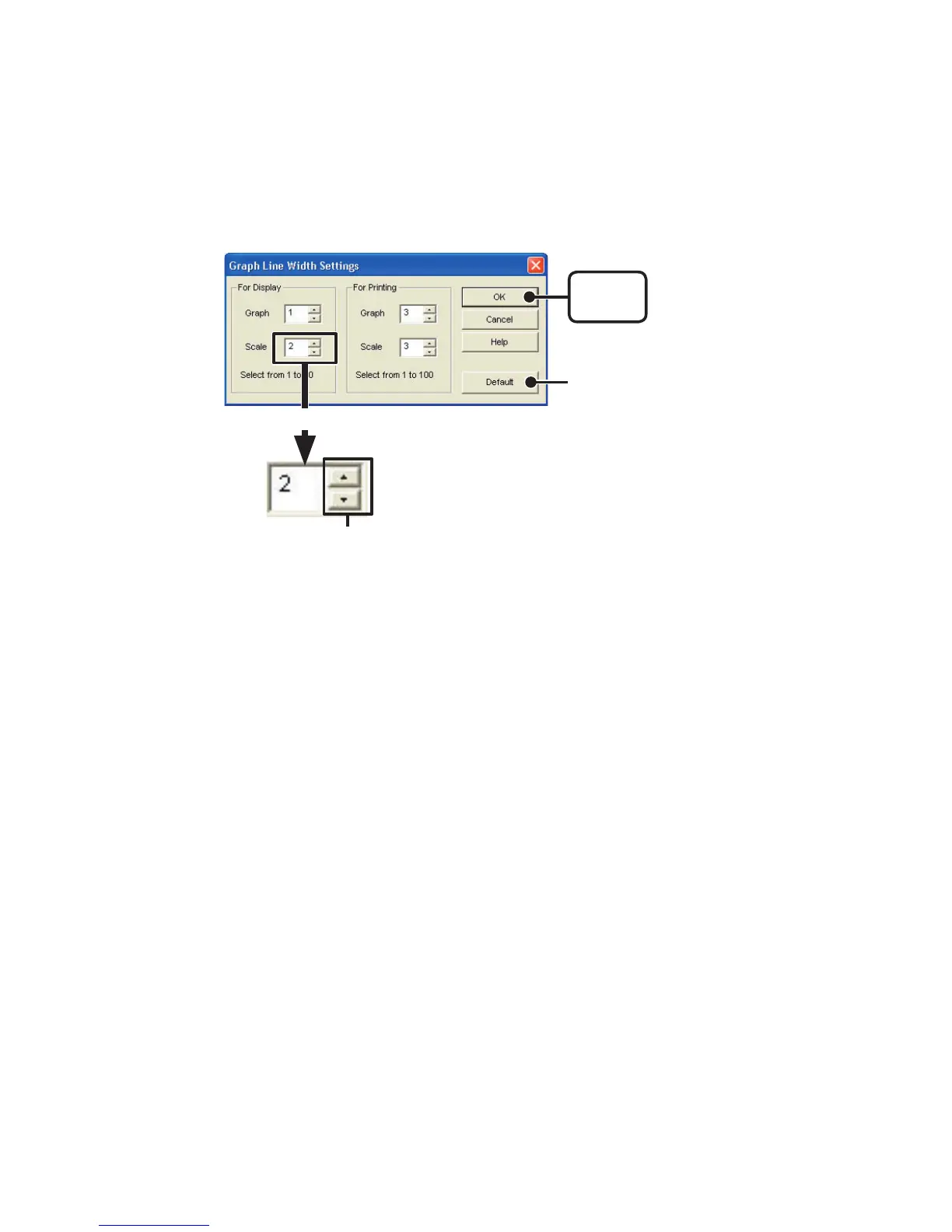
Graph Line Width Settings
】
Change the width of the data lines and the scale lines.
※
By clicking the
[
Default
]
button, you will return to the color settings when
the software was opened.
[
OK
]
button
●
Every time you click on ▲ , the numerical value gets larger.
●
Every time you click on
▼
, the numerical value gets smaller.
《
Enlagargement
》
[
Default
]
button



 To Next Page