33
●
Shift Unit
(℃ / ゜
F
):
From the
[
Tools
]
Menu
By clicking on
[
Shift Unit(
℃ / ゜
F)
]
, you can automatically change the
temperature unit scale in the graph display and in the channel info list.
●
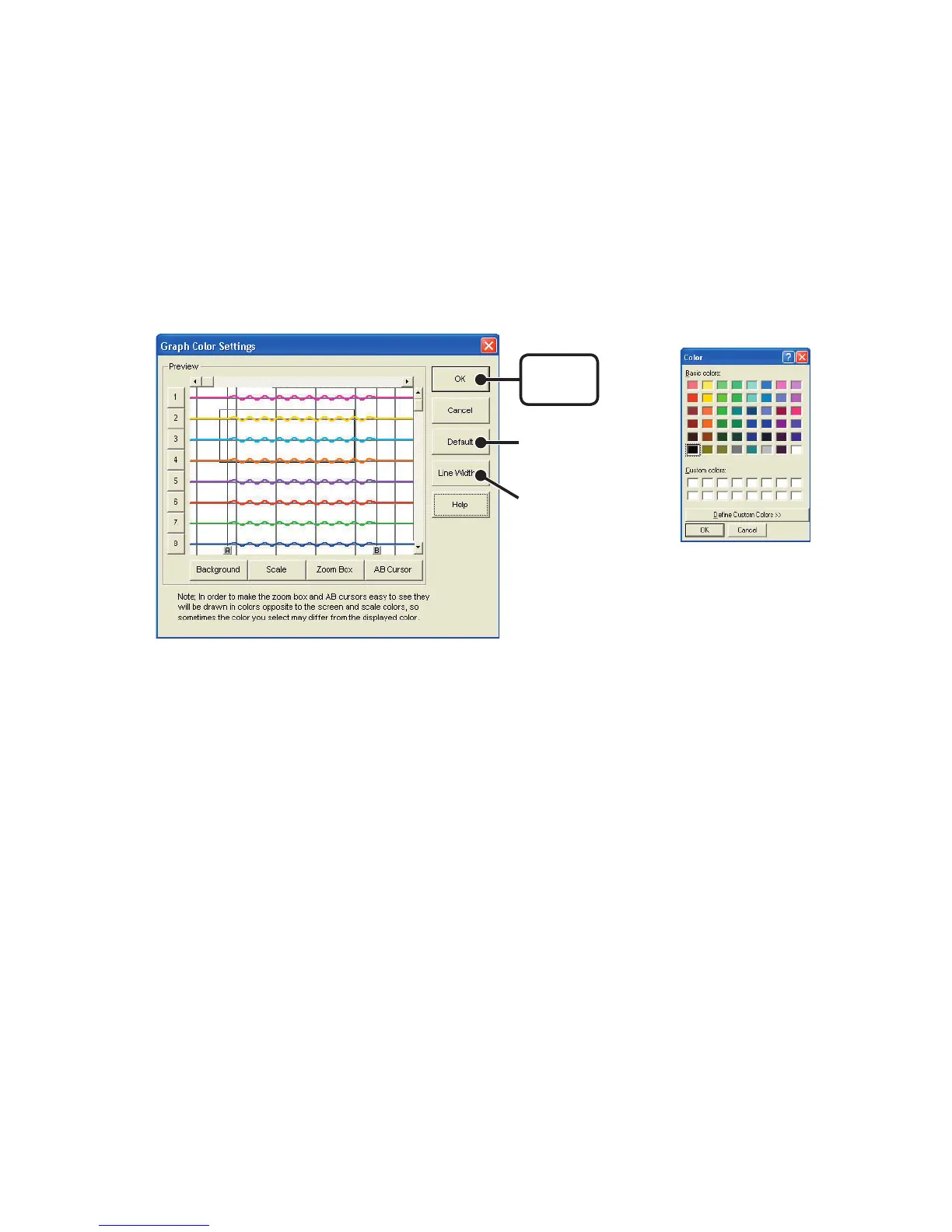
Change Graph Colors
:
From the
[
Tools
]
Menu
1.Click the channel number of which you wish to change the color.
2.By clicking each button, color samples will be displayed. Choose the
color you want and click the [OK] button.
3.After conrming the color, by clicking the [OK] button the change
will be completed.
※
By clicking the
[
Return to Default
]
button, you will return to the color
settings when the software was opened.
[
OK
]
button
[
Default
]
button
[
Line Width...
]
button
《
Color Sample
》



 To Next Page