10
※
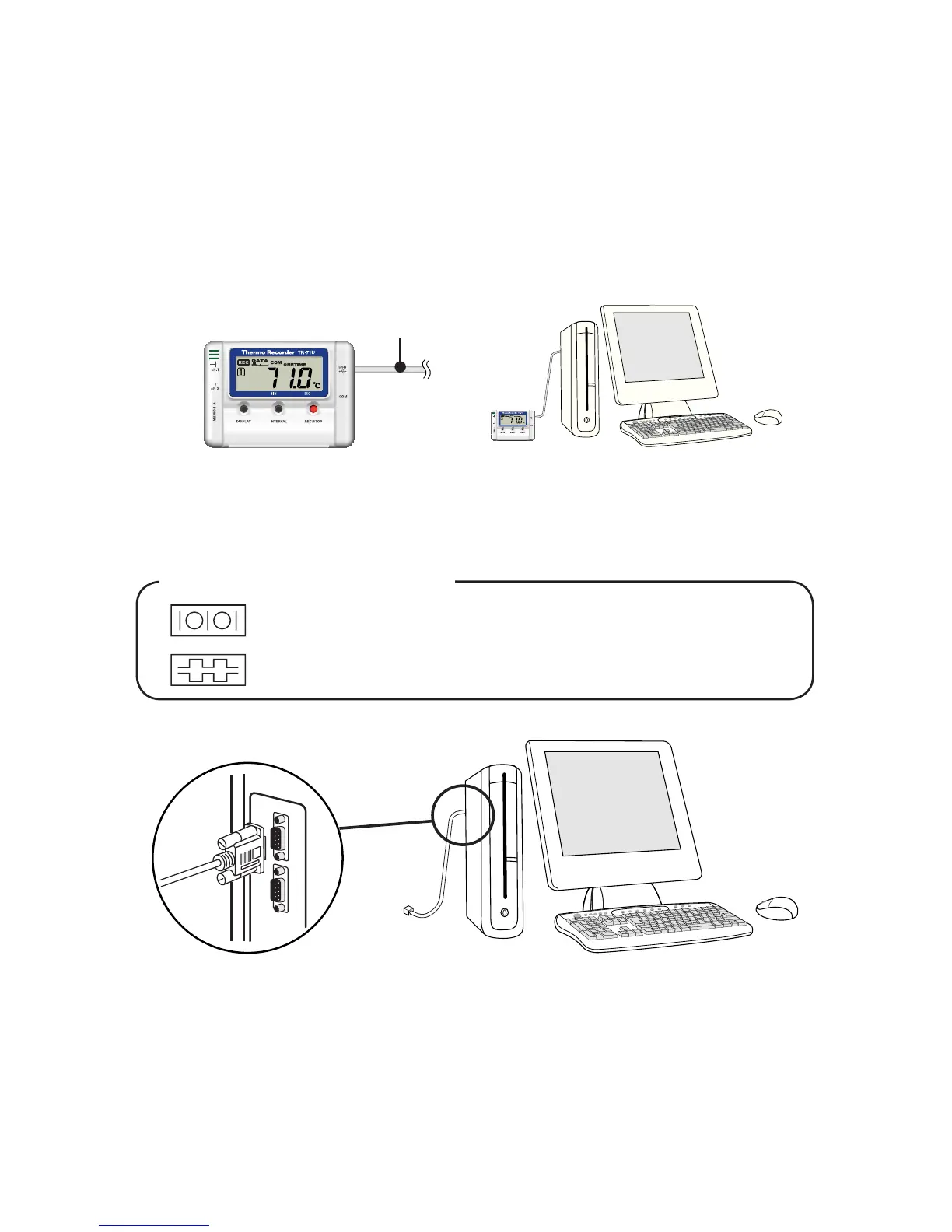
To communicate with a TR-71U
/
72U unit via serial communication
cable, please use our optional serial communication cable TR-07C.
●
If the place of connection is incorrect, communication will not occur.
●
To ensure proper communication, make sure that the communication cable
connection is secure.
USB cable already connected
to computer.
Examples of Serial Port Marks
The communication cable jack is a D-Sub 9 pin male type.
Please connect to a place with this kind of mark.
◆
Connecting the USB cable to the TR-71U
/
72U unit.
1.Connect the USB cable that is connected to your computer to the
TR-71U/72U unit.



 To Next Page