3
Getting Started: The Basic Operations
TR-71U
/
TR-72U
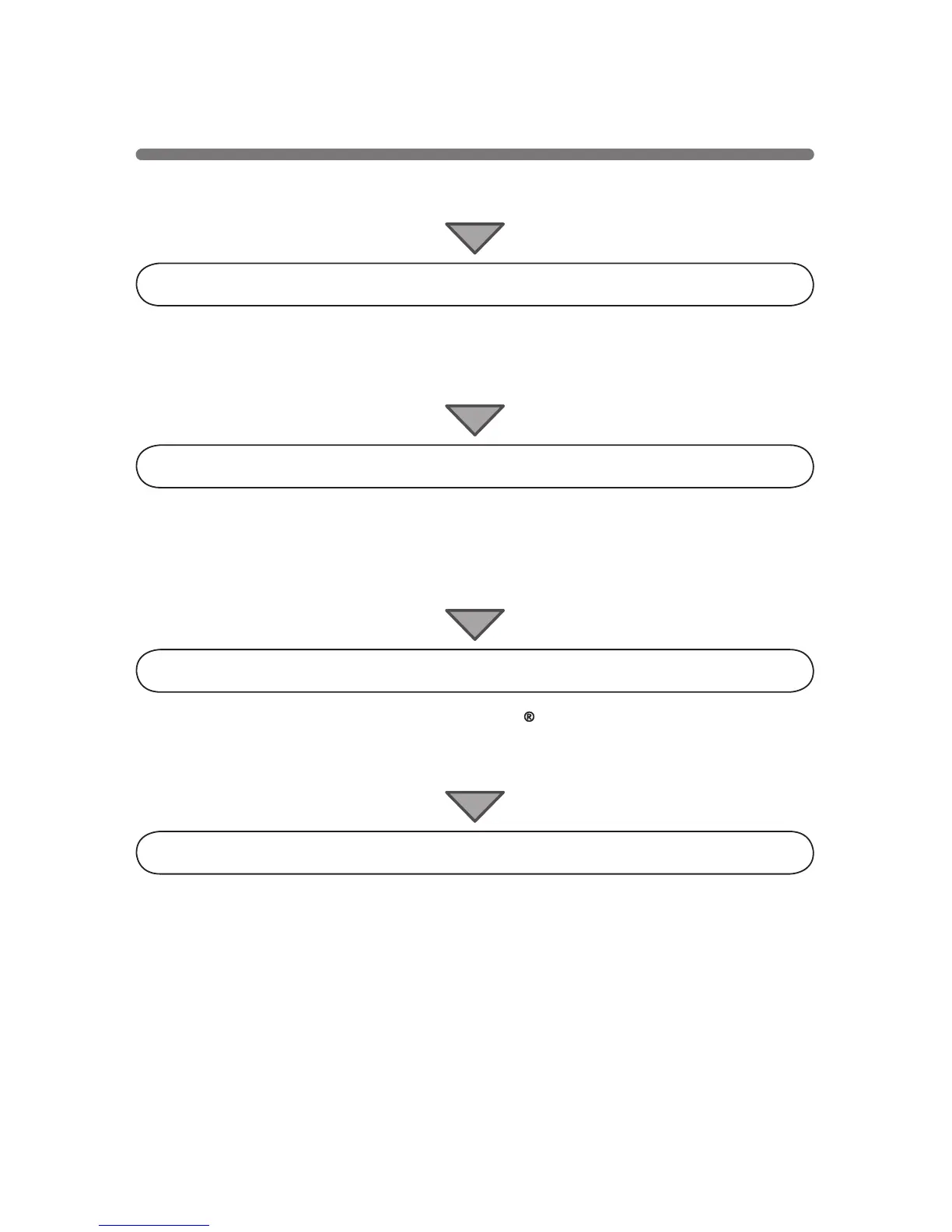
Connecting the Unit to your Computer
Connect the USB cable and set up so that the data logger and your
computer can commmuincate.
Installing the USB Device Driver
By installing the USB device driver, your computer will be able to
recognize a TR-71U
/
72U unit when it is connected. For more details about
how to install the driver, see the TR-71U
/
72U Hardware Manual.
Installing the Accompanying Software
After installing T&D Recorder for Windows , the
「
TR-71U
/
TR-72U Quick
Start Program
」
will automatically open each time you start up Windows.
Making Recording Start Settings
NOTE:
Before making Recording Start settings, make sure that your computer's
date and time are correct. If your computer's date and time are incorrect it
will have adverse effects on the starting time for recording.
Connect the USB cable and set up so that the data logger and your computer
can commmuincate.



 To Next Page