38
[
Save
]
button
Creating Text File
By saving the recorded data as text le, you can create a le type
that can be read by common spreadsheet software.
[
OK
]
button
Select the Text File
Type
Select the Range
to be Saved
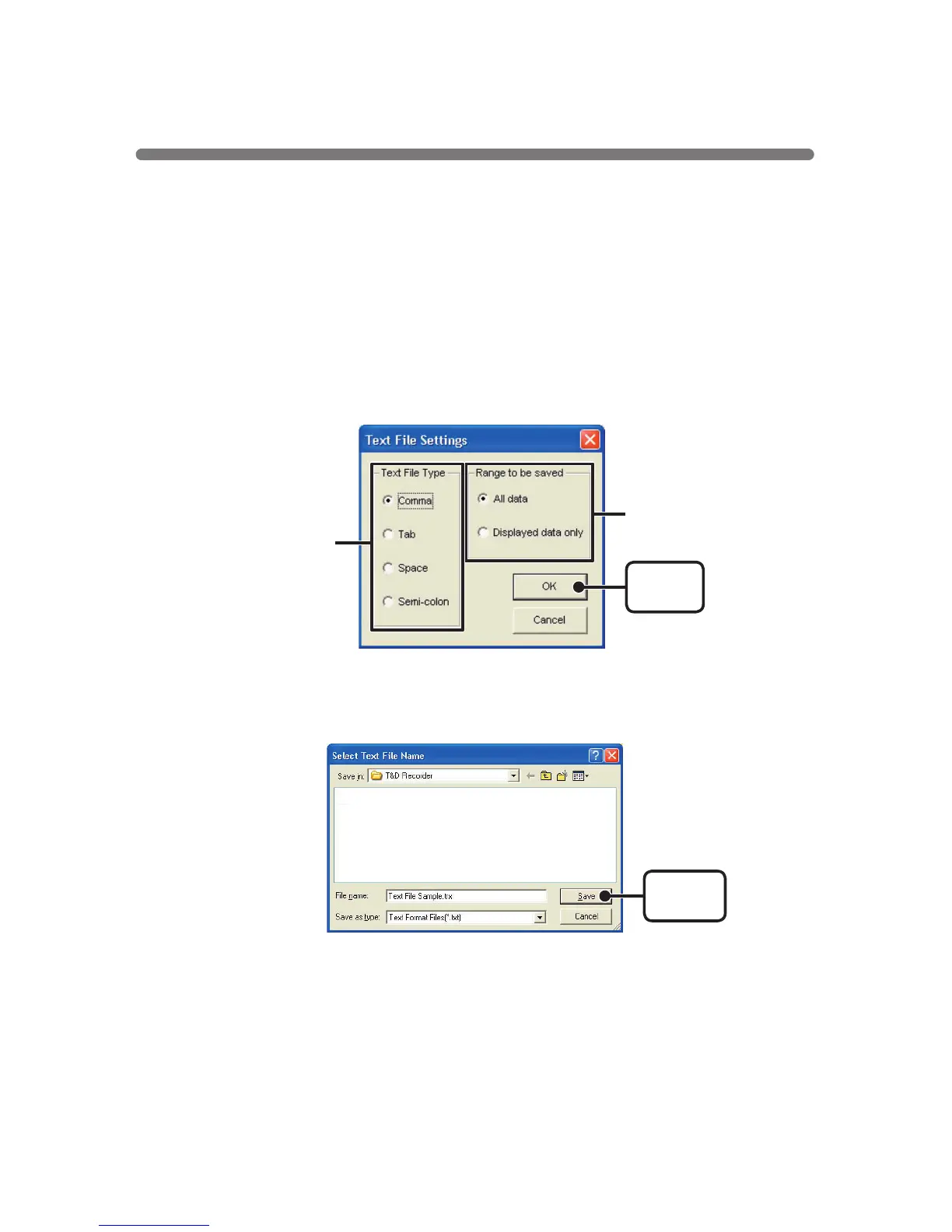
1.Click [Save in Text File] in the [File] Menu.
2.Select the [Text File Type] and [Range to be Saved], and click [OK].
●
Comma, Tab, Space, and Semi-colon are codes used by common
spreadsheet software, such as Excel and Lotus, when reading Text File
to divide cells.
3.Designate the location to which the le should be saved and click
[Save] to create and save the data as a Text File document.
●
The extension for the created le will be
[
.txt
]
.
※
Text File cannot be read into T&D for Windows graphs.



 To Next Page