15
●
[
Detailed Settings
]
button
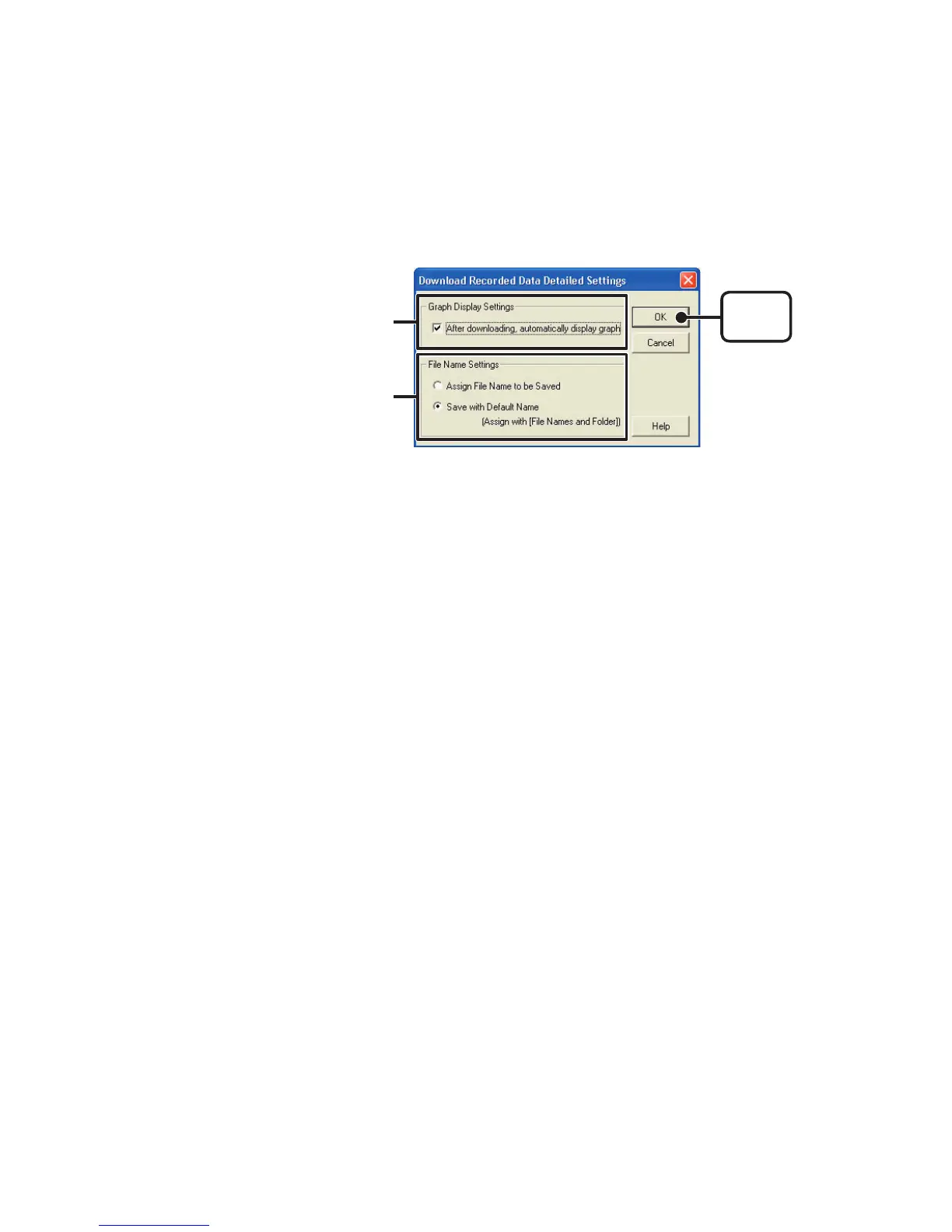
Make settings about how to process downloaded recorded data.
[
OK
]
button
「
File Name Settings
」
「
Graph Display Settings
」
【
Graph Display Settings
】
By checking here, the graph for the downloaded data will automatically appear
after downloading is completed.
Up to 8 channels of data can be simultaneously displayed.
NOTE:
If there are more than 8 channels of data, that data cannot be displayed
automatically and must be opened from the data le.
【
File Name Settings
】
You can choose to save downloaded data using a default le name or by
assigning a name each time.
1.Choose the type of processing you desire.
2.By clicking the [OK] button the setting will be completed.
※
You can specify the type of default le name under
[
File
]
–
[
File Names and Folders
].



 To Next Page