31
【
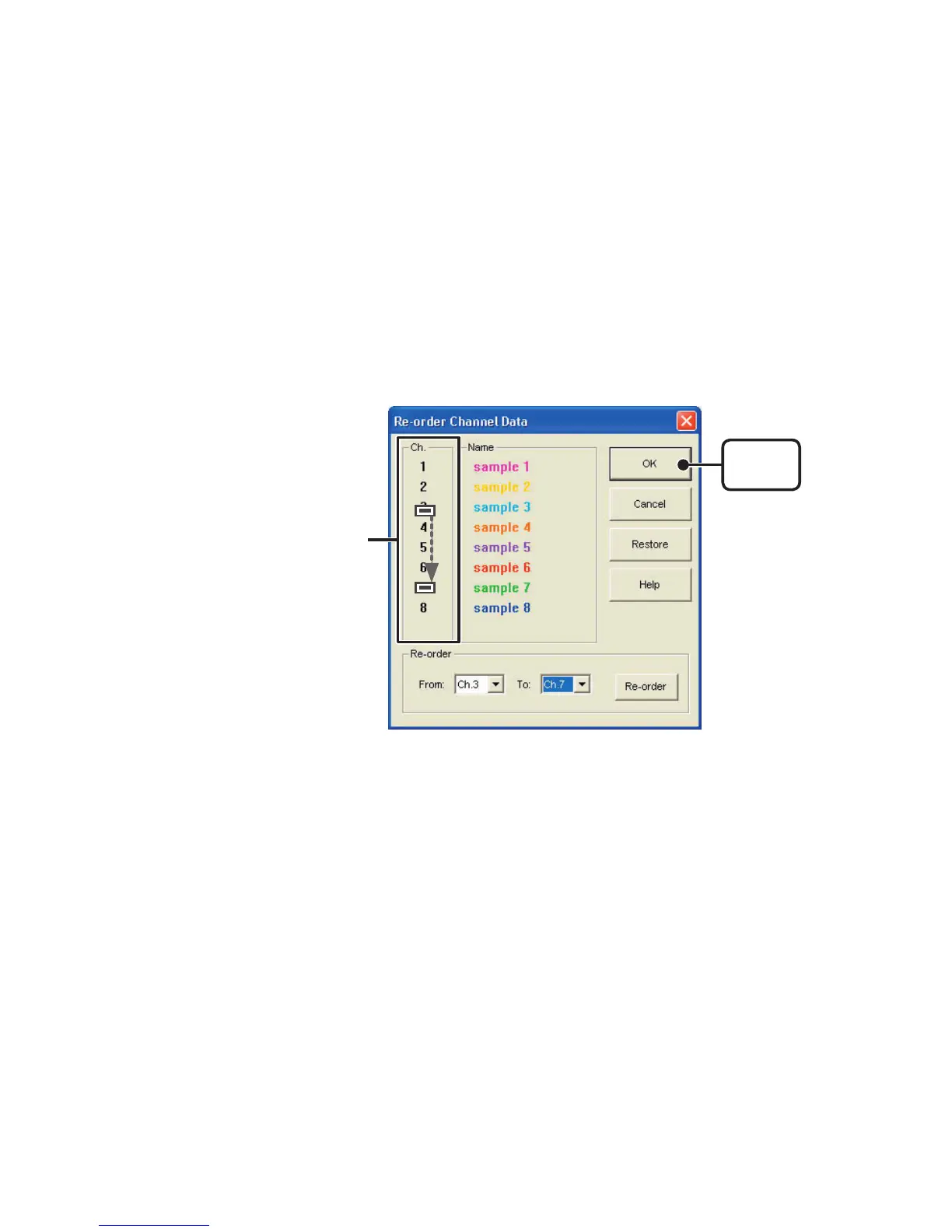
Re-order by Dragging a Channel Number
】
Drag the channel number you wish to move to the newly desired channel
number position and drop it.
●
Re-order Channel Data
:
From the
[
Tools
]
Menu
You can re-order the data during graph display.
There are two methods to use when re-ordering channels:
[
Re-order by Dragging
a Channel Number
]
and
[
Specify the Channel Numbers to be Moved
]
.
[
OK
]
button
Drag the channel number
you wish to move to the
desired position



 To Next Page