For Windows XP or 98
1. Open the [Control Panel] and double click on [System] to display
the [System Properties].
2. Click the [Device Manager] Tab to view the Device Manager Window.
②
In the
[
Device Manager
]
, click on
[
Port
(
COM&LPT
)]
and check to
see if under that appears
[
Com Port
(
COM1)] or
[
Com Port
(
COM2
)]
.
If a port appears, it should be usable.
●
If a mark
「!」
or
「×」
appears next to the port, this communication
port is unusable. If you cannot use a communication port please
contact your computer company.
●
To nd out more details about an unusable communication port:
Select the port with a
「!」
mark, and then click on
[
Properties
]
to
view the details about that port.
A:If your computer has an internal modem, make sure that the
communication port is not being used by it. When the communication
port is being used as the modem port, that port cannot be used. Either
quit using the modem or use another port.
※
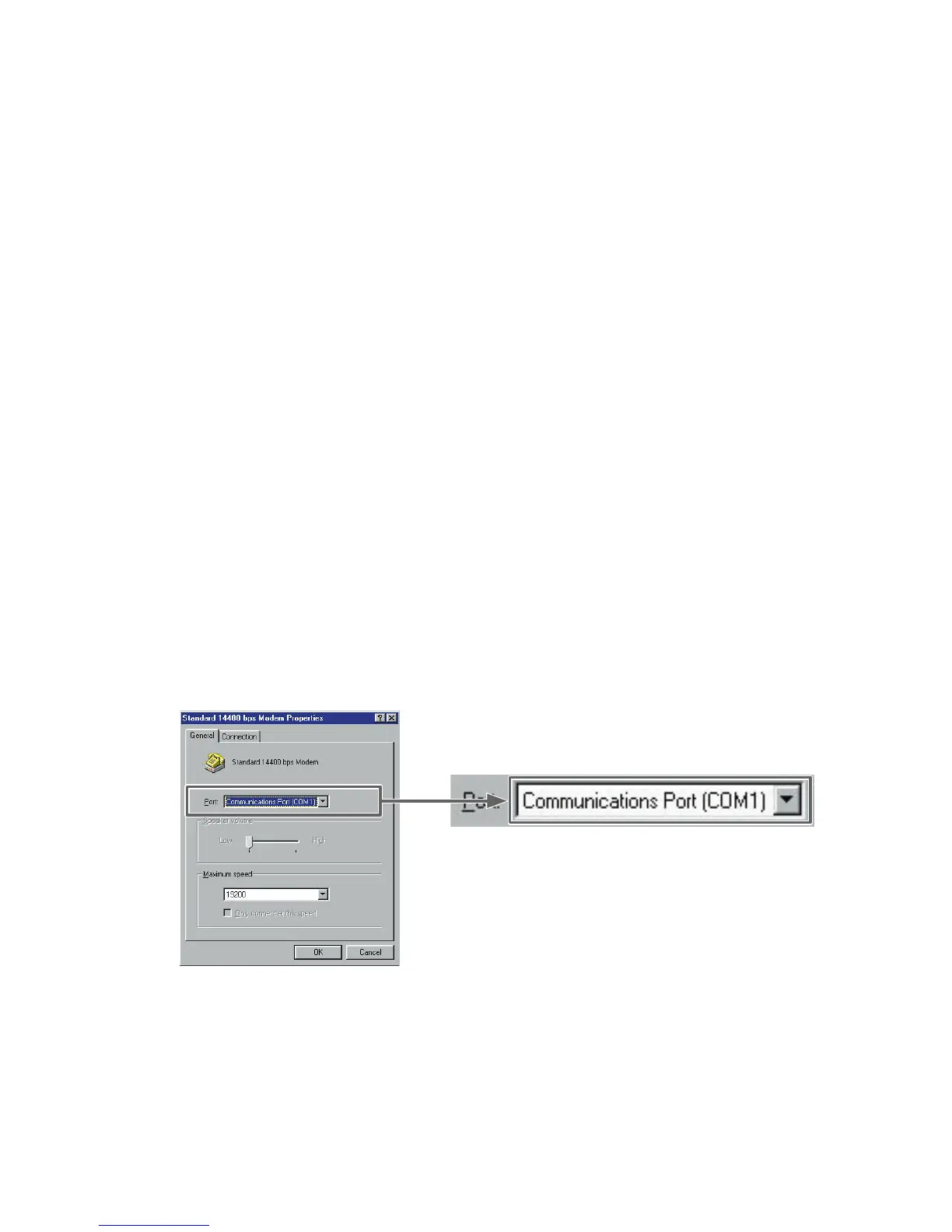
An example of the modem using a communication
port
(
COM 1
)
.
42
A:If your computer has no serial port, use a Serial-USB conversion cable
and carry out communication via USB connection. We recommend 「I.O
DATA USB-RSAQ2」and「ELECOM UC-SGT」 Serial-USB conversion
cables. If you are using an NEC Lavie J Notebook Computer(NEC
LJ-500), please use 「I.O DATA USB-RSAQ2」



 To Next Page