PREPARATION
25
Before Operation (Continued)
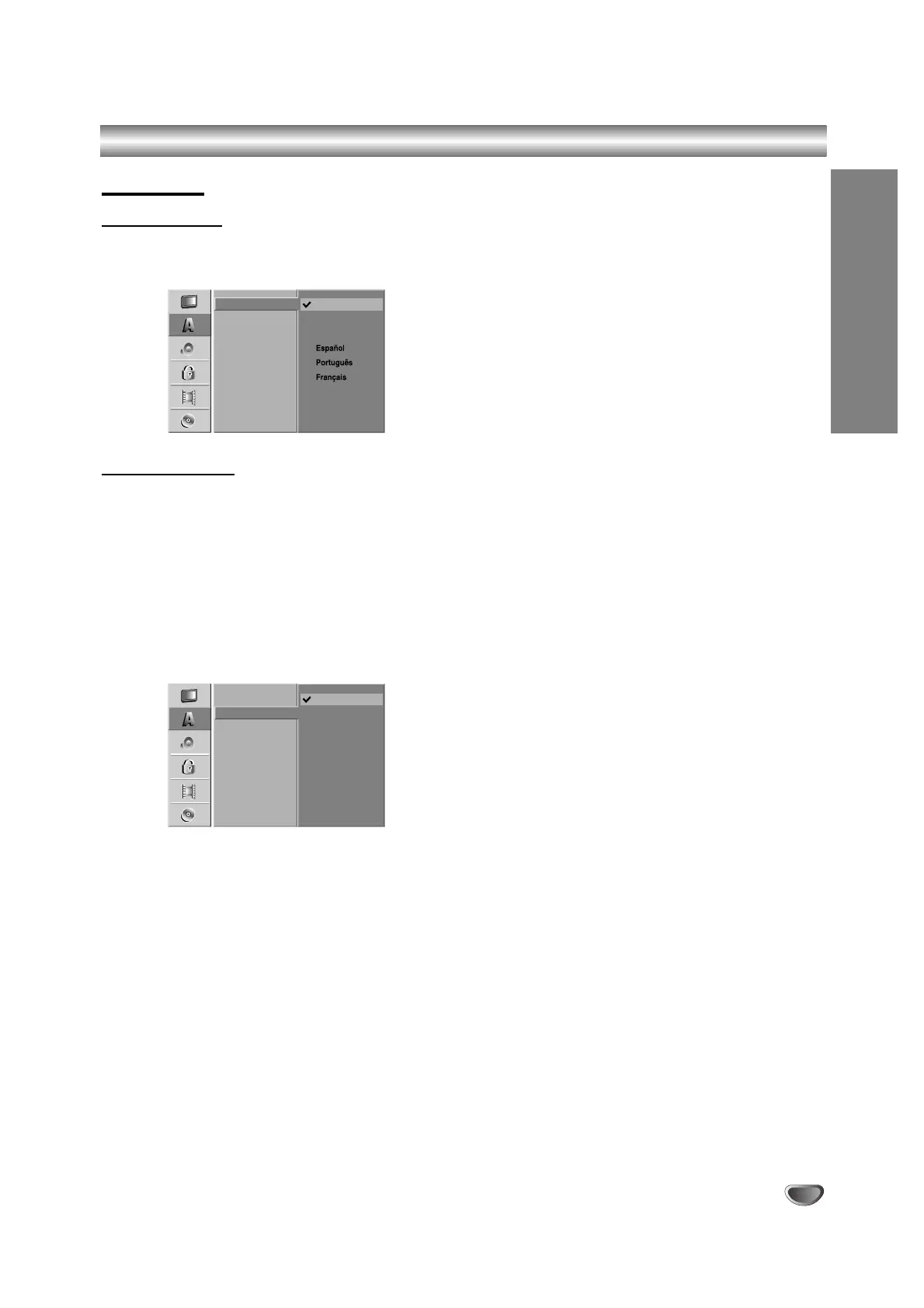
Language
Display Menu
Select a language for the Setup menu and on-screen
display.
Disc Language
Select a language for the disc’s Menu, Audio, and Subtitle.
- Original: The original language set for the disc is
selected.
- Other: To select another language, select Other
option then press ENTER. Use the numbered
and ENTER buttons to key-in the
corresponding 4-digit number according to
the language code list on page 66. If you a
mistake before pressing ENTER,
press b repeatedly to delete one by one and
correct it.



 To Next Page