Audio CD and MP3 Operation (Continued)
Moving MP3 files
You can move MP3 files to another folder or
media. After moving, the files are deleted from the
current location.
11
Use v / V to select an MP3 file or folder on the
Music menu.
Selecting multiple tracks (folders)
1. Press MARKER.
A check mark appears on the track. Press MARKER
again to cancel the marked track or folder.
Use the MARKER button again to cancel the
marked track or folder.
2. Repeat step 1 to mark additional tracks (folders).
22
Press ENTER.
The options appear on the left side of the menu.
33
Use v / V to select the “Move” option then
press ENTER.
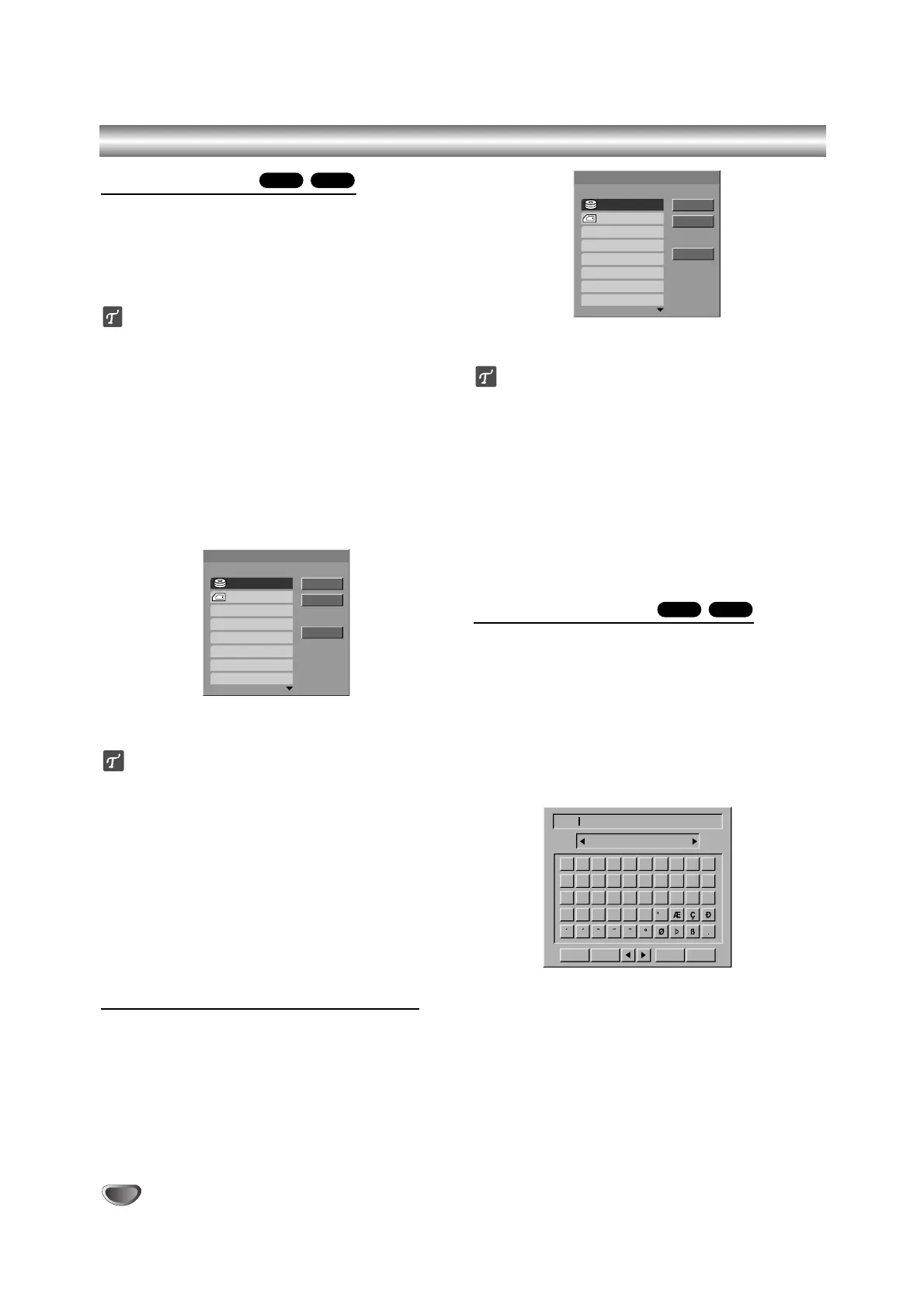
Move menu will appear.
44
Use v / V to select a media then press B .
Move option is highlighted.
ip
You can select a album (folder) to move.
1. After selecting a media then press ENTER.
The album (folder) list appears.
2. Select a folder.
You can create new album (folder). Select ‘New
Album’ option on the Move menu then press
ENTER.
“NONAME##” folder is created.
55
When ‘Move’ option is highlighted, press
ENTER to begin moving.
Copying MP3 files to another media
11
Follow steps 1-2 as shown left (Moving MP3
files).
22
Use
vv
/
VV
to highlight ‘Copy’ option then press
ENTER.
Copy menu will appear.
33
Use v / V to select a media then press B .
Copy option is highlighted.
ip
You can select a album (folder) to copy.
1. After selecting a media then press ENTER.
The album (folder) list appears.
2. Select a folder.
You can create new album (folder). Select ‘New
Album’ option on the Move menu then press
ENTER.
“NONAME##” folder is created.
44
When ‘Copy’ option is highlighted, press ENTER
to begin copying.
Naming an MP3 File
You can name MP3 files independently. Names can be
up to 32 characters long.
11
Choose the file you want to name on the Music
menu, then press ENTER.
The menu options appear on the left side of the
menu.
22
Use v/V to select ‘Rename’ option then press
ENTER.
Keyboard menu appears.
33
Enter a name for the file. Use b / B / v / V to
select a character then press ENTER to confirm
your selection. Refer step 3 as shown on page
22 (Station Rename).
44
Choose OK then press ENTER to fix the name
and returns to the previous menu screen.
M/CHDD
M/CHDD
40



 To Next Page