EDITING
61
HDD, VR Mode: Original and Playlist Editing (Continued)
Combining Two Titles Into One
Use this function to combine two adjacent Original-HDD
titles into one.
ote
This function is not available if there is only one titles
within the HDD.
11
On the Title List-HDD menu, select the first title
of the two titles you want to combine then press
ENTER.
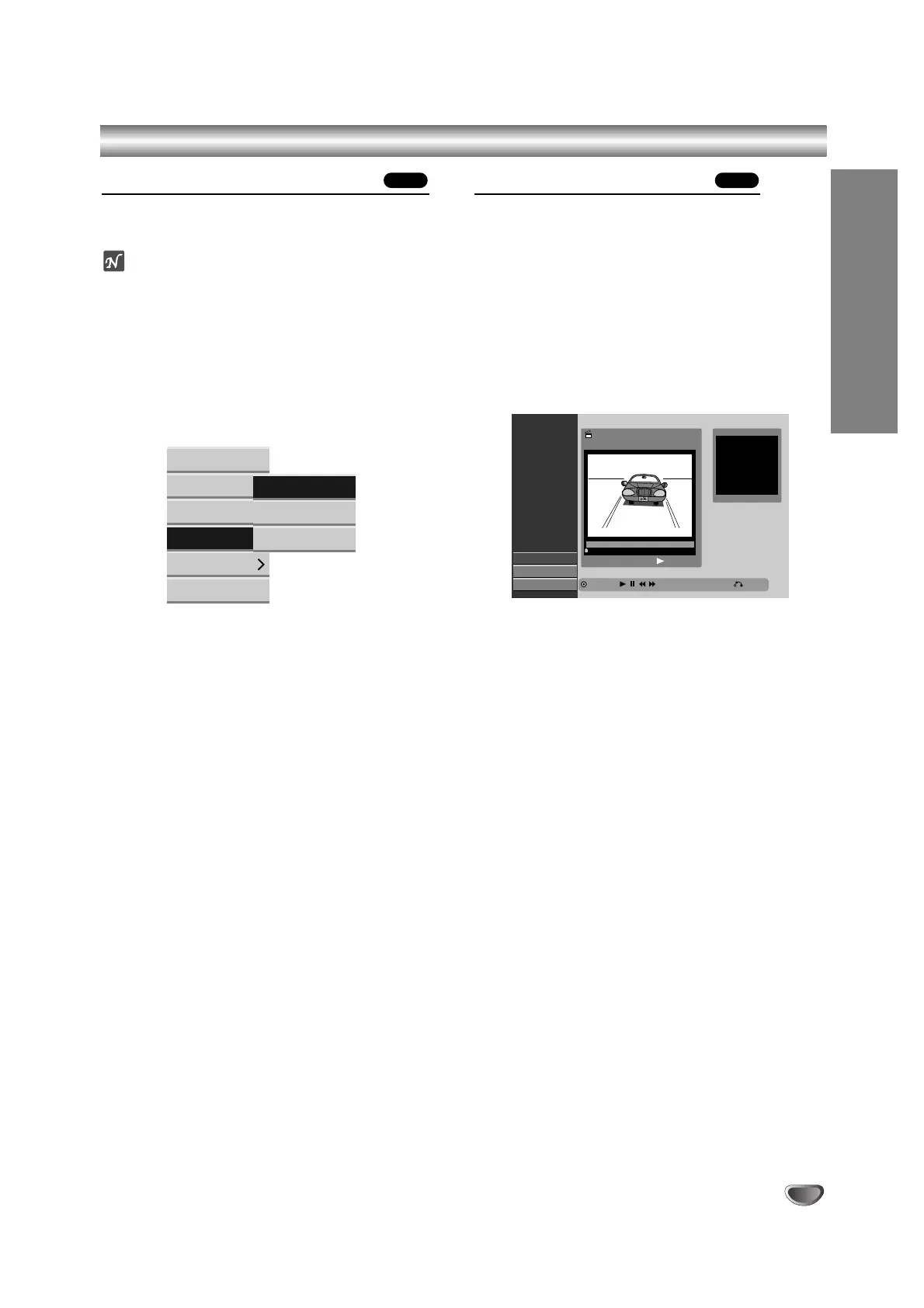
The menu options appears on the left side of the
screen.
22
Select ‘Combine’ from the menu options.
33
Select the second title of the two titles you want
to combine then press ENTER.
Confirm message appears.
44
Use b / B to select ‘OK’ then press ENTER.
After pressing ENTER, the updated menu is dis-
played.
Divide One Titles Into Two
Use this command to split a title up into two new titles.
11
On the Title List-HDD menu, select a title you
want to divide then press ENTER.
The menu options appears on the left side of the
screen.
22
Select ‘Divide’ from the Title List-HDD menu
options.
Title Edit-Divide menu appears and playback starts.
‘Divide’ option is highlighted on the left side of the
screen.
33
Use pause step, search and slow-motion to find
the starting point you want to divide the title.
44
When ‘Divide’ option is highlighted, press
ENTER at the point.
You can clear the dividing point and exit the Title
Edit-Divide menu, use v / V to select ‘Cancel’
option then press ENTER. The dividing point is
clear.
55
Choose ‘Done’ option then press ENTER to fix
the dividing point.
The title is divided into two new titles.
HDDHDD



 To Next Page