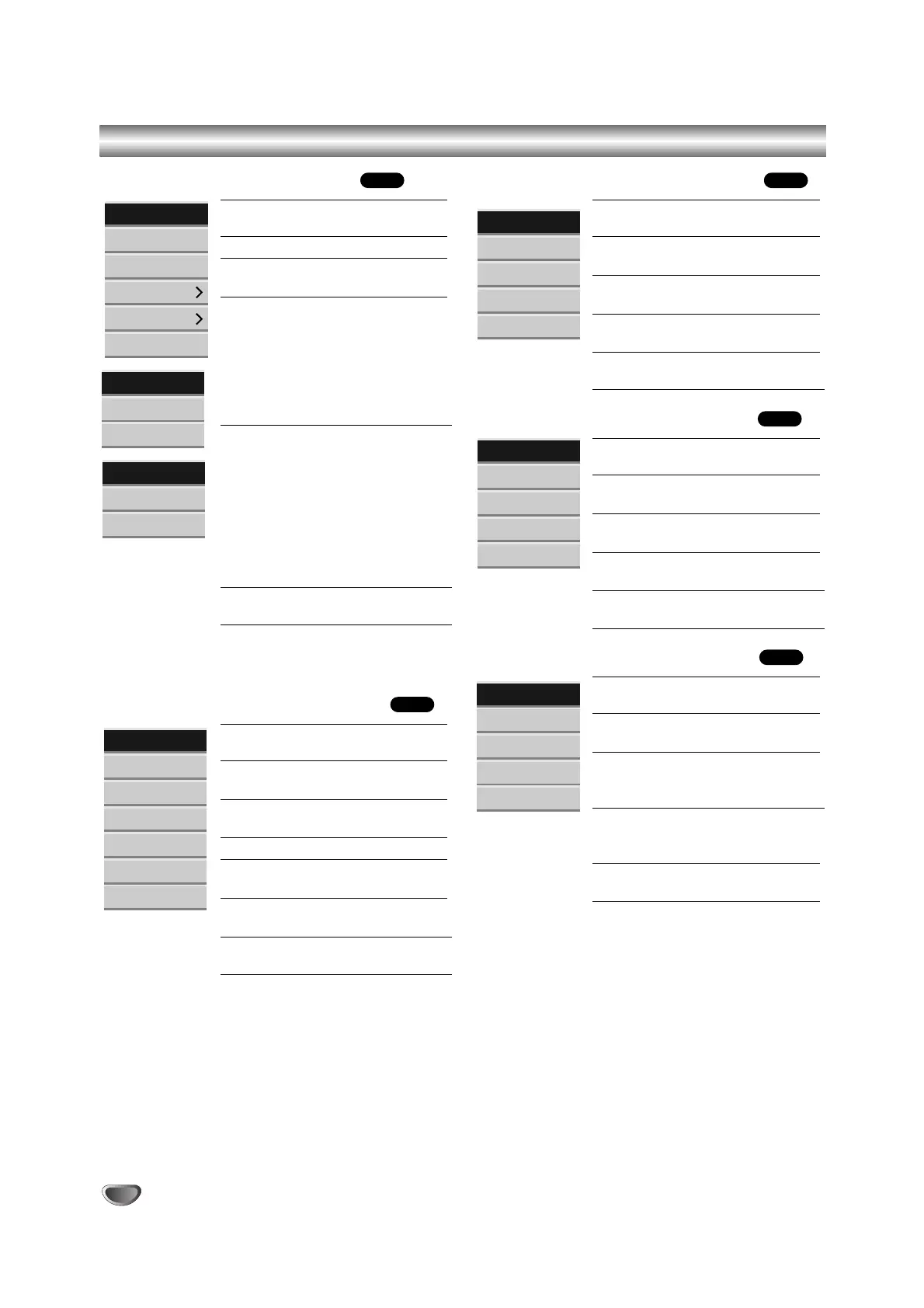
Title List and Chapter List Menu Overview (Continued)
Title List-HDD menu options
Play: Start playback of the selected
title.
Delete: Deletes the title. (page 59)
Rename: Edits the title name. (page
60)
Edit: Selects Edit options.
• Combine: Combines two titles into
one (page 61).
• Divide: Divides a title into two
(page 61).
• Delete Parts: Deletes a part of the
Title (page 59).
Sort: Lists the programs on the Title
List menu by Date, Title, or
Category. (page 60)
• Date: Lists the programs by
recorded date.
•Title: Lists the programs by title
name.
• Category: Lists the programs by
category.
Dubbing: Copies the title to another
media. (page 64)
Title List-Original menu options
Play: Start playback the selected
title.
Chapter: Displays Chapter List-
Original menu of the title.
Rename: Edits the title name.
(page 60)
Delete: Deletes the title. (page 59)
Delete Parts: Deletes a part of the
Title. (page 59)
Playlist: Adds the title to the Playlist.
(page 58)
Dubbing: Copies the title to another
media. (page 64)
Chapter List-Original menu options
Play: Starts playback of the select-
ed chapter.
Title: Displays Title List-Original
menu of the chapter.
Delete: Deletes the chapter. (page
59)
Combine: Combines two chapters
into one. (page 62)
Playlist: Adds the chapter to the
Playlist. (page 58)
Title List-Playlist menu options
Play: Start playback the selected
title.
Chapter: Displays Chapter List-
Playlist menu of the title.
Rename: Edits the title name. (page
60)
Delete: Deletes the title from the
Title List-Playlist menu. (page 59)
Delete Part: Deletes a part of the
Title. (page 59)
Chapter List-Playlist menu options
Play: Starts playback of the select-
ed chapter.
Title: Displays Title List-Playlist
menu of the chapter.
Delete: Deletes the chapter from the
Chapter List-Playlist menu.
(page 59)
Move: Moves a chapter on the
Chapter List-Playlist menu to a
position on the menu. (page 62)
Combine: Combines two chapters
into one. (page 62)
VR
VR
VR
VR
HDD
56



 To Next Page