44
JPEG File Operation (Continued)
View Slide Shows
1. Select Slide Show option on the Photo menu options.
2. Press ENTER.
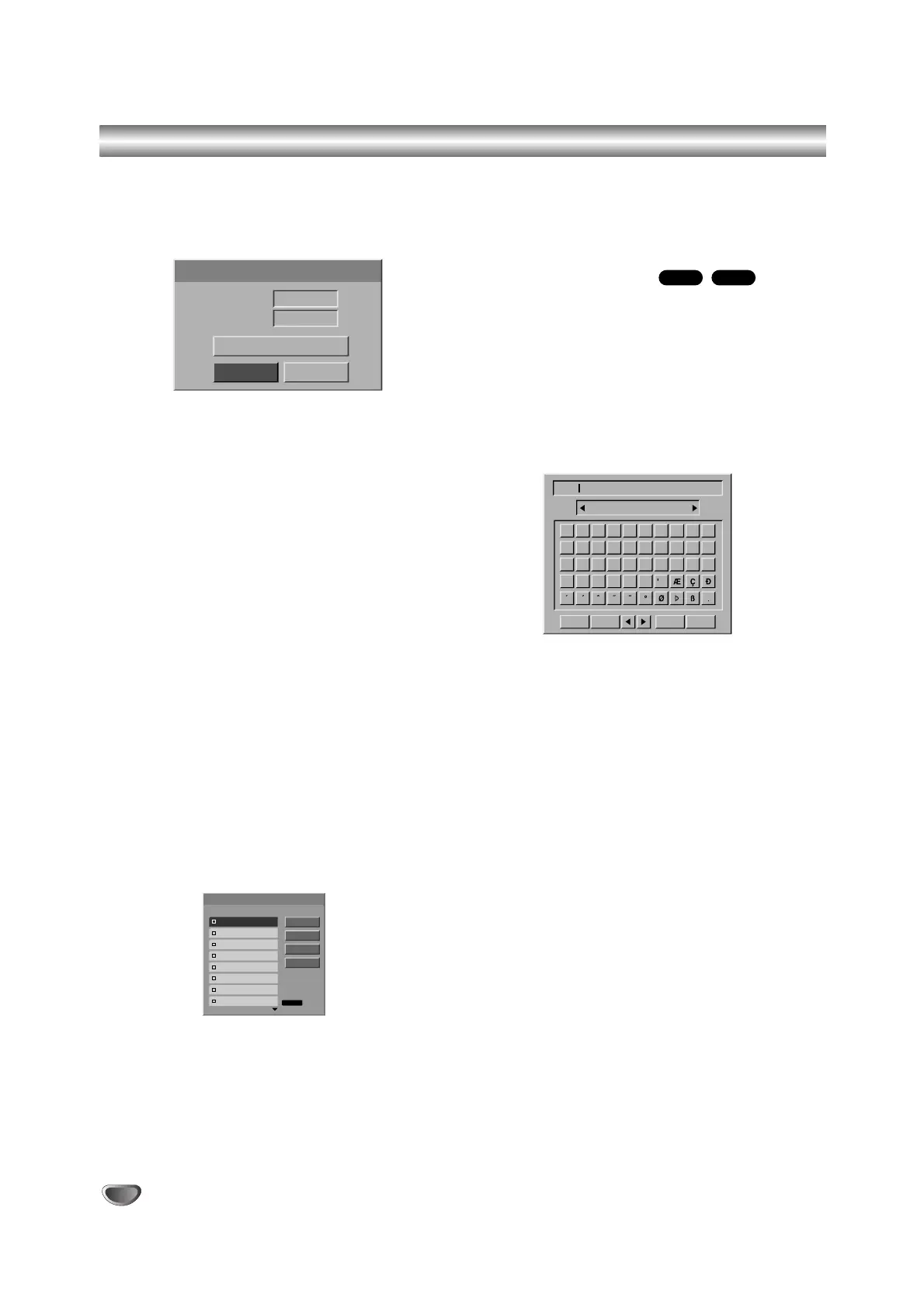
The Slide Show menu appears.
3. Use b / B / v / V to set the options.
Object:
- Selected: Views slide show only selected files.
Use the MARKER button to select multiple files.
- All: Views slide show all files.
Speed:
Sets the Slide Show speed to Slow, Normal, Fast.
4. Select the “Start” option then press ENTER to start
the Slide Show.
5. Press STOP to stop the Slide Show and returns to
the Photo menu.
To Pause the Slide Show
1 Press PAUSE/STEP (X) to pause slide show.
2 When you want to continue slide show, press
N (PLAY).
To listen to music while slide show
simultaneously
You can display photo files while listening to MP3
music files recorded on HDD.
1. Follow steps 1-3 as shown above (View Slide
Shows).
2. Select “MP3 Simultaneous Play” option on the Slide
Show menu, then press ENTER.
The menu appears as below.
3. Press MARKER to select multiple tracks.
• Select “Select All” option to select all tracks then
press ENTER.
• Select “Deselect All” option to deselect all selected
tracks then press ENTER.
• Select “Cancel” option to exit this menu then press
ENTER.
4. Use b / B / v / V to highlight ‘Start’ option then
press ENTER.
5. Press STOP to stop the Slide Show and return to
the Photo menu.
Naming a JPEG File
You can name JPEG files on the HDD or Memory Card
independently. Names can be up to 32 characters long.
11
Choose the file you want to name on the Photo
menu, then press ENTER.
The menu options appears on the left side of the
menu.
22
Use v/V to select ‘Rename’ option then press
ENTER.
Keyboard menu appears.
33
Enter a name for the file. Use b / B / v / V to
select a character then press ENTER to confirm
your selection. Refer step 3 as shown on page
22 (Station Rename).
44
Choose OK then press ENTER to fix the name
and returns to the previous menu screen.
M/CHDD



 To Next Page