38
Operation with HDD, DVD and Video CD (Continued)
Changing the Audio Channel
With a Video CD and HDD, press AUDIO then press b /
B repeatedly during playback to hear a different audio
channel (STEREO, LEFT or RIGHT).
With DVD-RW discs recorded in VR mode and HDD
that have both a main and a Bilingual audio channel,
you can switch among Main (L), Sub (R), Main+sub
(L+R), or Mono by pressing AUDIO.
3D Surround
This unit can produce a 3D Surround effect, which
simulates multi-channel audio playback from two
conventional stereo speakers, instead of the five or
more speakers normally required to listen to multi-
channel audio from a home theater system.
1 Press 3D SURR. then press b / B repeatedly during
playback to select “3D SUR.”.
2 To turn off the 3D Surround effect, select “NORMAL”.
Subtitles
Press SUBTITLE then press b / B repeatedly during
playback to see the different subtitle languages.
Instant Skip
Each press I.SKIP skips forward 15 seconds.
ote
If appears, the feature is not available on the disc.
Finding Locations on a Disc
You can directly access any point on a video CD using
this function. Use this function only while a video CD is
playing. Playback jumps to the point specified.
1 Press SEARCH during playback.
The progress bar appears on the TV screen.
2 Use b / B to find a start position for playback.
3 Press ENTER to confirm the selected position.
Playback starts from the selected position.
ote
This function works only when no marker is memorized.
Last Condition Memory
This recorder memorizes the user settings for the last
disc that you have viewed. Settings remain in memory
even if you remove the disc from the recorder or switch
off the recorder. If you load a disc that had its settings
memorized, the latest stop position is automatically
recalled.
otes
– Settings are stored in memory for use any time.
– This recorder does not memorize settings of a disc if
you switch off the recorder before commencing to
play it.
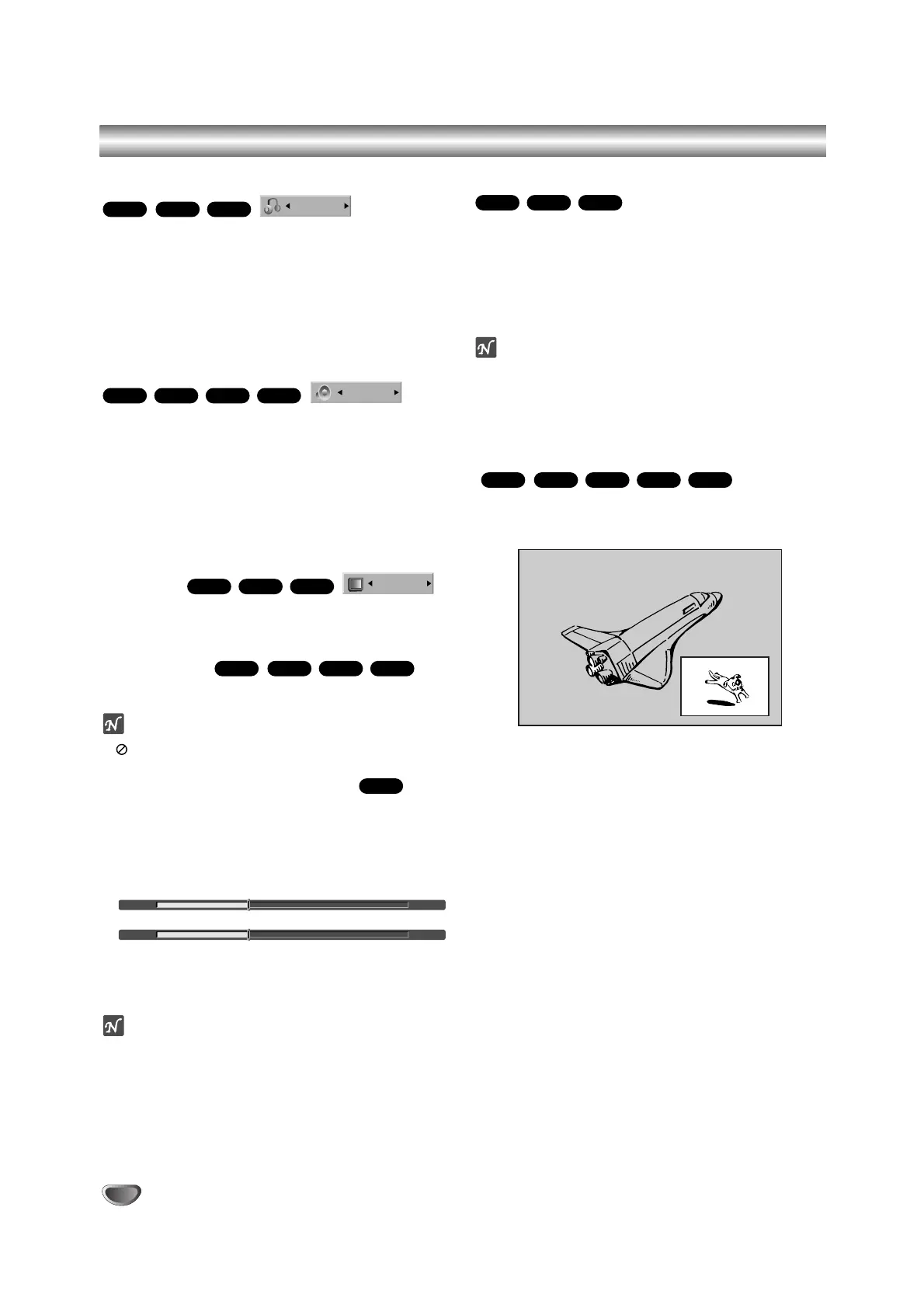
PIP (Picture in Picture)
This function enables you to view the stored stations in
sub picture during playback.
On and off
Press PIP to switch on the sub picture, press this but-
ton again to switch it off.
Input mode selection for sub picture
Press AV to select the input mode for the sub picture.
Each time this button is pressed, each input mode for
the sub picture is displayed as shown below.
Tuner
→
AV1
→
AV2
→
AV3
→
AV4
Program selection for sub picture
Use v / V to change the program when sub picture’s
input is set to tuner. The selected program number is
displayed on the TV screen. You can view the select-
ed program by pressing STOP (x).
Sub picture position change
Press b / B repeatedly until desired position is
achieved. The sub picture moves clockwise or
counterclockwise.
Zoom Sub picture
Press ZOOM repeatedly to enlarge the sub picture,
the magnification level increases up to three steps.
VCDVR
Video
DVDHDD
VR
Video
DVD
3D SUR.



 To Next Page