RECORDING
51
Timer Recording (Continued)
Timer Recording with VIDEO Plus+
System
This system makes programming timer recordings very
simple. Most TV guides publish VIDEO Plus+
programming numbers with their program details. If you
want to make a timer recording of a program, you just
input the corresponding VIDEO Plus+ programming
number. The date, start, stop and channel settings are
made automatically. All you have to do is tell the
recorder the recording mode and quality, and whether
it’s a once-only recording, or a regular recording.
Up to 7 timer programs can be stored in the recorder.
11
Press VIDEO Plus+.
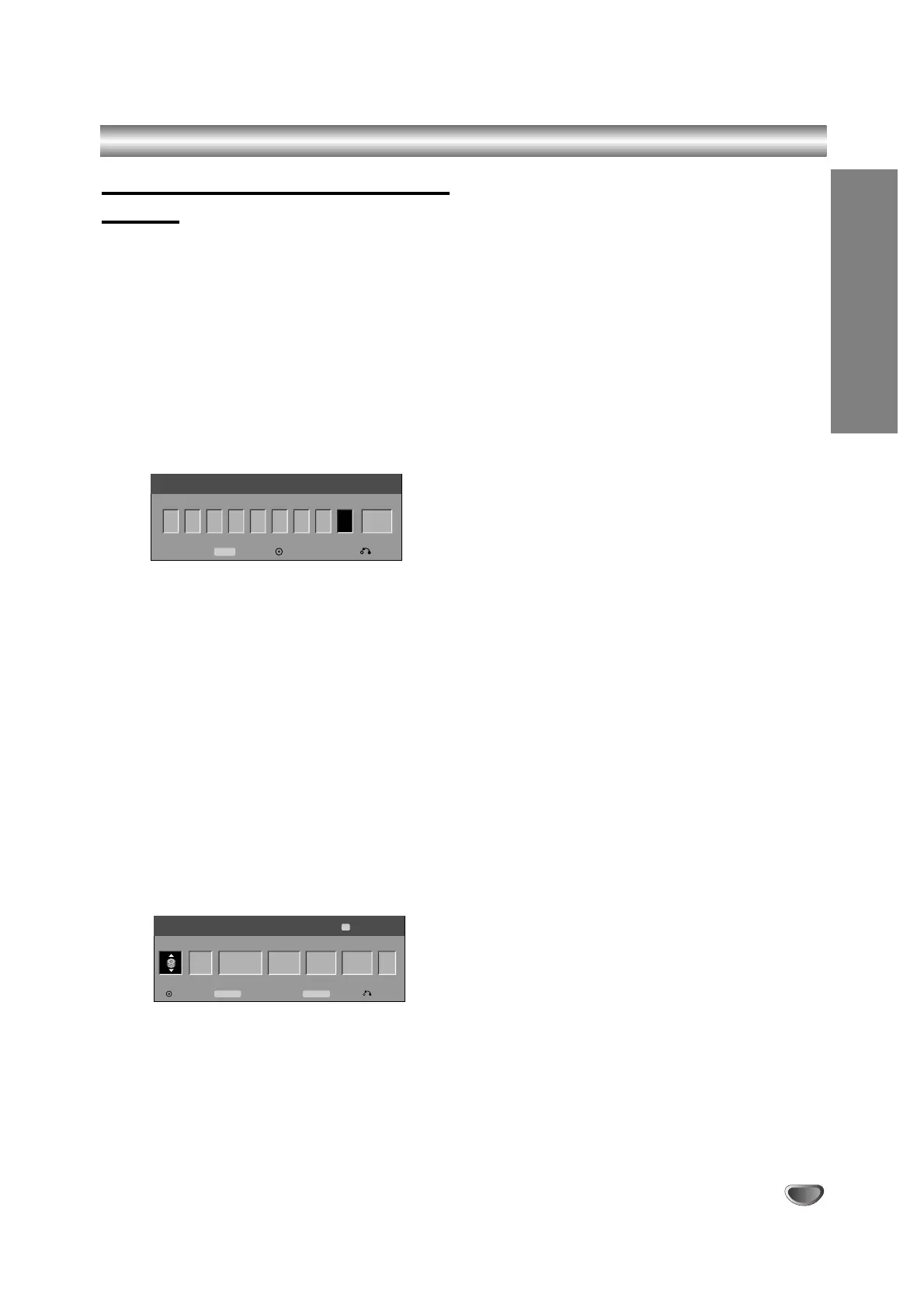
The VIDEO Plus+ menu will appear.
Press VIDEO Plus+ again to exit the menu.
• Number – Enter the VIDEO Plus+ programming
number.
• Repeat – Choose a desired repeat (Once, Daily,
or Weekly).
22
Use the number buttons then press ENTER to
enter the VIDEO Plus+ programming number.
To check the programming, the Timer Record menu
will appear.
• b / B (left/right) – move the cursor left/right
• If you make a mistake before pressing ENTER,
press CLEAR repeatedly to delete password
numbers one by one then correct it.
33
Use b / B to move the cursor to the Repeat
column then use v / V to select Repeat option
(Once, Daily (Monday - Friday), or Weekly).
44
Press ENTER after filling in all the program
information.
The program will be memorized by the recorder.
55
You can change the information as required
using
bb
/
BB
/
vv
/
VV
(Media, VPS/PDC, etc.)
Refer to “Timer Recording” on previous page.
66
Choose a record mode (HQ, SQ, or LQ).
77
Press ENTER, the program will be memorized
by the recorder.
To check the programming, the Timer Record List
will appear.
Check field’s “Rec. OK” on the Timer Record List
indicates that the timer recording is programmed
correctly and recordable disc inserted.
88
Press RETURN (O) to exit the Timer Record
menu.
99
Make sure that you load a recordable disc for
DVD recording and press POWER to switch
your unit to Standby.



 To Next Page