IMPORTANT SAFETY INSTRUCTIONS
27 TASCAM CD-BT2
Listening to CDs
Using the bass enhancement effect
You can adjust the sound of recorded basses on a CD.
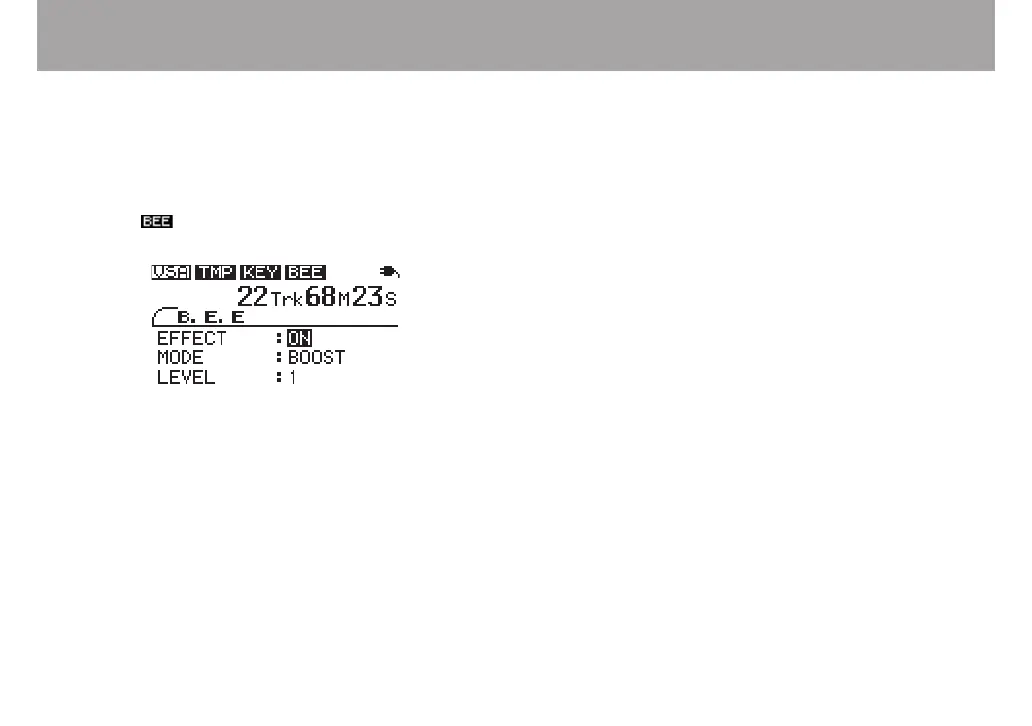
1 Press the BEE key to open the B.E.E screen.
2 With the EFFECT item selected, use the VALUE (+, –)
keys to turn the setting ON. When the BEE function is
ON, the icon at the top of the screen appears in
inverse.
3 Use the CURSOR ¶ key to select the MODE item and
the VALUE (+, –) keys to change the function.
4 Press the CURSOR ¶ key again to to select the mode's
adjustable parameter, and use the VALUE (+, –) keys
to adjust it. The adjustable parameter is LEVEL in
BOOST mode and FREQUENCY in ENHANCE mode.
CUT mode does not have an adjustable parameter.
BOOST
Increases the bass sound.
ENHANCE
Emphasizes the bass sound.
CUT
Reduces the bass sound.



 To Next Page