28 TASCAM CD-BT2
IMPORTANT SAFETY PRECAUTIONS
Listening to CDs
Loop playback
With this function you can continuously repeat the playback of
a selection that you make (loop playback).
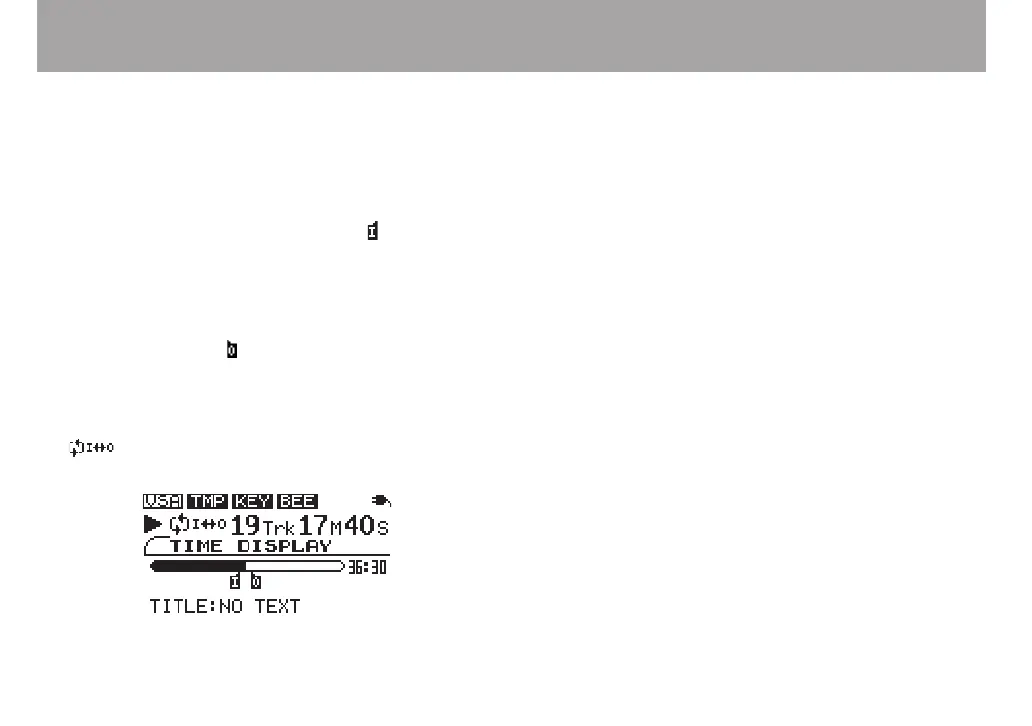
1 Press the IN/OUT key during playback to set the point
when you want to start loop playback. The current
position is set as the IN point, and the symbol
appears below the playback position display bar at
that point.
2 Press the IN/OUT key at the point when you want loop
playback to stop. The current position is set as the
OUT point, and the symbol appears below the play-
back position display bar at that point. After setting
the OUT point, loop playback begins between the IN
and OUT points.
The play mode icon appears on the left of the display.
To stop loop playback, press either the LOOP key or the
IN/OUT key.
If you press the LOOP key, the loop interval settings are saved,
and if you press the LOOP key again loop playback of the set
interval begins again.
If you press the IN/OUT key, the loop interval settings (IN
point and OUT point settings) are canceled.



 To Next Page