IMPORTANT SAFETY INSTRUCTIONS
39 TASCAM CD-BT2
Making various settings
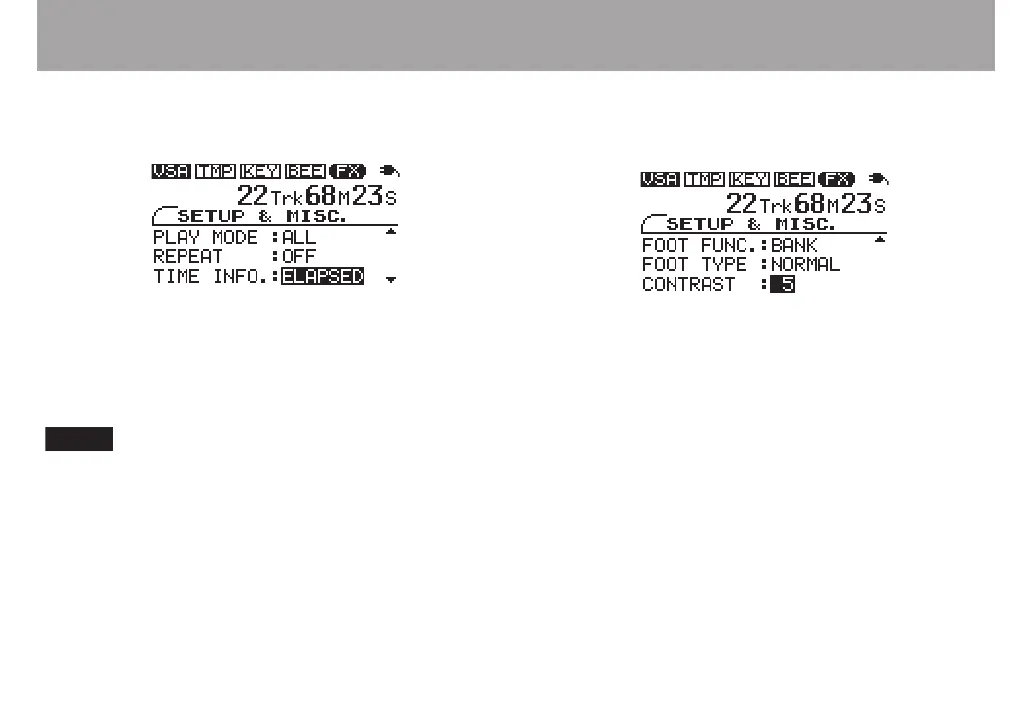
Setting the time display
You can set how the CD time is displayed.
Select one of the following TIME INFO settings.
ELAPSED elapsed time of current track
REMAIN remaining time of current track
TOTAL REMAIN remaining time of entire disc
The selected time display mode is shown on the TIME
DISPLAY screen.
Changing the display contrast
You can change the display contrast as needed to suit the
surrounding lighting and other conditions.
Set the CONTRAST between 1 and 10 with higher numbers
providing greater contrast.
Restoring all settings to their default
values
Press and hold the µ and ≤ keys simultaneously as you
turn the power ON to open the INITIALIZE screen at
startup.
Follow the instruction on screen after startup, and press the
¥/π key to restore every effect parameter, playback setting
and other function to the default values set when the unit was
shipped from the factory.



 To Next Page