RX7
48
2. Hold the RESET button for three seconds to return to
the main menu.
Step 2
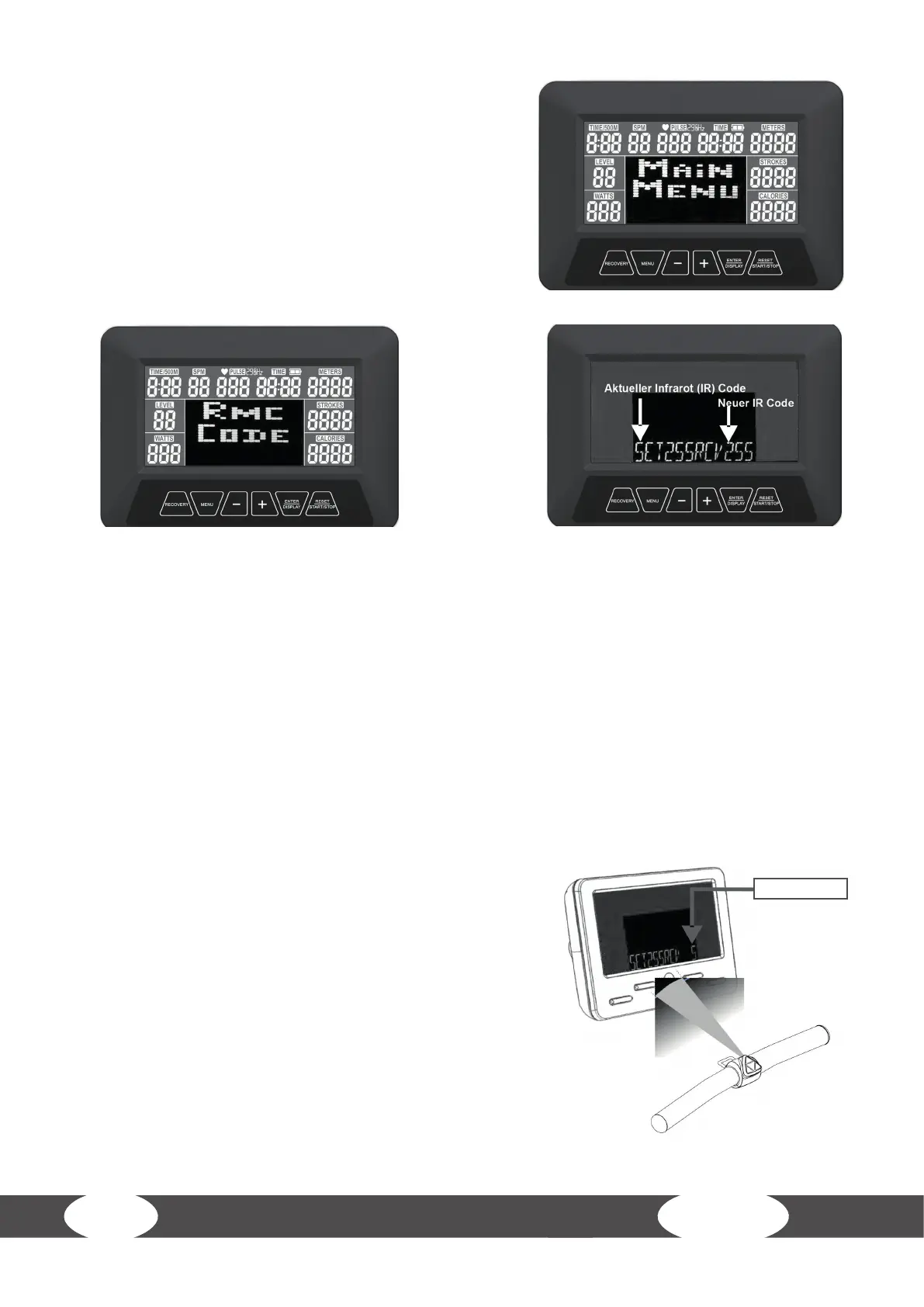
1. Press the SELECT button in the main menu and choose the “RMC CODE” program. Then press
ENTER, to conrm your selection.
2. Now the computer displays your current IR CODE.
Step 3
1. Take the handle and point it with the infrared
transmitter of the handle towards the infrared
receiver of the computer.
2. Hold the handle button MENU. Then press either “-”or
“+” to select a new infrared card.
3. Then press the ENTER computer button to conrm
the selection. The computer will return to the main
menu.
L NOTICE
The “Current Infrared IR Code Display” does not
change here. The change is rst displayed the next
time the IR code is changed.
New IR CODE



 To Next Page