20
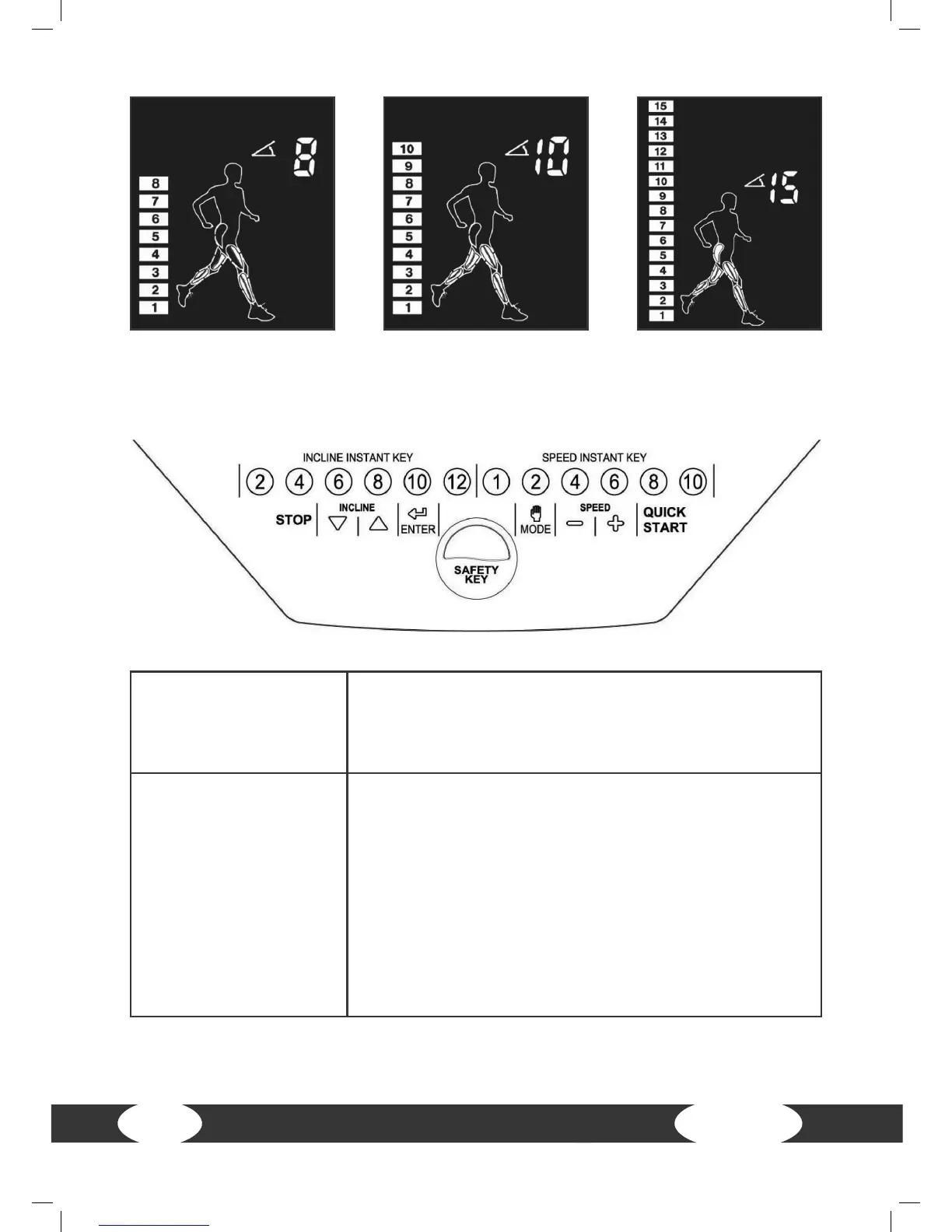
QUICK START
- Press this button in order to immediately start with the
training.
- Press this button during a break in order to return to
the start mode.
STOP
- Press this button during training in order to get to the
pause mode. The display shows “PAUSE”, the dened
pause time is four minutes. If more than four minutes
are needed, the system will go into the standby mode
and the screen turns o the background lighting.
- Press this button in the pause mode for four seconds
in order to stop the training and to get to the standby
mode.
- Press this button in the menu mode in order to return
to the main menu.
4.2 Button functions


 To Next Page