25
Quick start mode - beginning of training
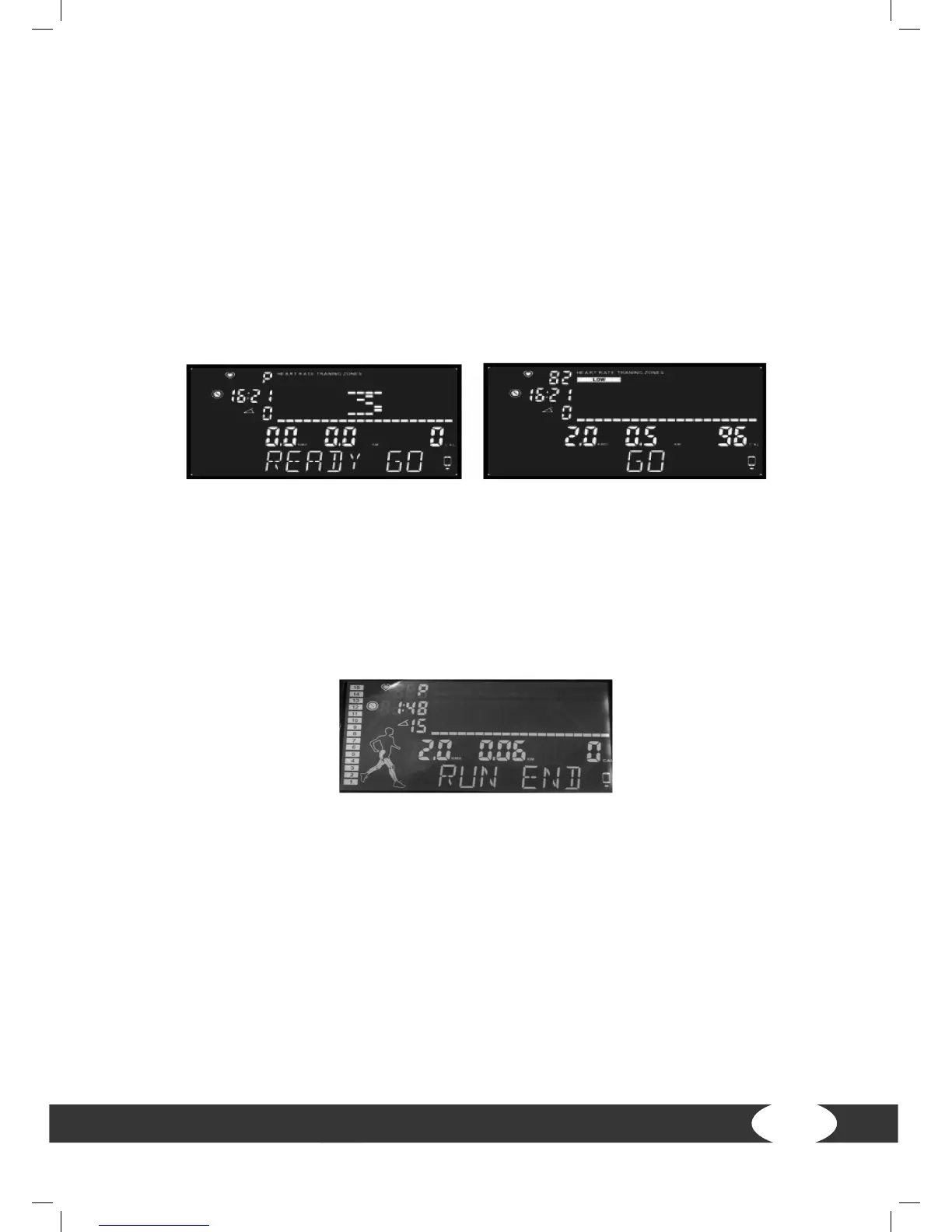
(1) Press ENTER in standby mode in order to conrm the weight. Press QUICK START
in order to start the training directly. “READY GO” appears on the display and after
three seconds, the program starts at a speed of 0.8 km/h (0.5 mph), the incline is
zero, the training time starts at 0:00, the maximum value is 99:59.
(2) During training:
+ Set the incline angle with INCLINE up or INCLINE down or INCLINE QUICK KEY.
+ Set the speed with SPEED+ or SPEED- or SPEED QUICK KEY.
(3) Press STOP while training in order to get to the pause mode. The speed returns to
zero and the incline stops at the current angle.
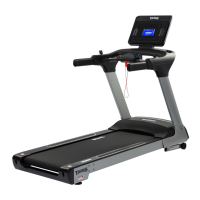
(4) If the training time is achieved 99:59 or one of the target values for time, distance
or calories in this time, the speed will return to zero, the incline stops at the current
angle, the screen shows “RUN END”. If you press STOP for four seconds or longer,
the system will return to the standby mode.
4.4 Programs
You can select one of the following program categories:
• Manual program: 1
• Dierent proles for pre-set training programs: 6
• Heart rate controlled programs: 3
• User-dened training programs: 4
• Random training program: 1
• Body mass mode


 To Next Page