23
Charging through USB
This equipment can be used for a Bluetooth connection. The user can communicate
with the treadmill through the special APP. This opening is used to charge batteries
from IOS or Android sets. The outgoing current is 1 A.
4.3 Turning on the equipment
(1) The default weight value is 70 kg (150 lbs). As soon as you change the weight (23 to
120 kg/50 to 286 lbs), the program will be executed corresponding to the weight
setting.
(2) The display leads you through the setting steps.
(3) The STOP button can be pressed at any time in order to delete the setting and
return to the previous window.
(4) The entered values are counted down to zero during training. Then the program
is complete.
(5) Press QUICK START in the start/ready mode and it will take you to the manual
mode.
(6) After you have started the program, the treadmill will adjust to the speed and
incline in accordance with the program.
(7) The incline system from the treadmill corresponds to the important safety rules
listed below.
+ If you press STOP, the system will go into the pause mode. The main motor and
incline motor stop immediately. If you press QUICK START, you return to the status
before the pause mode.
+ As soon as the program is complete or the time has reached the maximum value of
99:59 minutes, a warning signal will sound and the treadmill will stop in the “Run
end” status.
+ If the incline is not at the zero level in the start/ready status, press STOP for two
seconds or QUICK START to start the treadmill. The incline automatically returns
to zero.
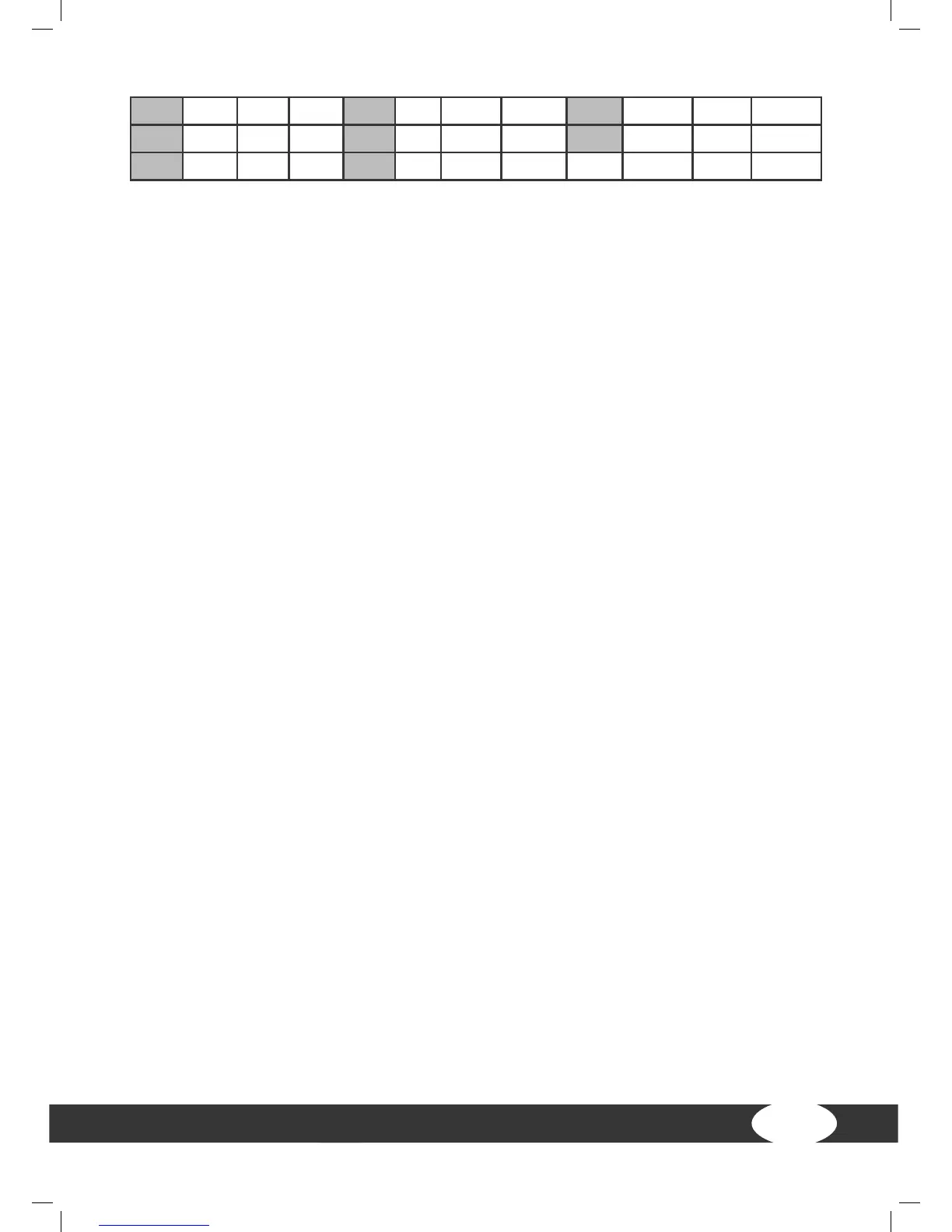
33 178 112 112 56 156 98 98 79 134 90 85
34 177 112 112 57 155 98 98 80 133 90 84
35 176 111 111 58 154 97 97


 To Next Page