28
4.4.3 Random program
(1) Conrm the program selection RANDOM with ENTER. Press SPEED+ or SPEED- in
order to enter the time. The default value is 0:00 min:sec; the range is between
20:00 and 99:00.
(2) Conrm the time with ENTER. Press SPEED+ or SPEED- in order to enter the
distance. The default value is 0.00 km (mile). The range is between 1.00 and 99.00.
(3) Conrm the distance with ENTER. Press SPEED+ or SPEED- in order to enter the
target calories. The default value is 0 calories; the range is between 10 to 9990.
(4) After you have completed the settings, press START to begin the training.
Note: Time, distance, calories can be entered. As soon as one of the values is entered,
the other two automatically go back to zero.
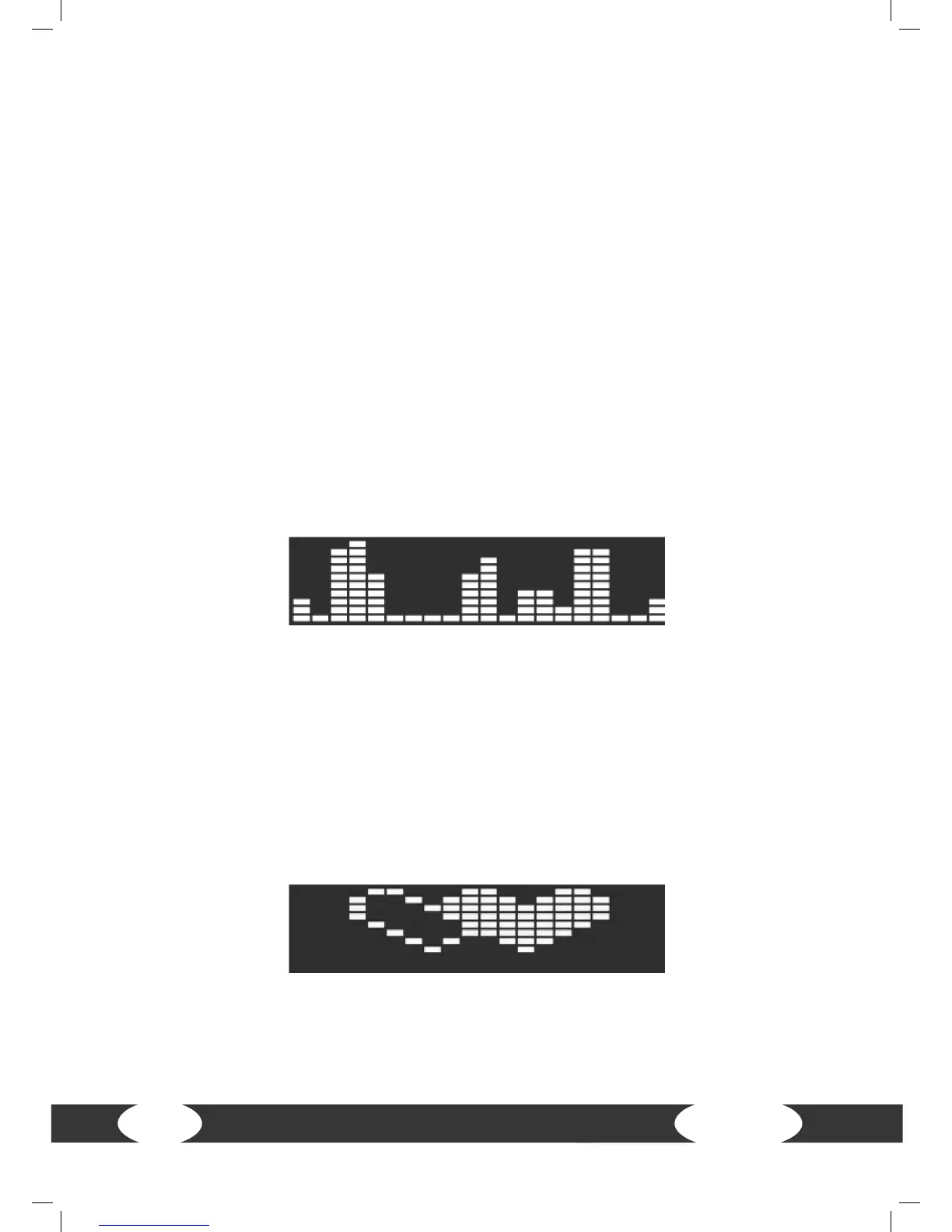
RANDOM - random speed
4.4.4 Heart rate oriented programs
The training goal from this program is the heart rate. If the average exceeds the
dened value, the incline and speed remain the same and the heart rate moves in the
range in order to achieve the training goal. This heart rate program oers three types:
60%, 75% and the target heart rate (personal setting).
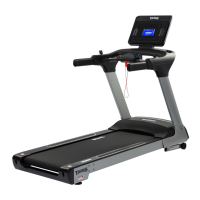
HRC 1-3 (heart rate 1-3)
Conrm the program selection HRC 1-3 with ENTER. Press SPEED+ or SPEED- in order
to enter the desired heart rate: 60%, 75%, target heart rate.


 To Next Page