29
Note: In the HRC mode, only a wireless pulse signal can be received. Wear a wireless
chest strap. If the system does not receive a pulse signal for longer than 45 seconds,
the system will stop automatically and displays “NO PULSE”. Hold STOP for four
minutes and the system will return to the standby mode.
During the program, the speed decreases or increases every 10 seconds in accordance
with the current pulse. If the current pulse is less than the target pulse, the speed will
increase 0.1 kmh (mph). If the current pulse is higher than the target pulse, the speed
will decrease 0.1 kmh (mph). If the speed increases 10 times, the incline will increase
by one level. If the speed decreases 10 times, the incline will decrease by one level.
The maximum speed can be achieved. The speed can achieve the lowest value of 0.8
km/h (0.5 mph). The maximum incline level is 15.
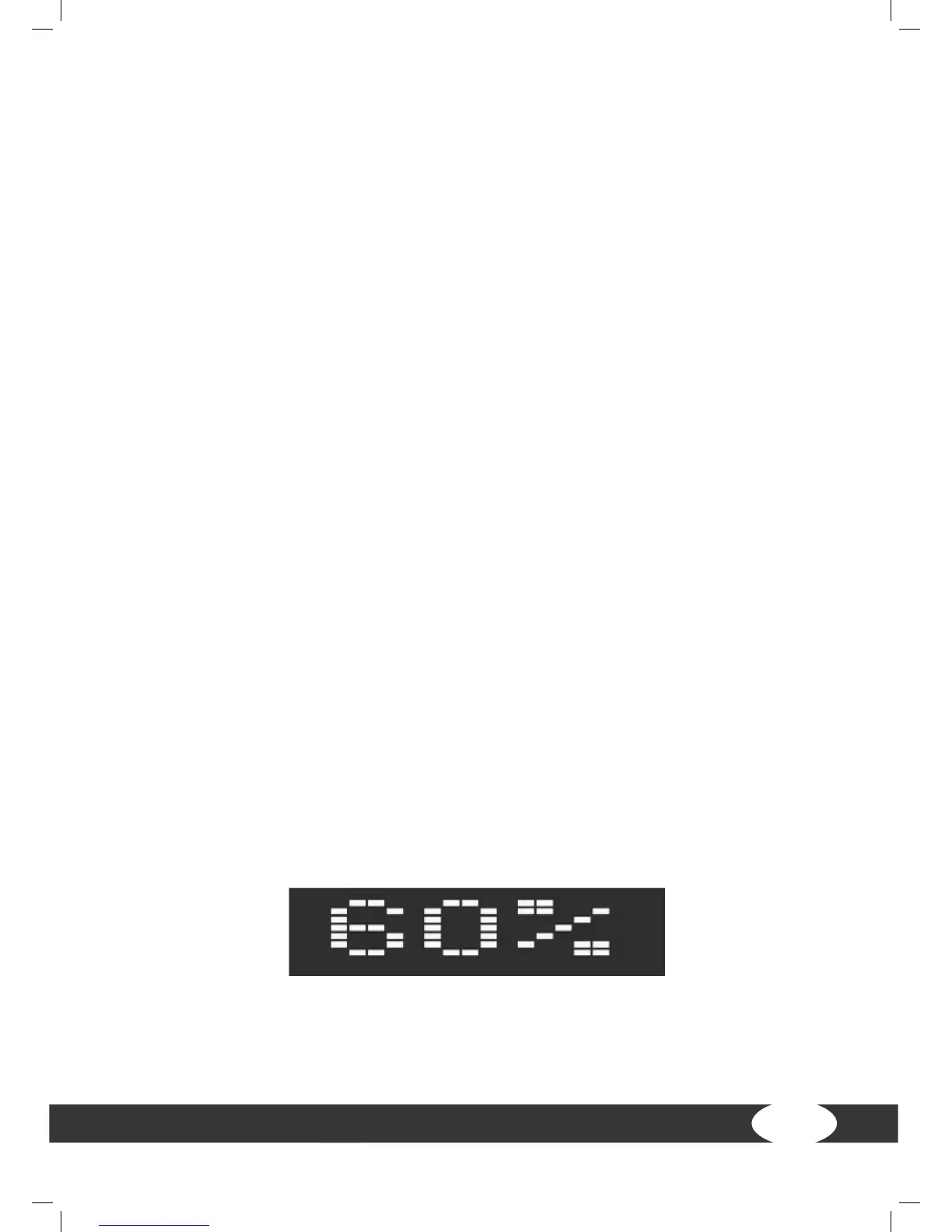
(1) 60% and 75%
+ Conrm the selection 60% with ENTER. Press SPEED+ or SPEED- in order to enter
the time. The default value is 0:00 min:sec. The range is between 20:00 and 99:00.
+ Conrm the time with ENTER. Press SPEED+ or SPEED- in order to enter the age.
The default value is 30. The range is between 13 and 80 years.
+ Conrm the age with ENTER. The heart rate window displays the age and
calculates the target value based on the heart rate formula.
+ Conrm the target pulse with ENTER. “Ready Go” appears on the screen for three
seconds and the training begins.
+ After the program starts, the current pulse will be displayed in the heart rate
window and the target heart rate window shows the target heart rate.
HRC 60 % (heart rate 60 %)


 To Next Page