00
LINE IN/OUT jacks
These jacks transmit
an
analog 2-channel audio signal. Connect
the components using
RCA
cables.
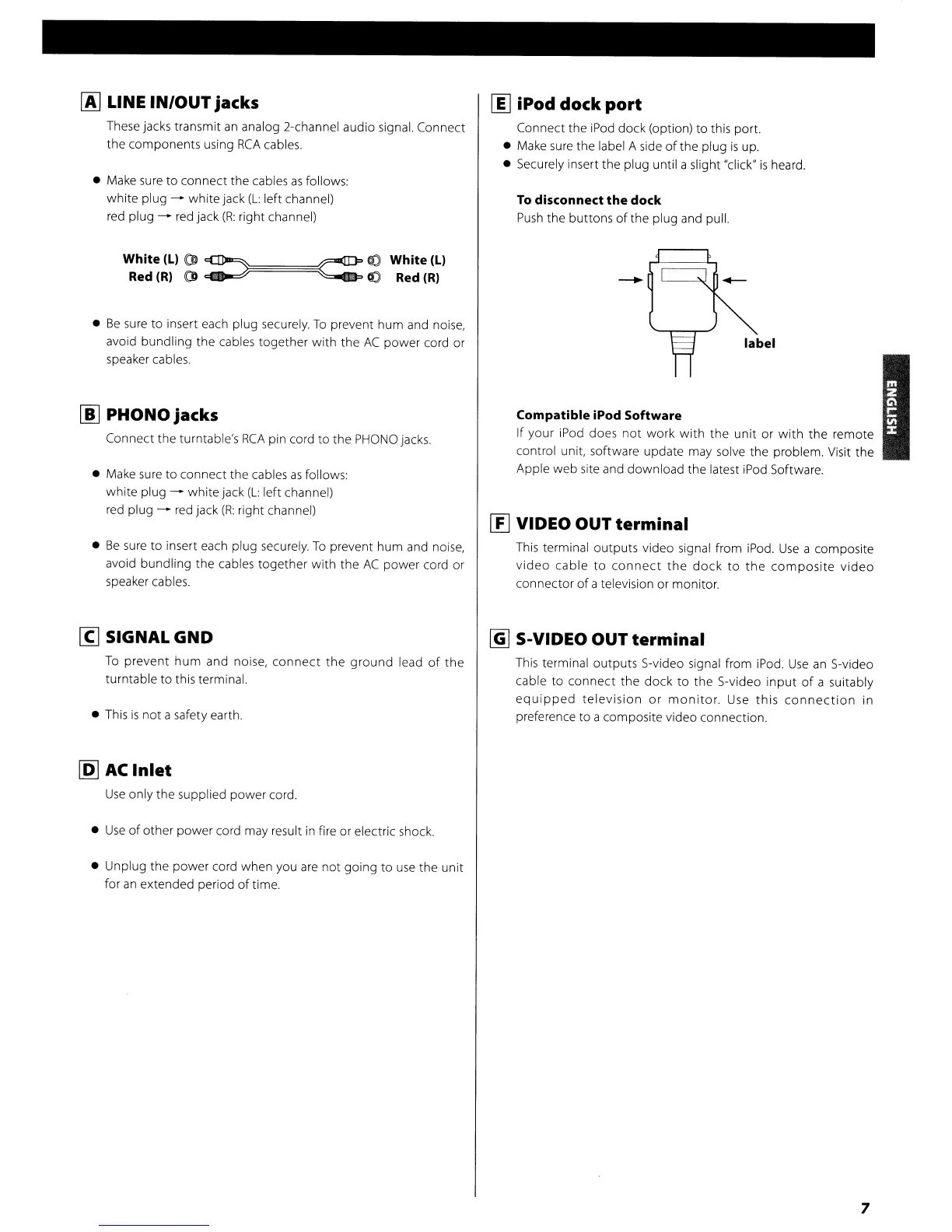
• Make
sure
to connect the cables
as
follows:
white plug - white jack
(L:
left channel)
red
plug -
red
jack
(R:
right channel)
White (Ll (D
~~======~r-ID"
~
White
(Ll
Red
(Rl
CD
~
~
".JI
Red
(RI
•
Be
sure
to insert each plug securely.
To
prevent hum and noise,
avoid bundling the cables together with the
AC
power cord or
speaker cables.
[j] PHONO jacks
Connect the turntable's
RCA
pin cord
to
the
PHONO
jacks.
• Make sure to connect the cables
as
follows:
white plug - white jack
(L:
left channel)
red plug - red jack
(R:
right channel)
•
Be
sure
to insert each plug securely.
To
prevent
hum
and noise,
avoid bundling the cables together with the
AC
power cord or
speaker cables.
[g
SIGNAL GND
To
prevent
hum
and noise,
connect
the
ground
lead
of
the
turntable
to
this terminal.
•
This
is
not
a safety earth.
~
AC
Inlet
Use
only the supplied power cord.
•
Use
of
other power cord may result
in
fire or electric shock.
• Unplug the power cord when you
are
not
going
to
use
the unit
for
an
extended period
of
time.
00
iPod dock
port
Connect the iPod dock (option) to this port.
• Make
sure
the label A side
of
the plug
is
up.
• Securely insert the plug until a slight "click"
is
heard.
To
disconnect
the
dock
Push
the buttons
of
the plug and pull.
-
Compatible iPod Software
If your iPod does
not
work
with
the
unit
or
with
the
remote
control unit, software update may solve the problem. Visit the
Apple web site and download the latest iPod Software.
I!J
VIDEO OUT
terminal
This
terminal outputs video signal from
iPod.
Use
a composite
video
cable
to
connect
the
dock
to
the
composite
video
connector
of
a television or monitor.
~
S-VIDEO OUT
terminal
This
terminal outputs S-video signal from iPod.
Use
an
S-video
cable to
connect
the
dock
to
the S-video
input
of
a SUitably
equipped
television
or
monitor.
Use
this
connection
in
preference to a composite video connection.
7



 To Next Page