13
Basic Operations
Once channel search is completed, you can start to watch digital terrestrial TV channels
and radio broadcasts. Some typical operations are given in this chapter.
Whenever you are not using the receiver, press the key on remote control to put
it into standby mote, you also can press it to startup the receiver.
POWER
Switching On and Off
Changing Channels
You can change the current channel using one of the following methods.:
Press the keys to go to the previous/next channel.
Enter your desired channel numeric using the keys to move to the
channel directly.
P+/P-
NUMERICAL (0-9)
Note:
1.You can switch channel using Program Guide or Channel List. Please refer to related
Chapters for more information.
2.If the channel number you have entered is not a stored channel, your TV will remain
in the original channel unchanged.
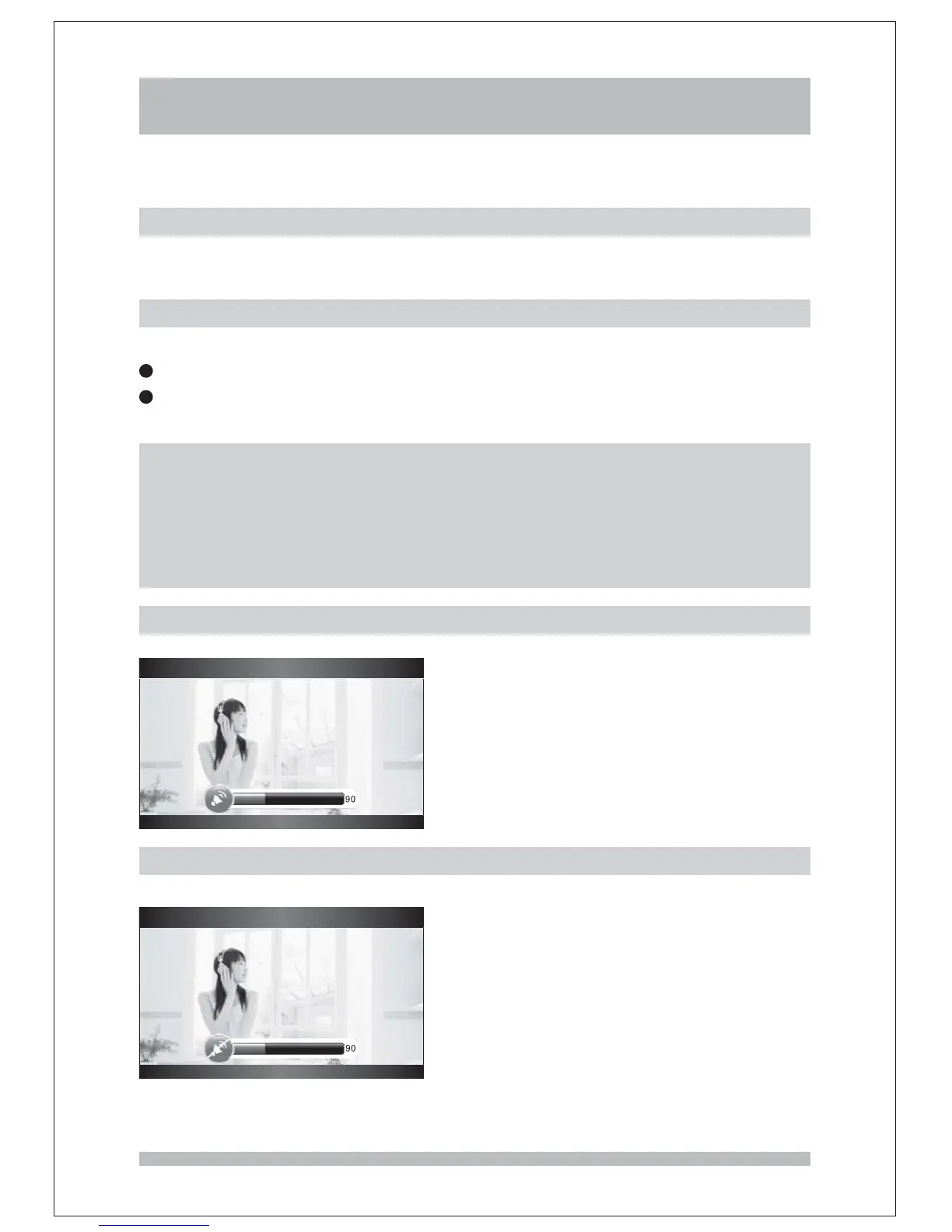
Volume
Press the keys to adjust the volume.VOLUME+ /VOLUME-
Mute
Press the key to enable or disable the audio output.MUTE



 To Next Page