18
Favourite list
Add channels to a favourite list
Change the group name of a favourite list
Remove channels from a favourite list
1
2
3
Press the Menu key on the remote control to enter the Main Menu, choose the Favourite
list option and press key, then you can enter the Favourite Lists menu. Press the or
key you can return to the Main Menu, or press the key to leave.
Favourite list function let you to:
OK
MENU EXIT
Add channels to a favourite list
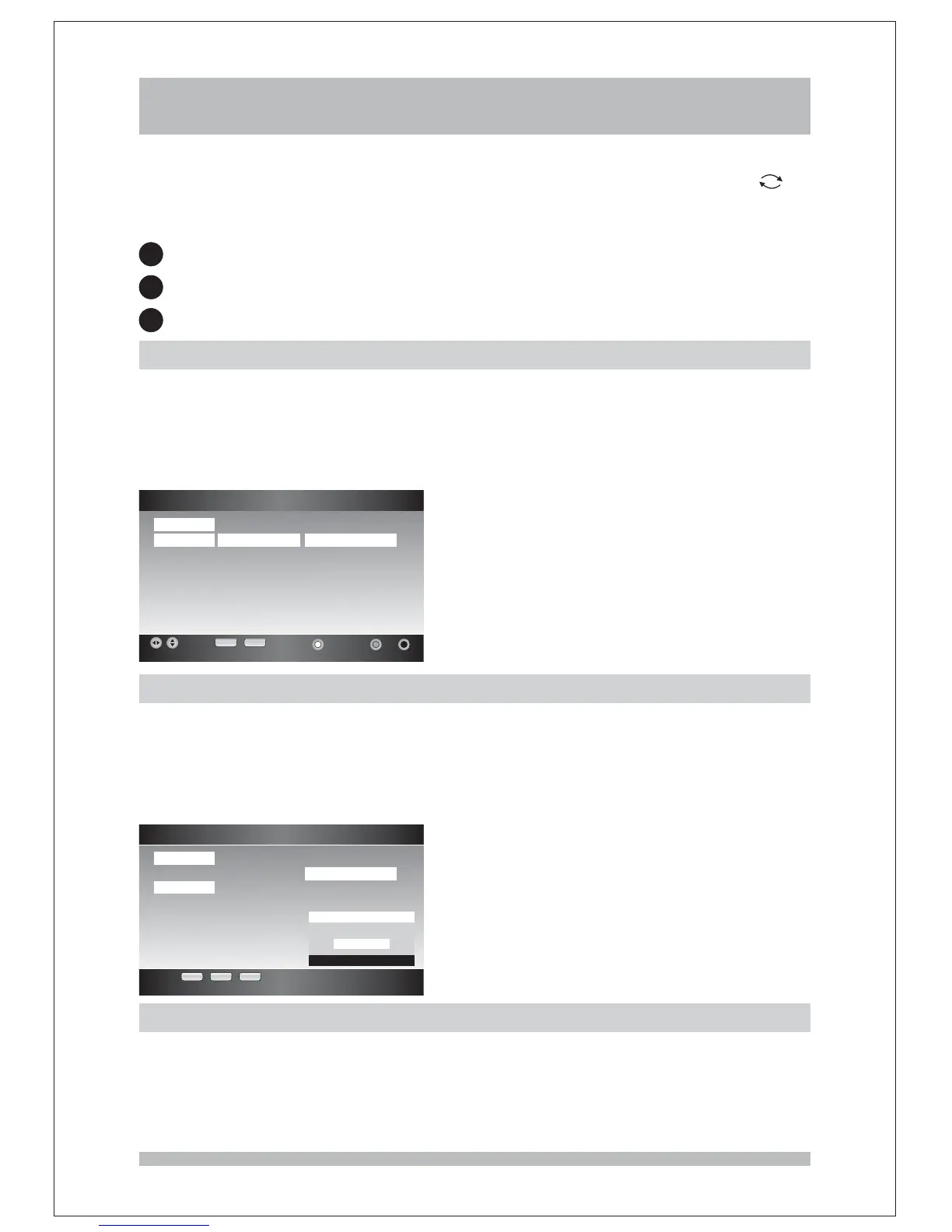
There are five existing favourite groups with default name as FAV1 to FAV5, in this function
you can add channels to any of these favourite lists. After entering the Favourite List menu,
you must select the first and press keys to highlight list,
then press keys to select the channel and press key to add the selected
channel to this favourite group.
Fav Group RIGHT/LEFT All Channel
UP/DOWN BLUE
Change the group name of a favourite list
In this function you can change the name of favourite group as you like. Make sure you
have highlighted the list and press key to edit the name of the favourite
group you choose. An Edit dialog will pop up and you can press 0~9 keys to input the
numbers and characters. Press key to confirm and save the modification while key
will cancel the modification and back to Favourite List menu.
Fav Group GREEN
OK EXIT
Favourite List
EXIT RECALL
Add Edit Del
Fav Group Channel Name All Channel
Fav1 ABC TV Melbou ABC TV Melbou
Fav2 ABC HDTV ABC HDTV
Fav3 ABC2 ABC2
Fav4 ABC TV ABC TV
Fav5 ABC DiG Radio
ABC DiG Jazz
sztvm01
Favourite List
OK EXIT RECALL
Fav Group Channel Name All Channel
Fav1 ABC TV Melbou
Fav2 ABC HDTV
Fav3 ABC2
Fav4 ABC TV
Fav5 ABC DiG Radio
ABC DiG Jazz
sztvm01
Edit
Edit Fav Group Name
BKN
Remove channels from a favourite list
In this function you can remove channels from the favourite list which you don't need it.
You must press keys to highlight the list first and press
keys to choose the channel which you don't want to remain in this favourite list,
then press key to remove it.
RIGHT/LEFT Channel Name
UP/DOWN
RED



 To Next Page