17
Using the On-Screen Setup Menu
How to display the Main Menu:
Press the key.MENU
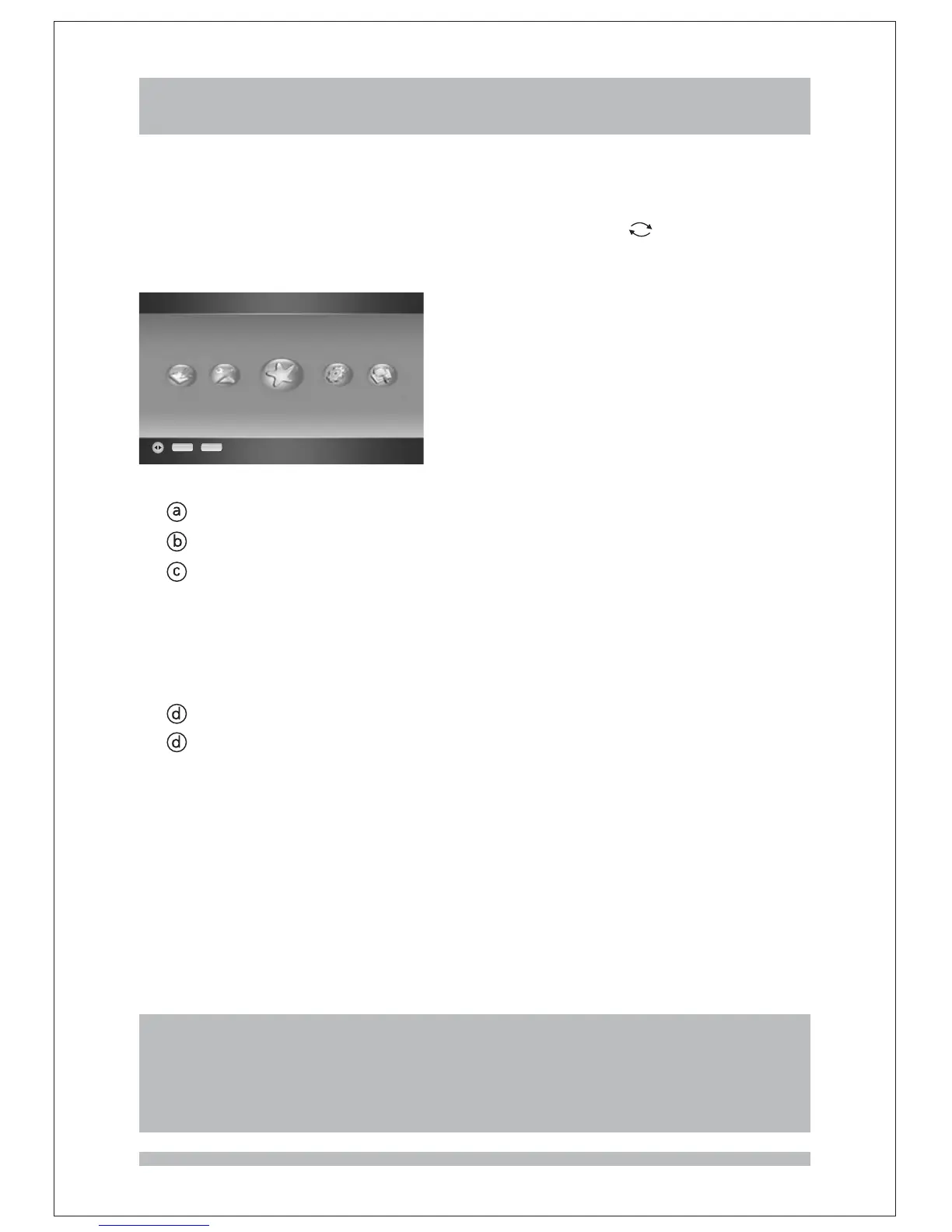
Your TV will display the main menu.
The following options are available:
Press the keys to navigate the itemsRIGHT/LEFT
Note:
1. When your TV displays the main menu or any sub menus, the volume control
will not work.
2. There is a brief description in the bottom of the menu page indicating which
keys can be used in this menu.
The receiver features an on-screen menu providing access to a variety of setup and
management controls. Use the remote control to navigate through the menu and activate
required settings.
When you are in the set-up mode of the main menu, Press the key if you
want to go back the previous menu . If you press key you will eventually close the main
menu.
EXIT
or MENU
Main Menu
Favourite List
OK EXIT
i. Favourite lists
ii. Installation
iii. Guide
iv. Channel Organizer
v. Configuration
Press the key to select the item you have selected. Or you can close the main menu
by pressing the key.
OK
EXIT



 To Next Page