15
Channel lists
Switching between TV and Radio channels
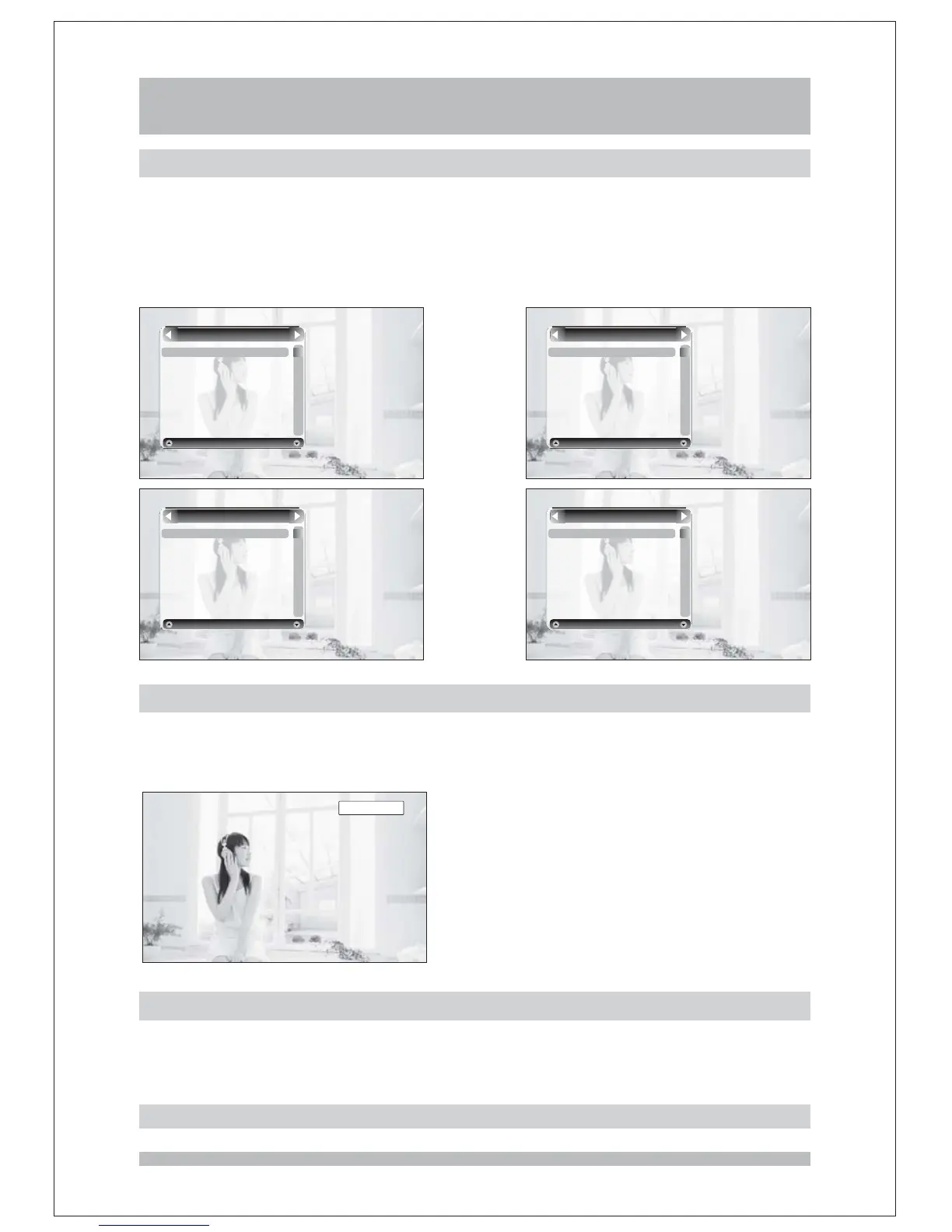
Press the or key to display the channel list, there are 8 different modes of the
channel list, including All Channel, TV, Radio and 5 favorite channel list. You can press
keys to switch between these modes and press OK key again to confirm the
mode change, and the highlighted channel will be displayed. You can't change to a channel
list mode without any channel included.
OK LIST
LEFT/RIGHT
2 ABC TV Melbourne
20 ABC HDTV
21
ABC2
22
ABC TV
Fav1
200 ABC DiG Radio
201 ABC DiG JaZZ
Radio
2 ABC TV Melbourne
20 ABC HDTV
21
ABC2
22
ABC TV
801 SZTVM01
802 SZTVM02
803 SZTVM03
805 Data
TV
2 ABC TV Melbourne
20 ABC HDTV
21
ABC2
22
ABC TV
200 ABC DiG Radio
201 ABC DiG Jazz
801 SZTVM01
802 SZTVM02
All Channel
Basic Operations
/
.
Press key on your remote control to switch between TV channels and
Radio channels
TV RADIO
Note:If you changed to TV/Radio channels, the channel list mode will also be changed.
Date and time
The time is displayed on the information banner with other information, and if you want to
see the date and time while you are watching a programme, press the TIME key, your TV will
display the current date and time in a panel on the right-top of the screen.
450 430/:



 To Next Page