24
1
1
2
2
3
3
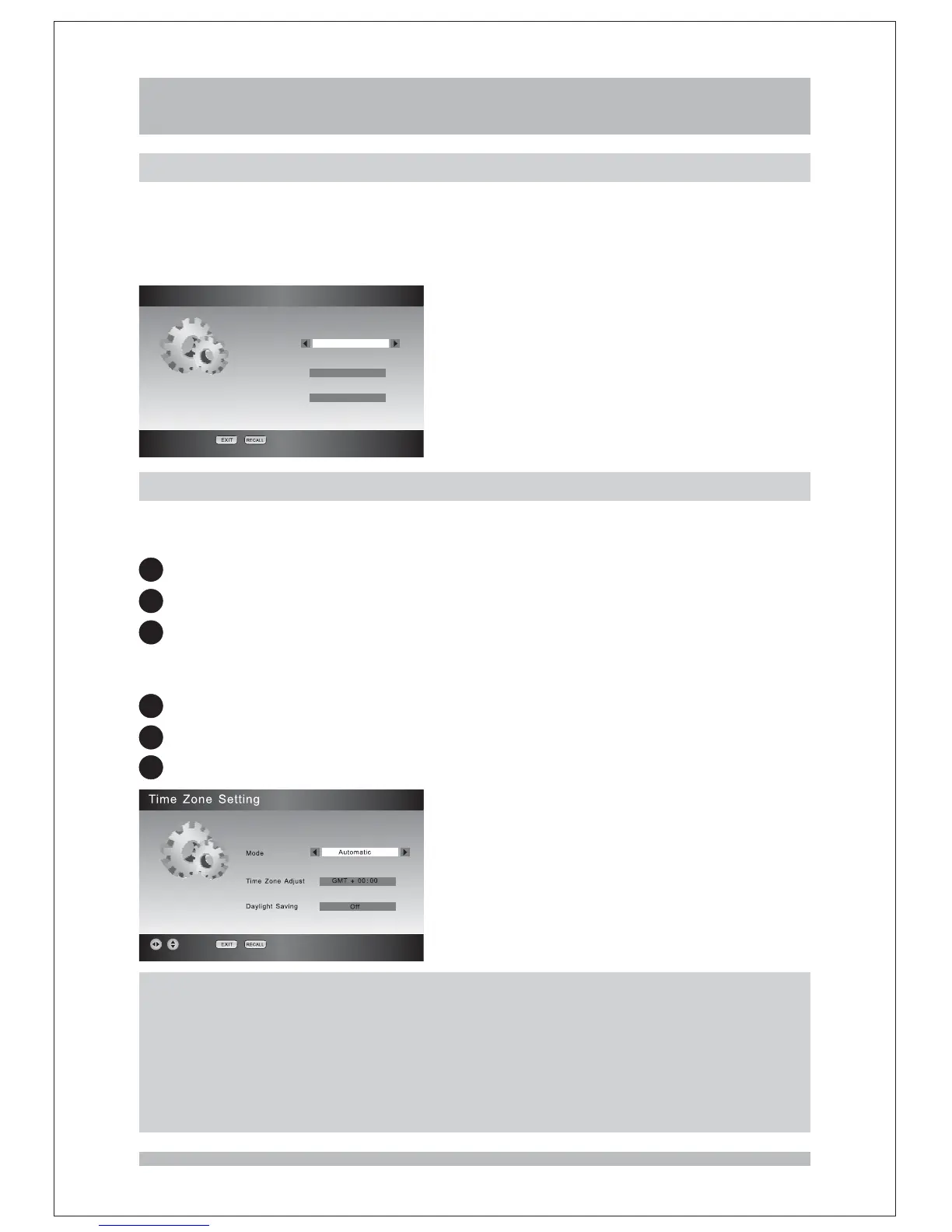
Mode
Time Zone Adjust
Daylight Saving
Enter the Time Zone Setting page via Configuration Menu. The Time Zone Setting
function let you choose to:
How to select the functions listed above in the Parental Setting function page:
Select in the menu.
Press the keys until the item you want is highlighted.
Press keys to change the setting.
Time Zone Setting Configuration
UP/DOWN
LEFT/RIGHT
Note:
1.The default Mode is Automatic, it will get the time zone setting automatically from
the broadcaster. In this mode you can't access to Time Zone Adjust and Daylight
Saving.
2.If you want to change the time zone and daylight saving mode manually, you
should first set the Mode to Manual.
Region & Language
,
Enter the Region & Language page via The Region & Language Setting
function let you choose the region where you live the country is fixed to Australia and
the Menu Language is fixed to English
You can press keys to change the region
Configuration
,
,
/.LEFT RIGHT
Region & Language
Region
Country
Menu Language
VIC
Australia
English
Time Zone Setting
Configuration



 To Next Page