14
Basic Operations
Press the key to change the TV screen format, including, 4:3 Full Screen, 4:3
Letter Box or 16:9 Full Screen. The function depends on the broadcaster. and your TV set. It's
recommended that you choose 16:9 Full Screen as default if your TV is wide screen format, or
4:3 Full Screen if your TV is standard-format.
ASPECT
Information banner
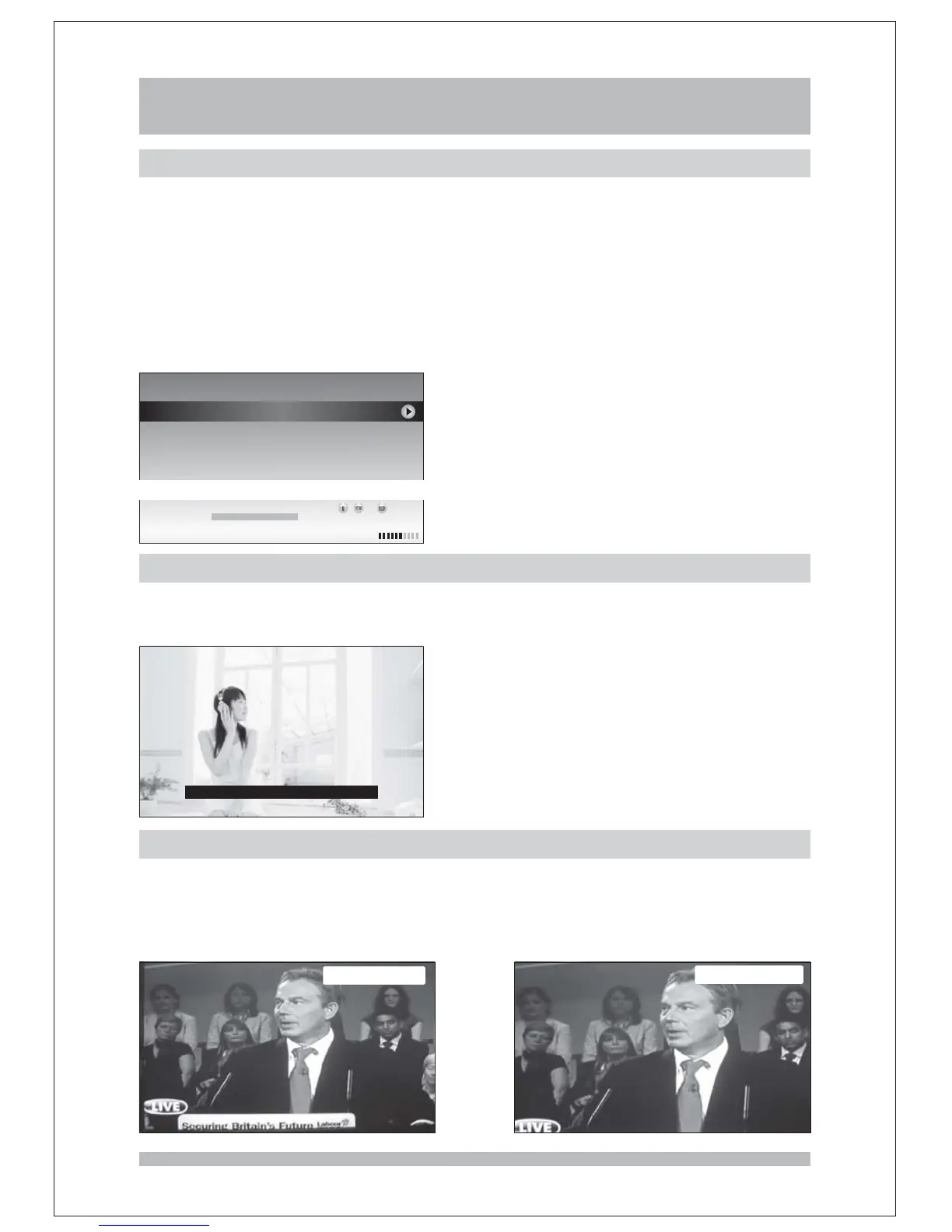
Whenever you change channel, using the keys or the number keys, the receiver
displays the channel picture along with an information banner at the bottom of the screen. This
will remain on the screen for approximately three seconds. The information banner can also
be displayed at any time while watching TV by press the key on the remote control.
Press the key twice to display the detailed information of the current program while
playing; press key again will display the detailed information of the next program or
press the keys to switch between current program and next program; the
information will disappear if you press the key or key again.
P+/P-
INFO
INFO
INFO
LEFT/RIGHT
EXIT INFO
Program Info
TV 21 ABC2 SD MPEG 10 11[][ ] :
10 11 10 17 Jasper The Penguin Wet Paint Children s G
Not long ago Jasper lived at the South Pole One day he got
too close to the breaking ice cap Suddenly there was a large
crack and the drifted away into a world of adventure
:-: : [ '][
,.,
.
.
]
Jasper The Penguin WetPaont
10 11 10 17
10 17 10 29 Fireman Sam Chemistry Set
:
:-:
:-:
Closed Caption
You can press the key to turn on/off closed caption on the screen. The available
closed caption depend on the broadcaster. The default language of closed caption is English.
SUBT
In 1516 Francois I King of France,, ,
TV screen format
4:3 Letter Box
4:3 Full Screen



 To Next Page