34
TV Function
Restore Factory Default
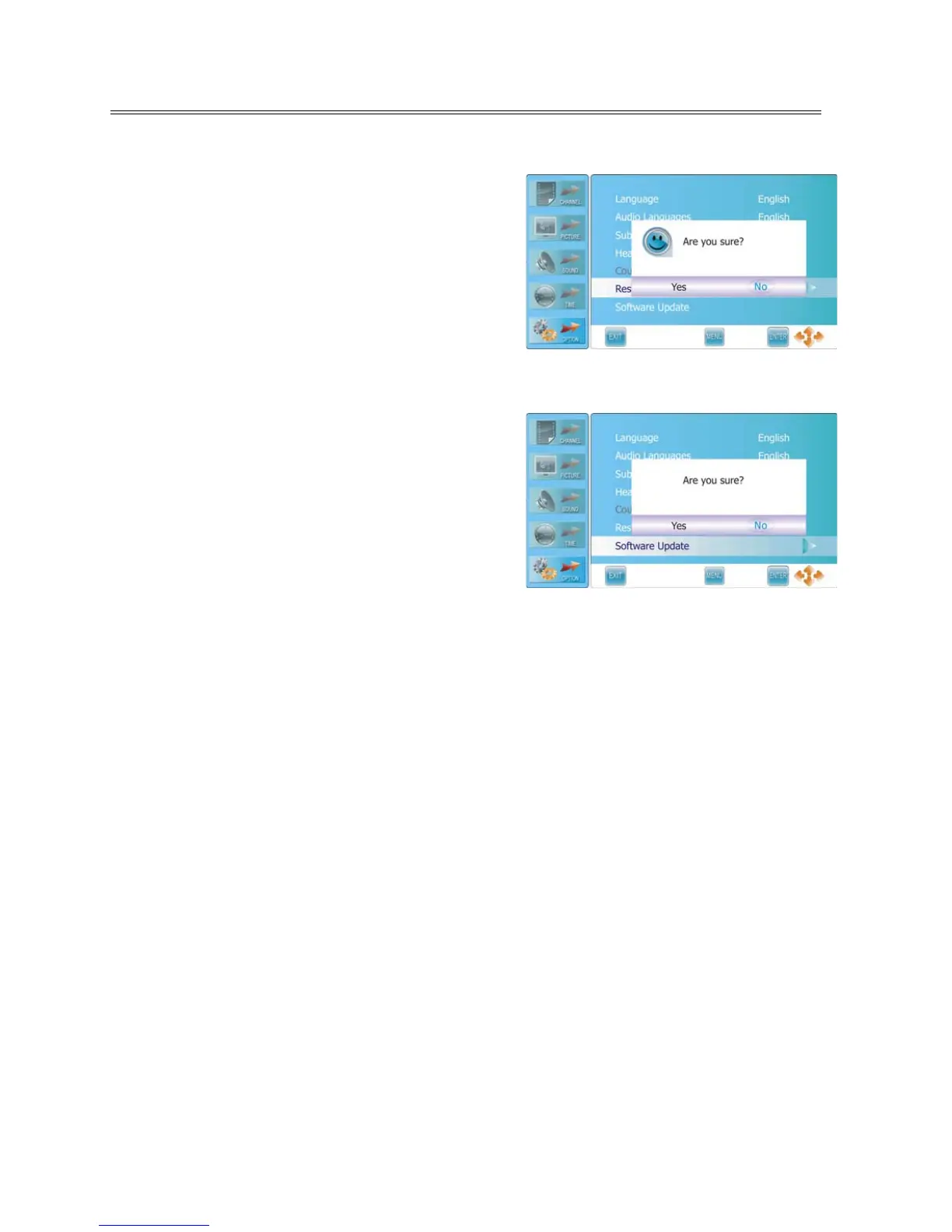
Press the ▲▼ button to select Restore Factory Default
and press the ENTER or ► button to prompt a
confirmation information box, as shown:
Press the ◄► button to highlight Yes or No, press the
ENTER button to reset the settings to their default status
or cancel.
Note: this will delete all changes and user setting.
Software Update
Press the ▲▼ button to select Software Update and
press the ENTER or ► button to prompt a confirmation
information box, as shown:
Press the ◄► button to highlight Yes or No, press the
ENTER button to start updating or cancel.
NOTES:
Before updating, make sure the USB device is
connected to the upgrade port on the rear panel of the unit.
During updating, please don’t power off.
After updating, please unplug the power and wait for 10 seconds then plug in the power again to
reboot the unit.



 To Next Page