44
DVD Setup Menu
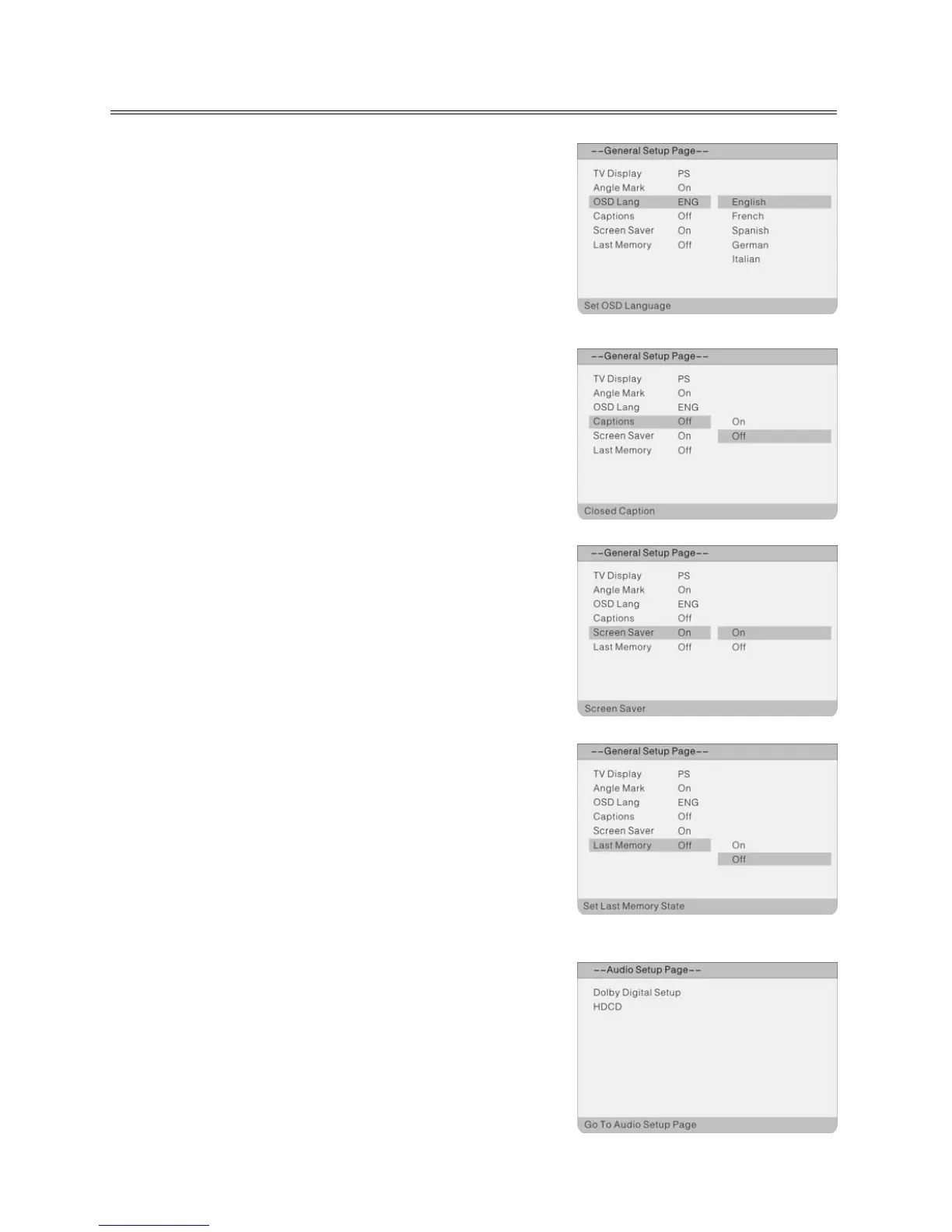
OSD Lang
Please select preferred language for the OSD menus.
Captions
You can activate the captions display during playback with “On”
or deactivate the display with “Off”.
Screen Saver
When activated, under stop mode, the unit will go into screen
saver mode if the same image remains on the screen for several
minutes.
Last Memory
Use this option to switch the "Resume after playback
interruption" function on or off. Use ▲▼ to select “On” or “Off”;
use ENTER to confirm and ◄ to end setting.
Audio Setup Page
Press the SETUP button in DVD mode. Use ◄► to select the
Audio Setup menu. The Audio Setup menu will appear:
Select the desired submenu using the direction buttons ▲▼ on
the remote and press ENTER to confirm. Select an option value
to be set using the ▲▼ direction buttons on the remote and
press ENTER to confirm, or press ◄ to cancel setting. After
ENTER; you return to the main menu using ◄.



 To Next Page