ENGLISH
48
DVD/VCD/CD
Playback from a Specific Chapter/Track
To skip to a specific chapter/track
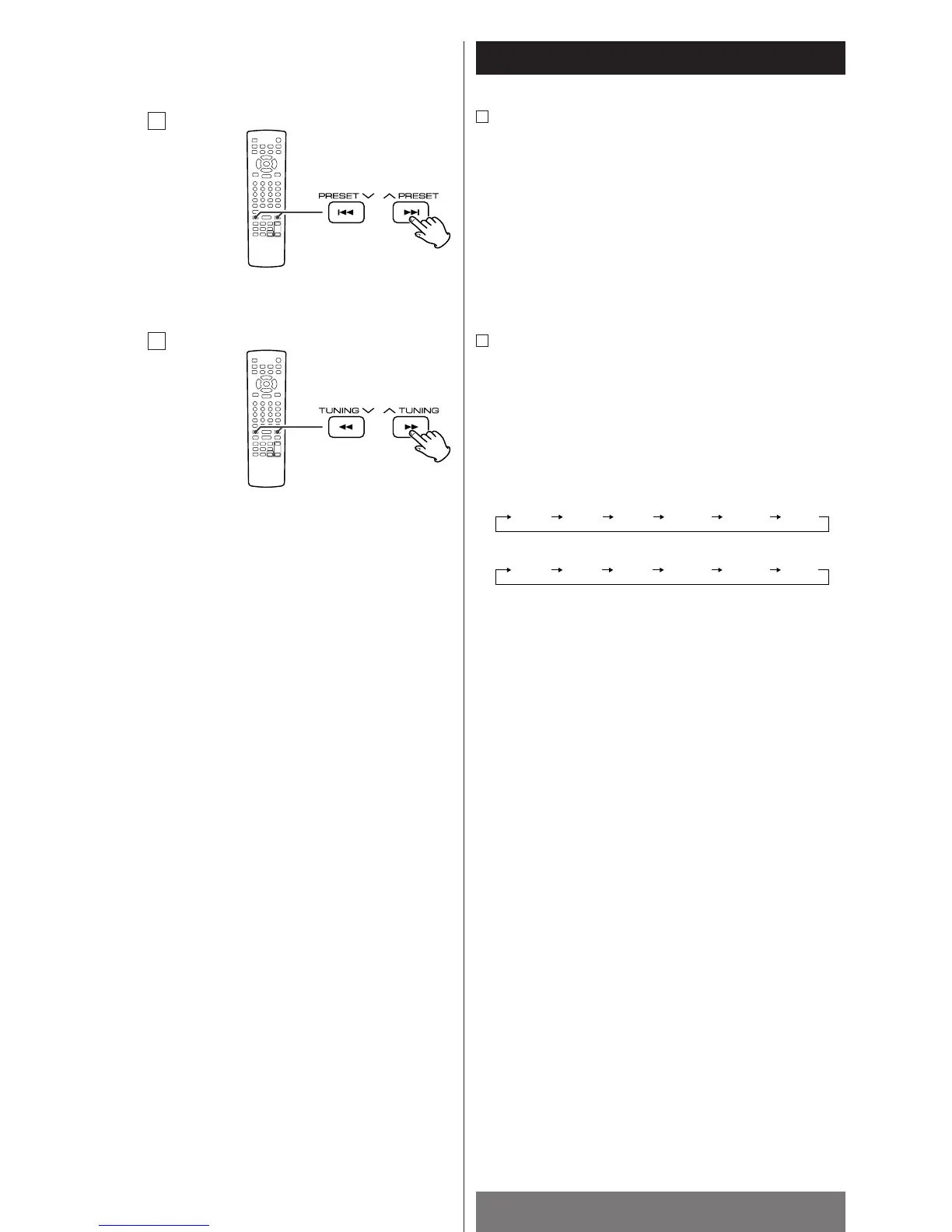
During playback, press the SKIP buttons (. or/ )
repeatedly until the desired chapter or track is found. The
selected chapter/track will be played from the beginning.
When the .
button is pressed during playback, the
chapter/track being played will be played from the beginning.
To return to the beginning of the previous track, press the
.
button twice.
Search for a part of a chapter/track
To search quickly the disc in the forward or reverse direction,
press the SCAN buttons (m
or ,) during playback.
Press the PLAY/PAUSE button (y
/J) when the part you want
to listen to is found.
Each time the SCAN button (m or ,) is pressed, the
search speed changes as follows:
,:
m:
FF: fast forward, FR: fast reverse
<
VCD/CD/MP3: When you forward fast to the end of a track (or
reverse to the beginning of a track), the scan function will be
cancelled and normal speed playback will continue.
<
The sound is muted during playback of DVD and VCD.
<
This function may not work with some discs.



 To Next Page