ENGLISH
74
Settings (Audio Setup)
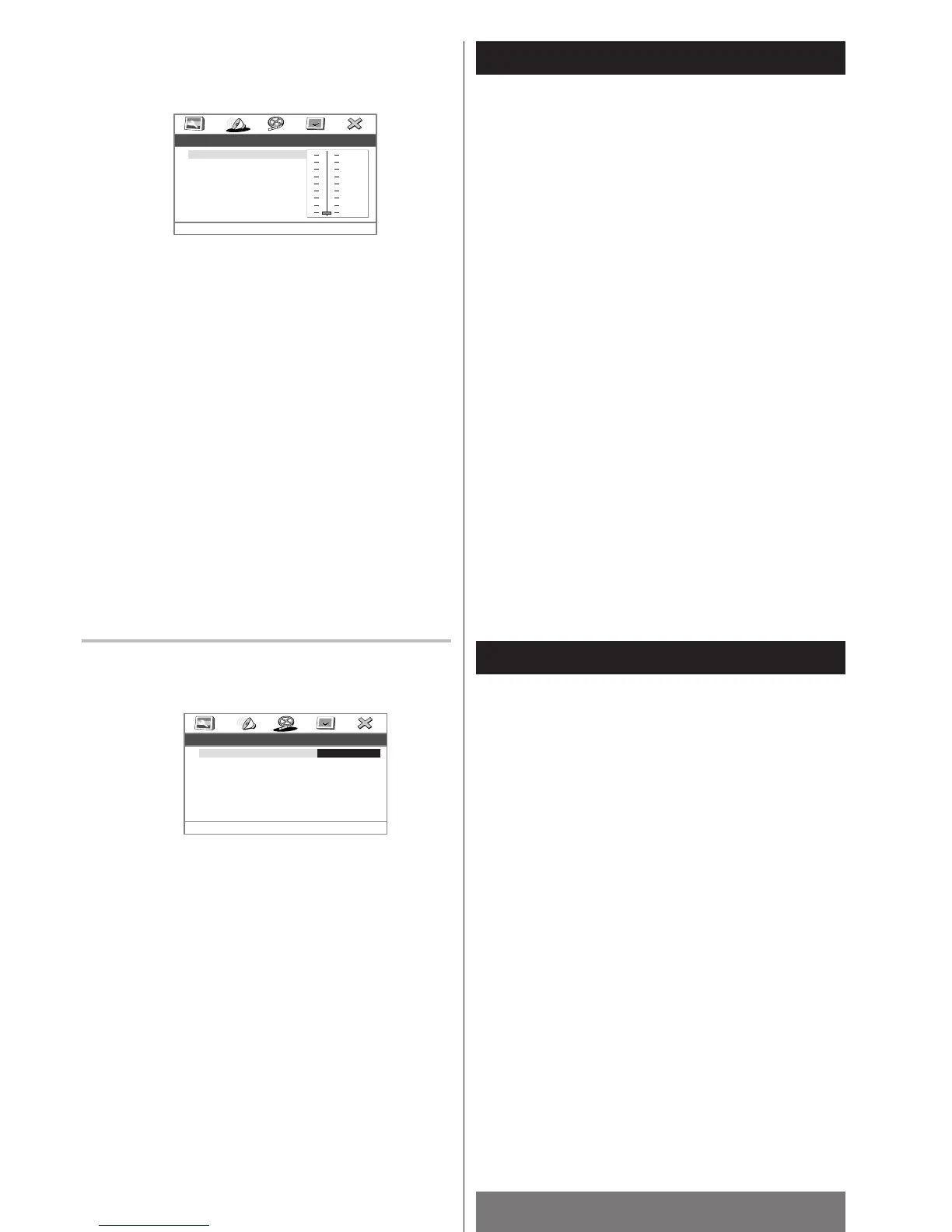
Dynamic (Dynamic range compression)
In many listening situations, you may find loud passages
objectionable. Adjusting this setting allows you to compress
the sounds into a range that you may find more suitable for
a particular listening situation. Dolby Digital satisfies these
needs through the dynamic range controlling.
Select the dynamic range compression to fit the individual
listening situation of the audience. The variable range is from
FULL, 7/8 to 1/8, or OFF.
FULL:
Audio with fully compressed dynamic range.
7/8 - 1/8:
Audio with partially compressed dynamic range.
OFF (Default):
Audio with uncompressed dynamic range.
<
This function is effective only when playing back a DVD disc
recorded with Dolby Digital. It has no effect on other discs.
Settings (VideoSetup)
SCART
When this unit is connected to a TV by a SCART cable, the
image format can be selected according to the type of TV.
CVBS (Default):
Select when the TV connected over the SCART cable does
not support RGB.
RGB:
Select when the TV connected over the SCART cable
supports RGB.



 To Next Page