ENGLISH
58
Picture Zoom
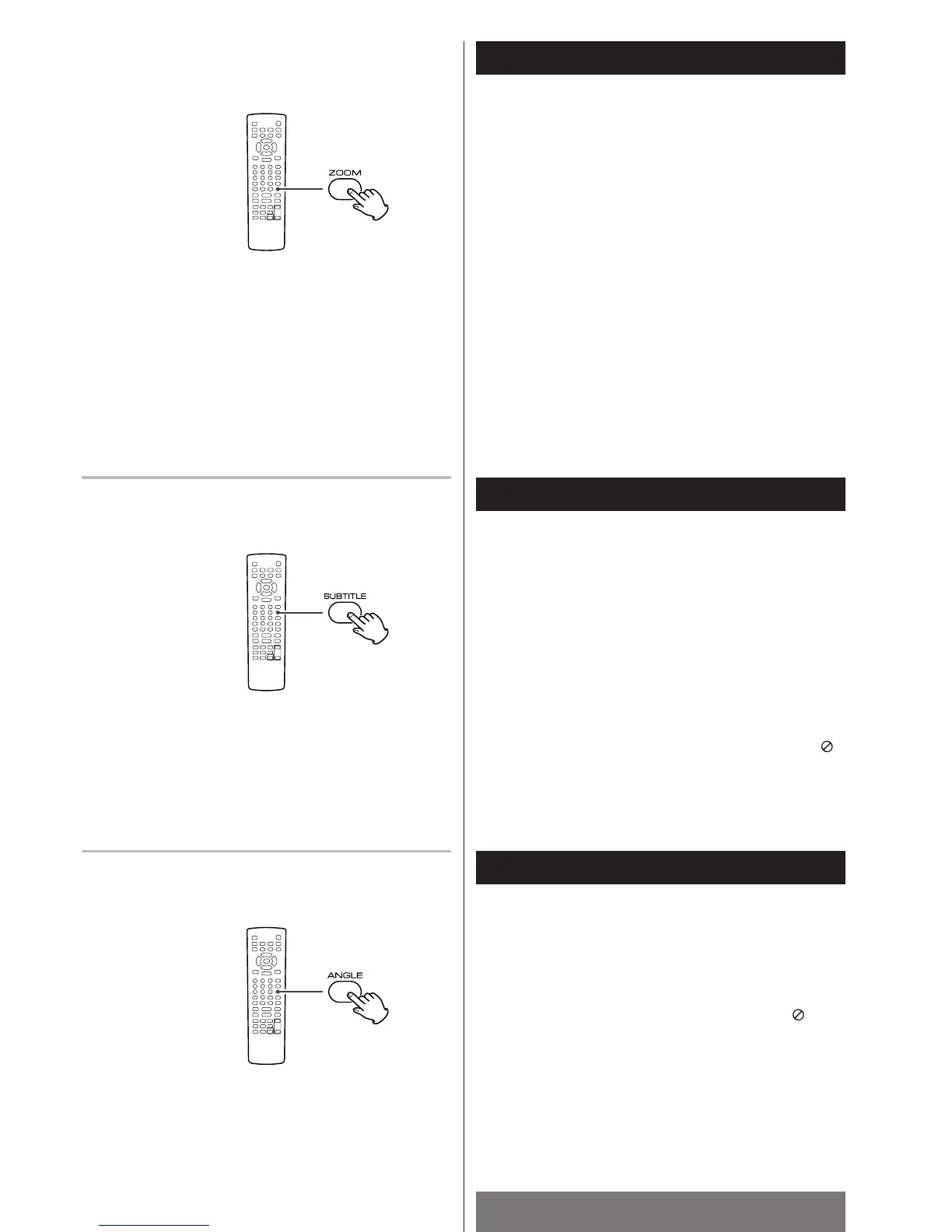
To zoom the picture, press the ZOOM button during playback.
Each time the ZOOM button is pressed, the magnification level
changes as follows:
x2 w x3 w x4 w x
1
/2 w x
1
/3 w x
1
/4 w OFF
< You can shift the zoom point by pressing the
5
/
b
/g /t
buttons during zoom playback.
<
Zooming does not work on subtitles or menu screens.
Select a Subtitle Language
To select a subtitle language, press the SUBTITLE button during
playback.
Each time you press the SUBTITLE button, the subtitle language
changes to the next one recorded on the DVD.
<
Some DVDs display subtitles automatically, and they cannot be
turned off even by pressing the SUBTITLE button.
<
It may take a few seconds for the subtitles to appear on the
screen after being turned on.
<
Some DVDs only allow you to make subtitle selections from
the disc menu.
<
When the subtitle can not be selected, the PROHIBIT icon is
displayed.
Change the Angle
When a scene recorded with multiple angles is played, the angle
icon appears on the screen. Each time you press the ANGLE
button while the angle icon is displayed, the camera angle
changes.
<
When no other angle is recorded, the PROHIBIT icon will be
displayed.
DVD/VCD
DVD
DVD



 To Next Page