ENGLISH
86
RDS (EON PTY/EON TA)
EON PTY
(EON: Enhanced Other Networks information)
Use this feature to automatically search and receive the desired
programme type while listening to a RDS station.
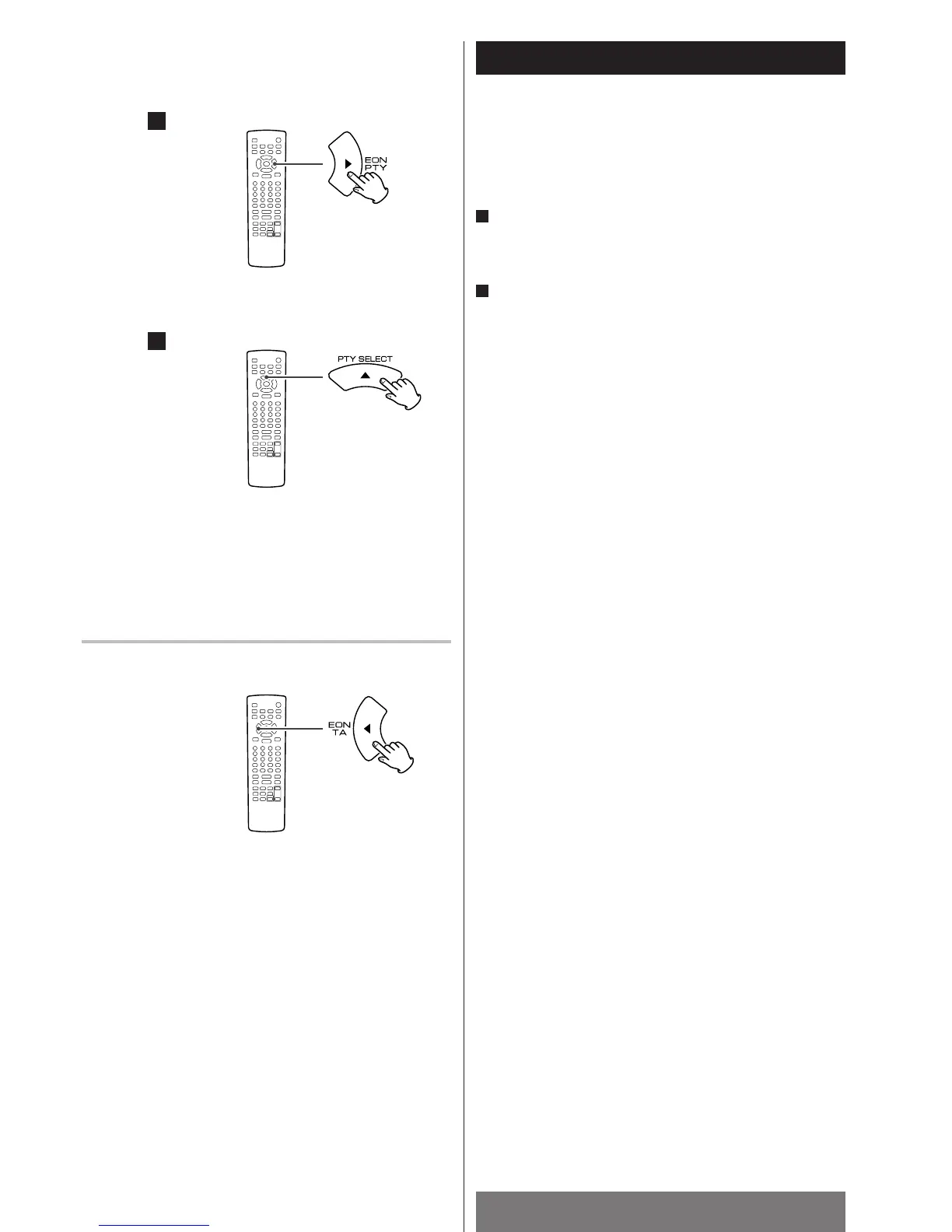
While listening to a RDS station, press the EON PTY
button.
Current programme type is displayed.
Select the desired programme type by pressing the PTY
SELECT button.
<
If one of the preset stations is broadcasting the selected
programme type, it will be tuned in while listening to a RDS
station.
<
If the station stops broadcasting the selected programme type,
the tuner will find other stations repeatedly.
<
If no station is found, the previous RDS station will be tuned
in.
<
Press the EON PTY button to cancel the EON PTY mode.
2
1
EON TA (Traffic Announcement)
Use this feature to automatically search and receive the traffic
announcement.
While listening to a traffic programme (TP), press the EON TA
button. The TA indicator lights, and the unit searches for a
traffic announcement.
<
If the preset station broadcasting traffic announcement is
found, it will be tuned in while listening to the traffic
programme.
<
If the station stops broadcasting traffic announcement, the
tuner will find other stations repeatedly.
<
If no station is found, the previous traffic programme station
will be tuned in.
<
Press the EON TA button to cancel the EON TA mode.
1
2



 To Next Page