ENGLISH
56
Display
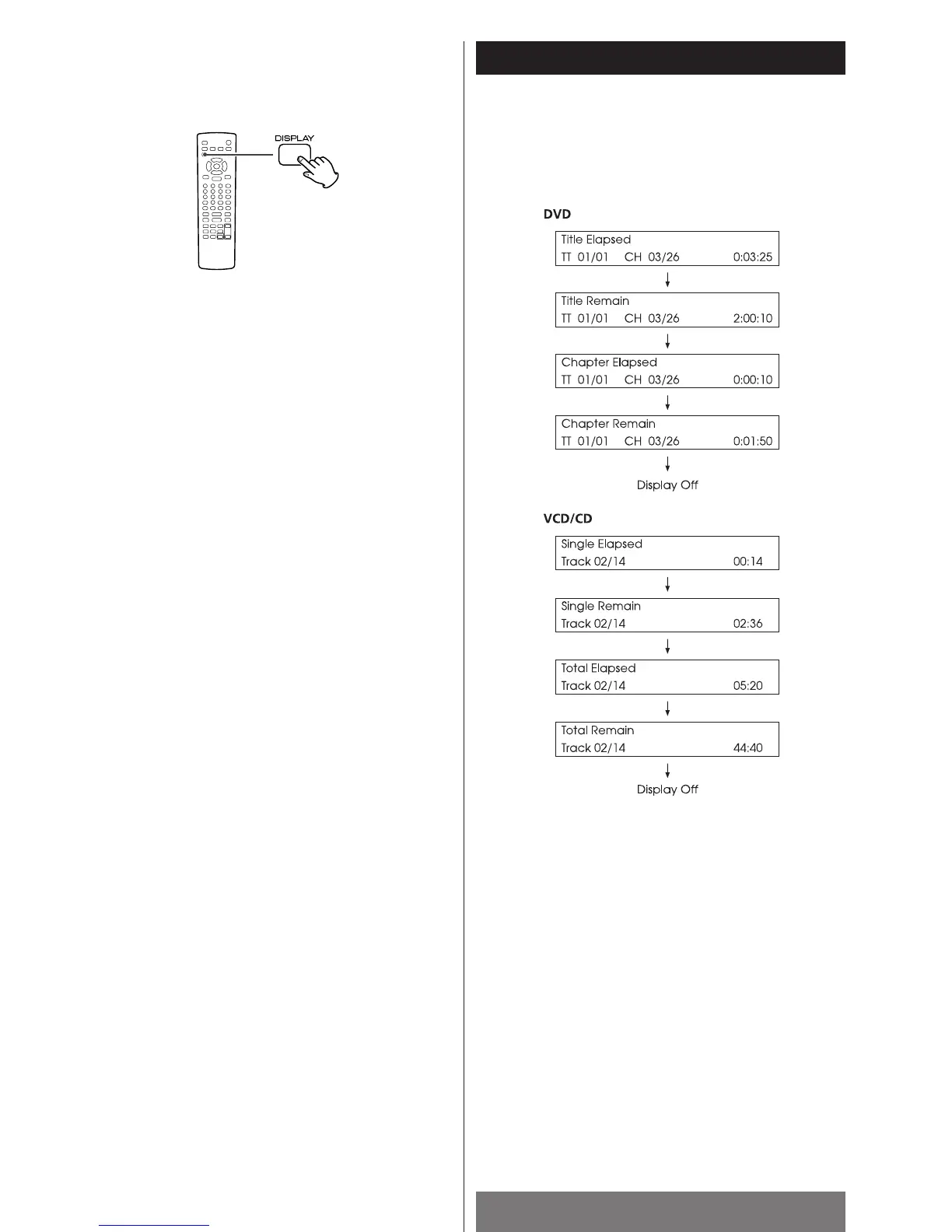
Press the DISPLAY button to view information about the currently
playing disc on the TV. The display will go off after a few
seconds.
DVD/VCD/CD
Notes
<
When playback is stopped, the display goes off.
<
For some VCDs, the time information may not appear on the
TV, or you may not be able to switch to other display modes.
< When a VCD is playbacked with PBC function, Total Elapsed
and Total Remain will not be displayed.



 To Next Page