ENGLISH
92
Sleep Timer
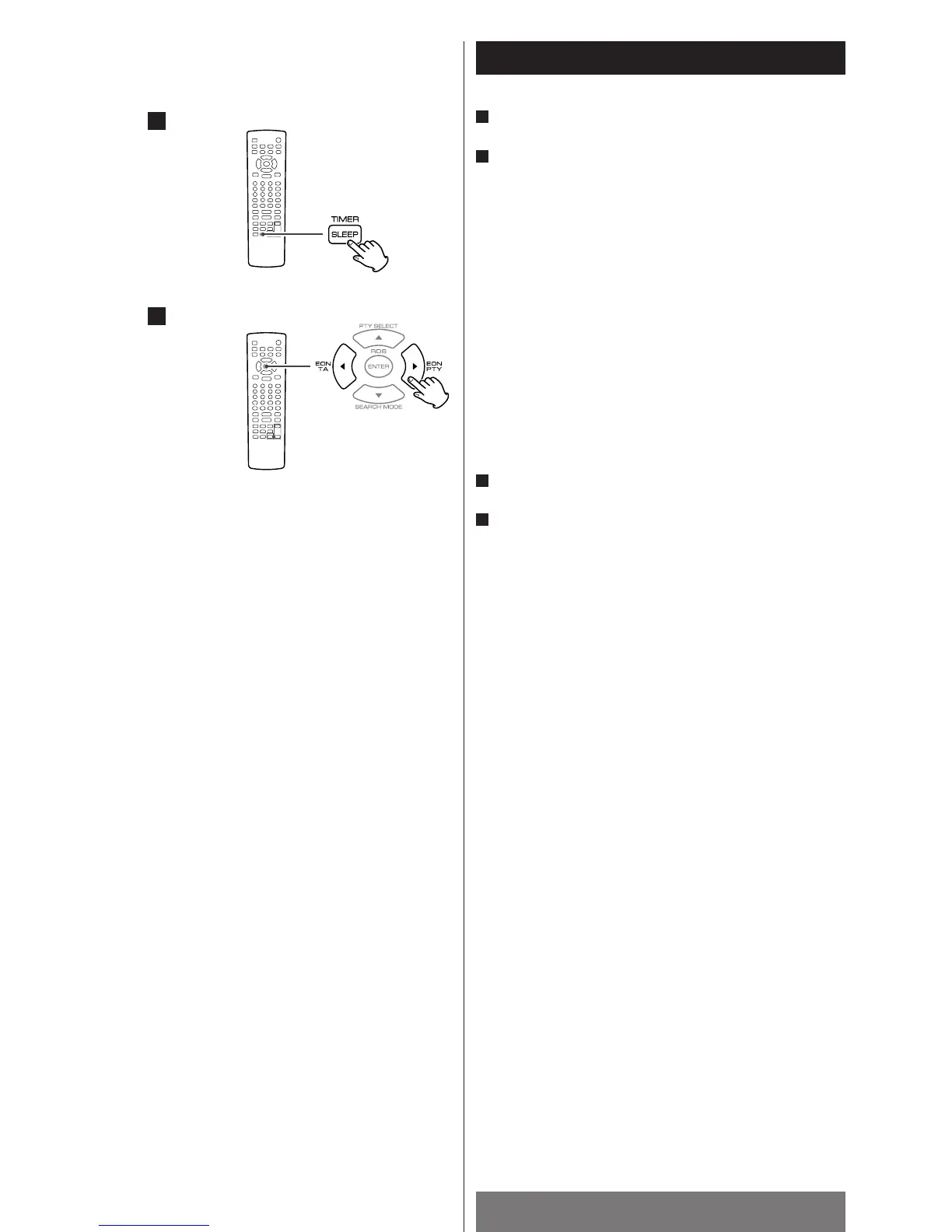
Press the SLEEP button.
Within 3 seconds, press g
/t button to select one of the
following preset times:
OFF sw 10 (minutes) sw 20 sw 30 sw 60 sw 90
When the sleep timer is set, the display is dimmed.
To confirm the remaining time of the sleep
timer
Press the SLEEP button after setting.
To cancel the sleep timer
Press the SLEEP button.
Press g
button until OFF is displayed.
Note
<
If you turn off the unit’s power, the sleep timer setting will be
cancelled.
2
1
2
1
1
2



 To Next Page