EasyManua.ls Logo

Teac MC-DV250 - General Setup Options - Part 2; SPDIF Output and Closed Captions; Screen Saver and Last Memory Settings

Teac MC-DV250
103 pages
Print Icon
To Next Page IconTo Next Page
To Previous Page IconTo Previous Page
Loading...
ENGLISH
72
Settings (General Setup 2)
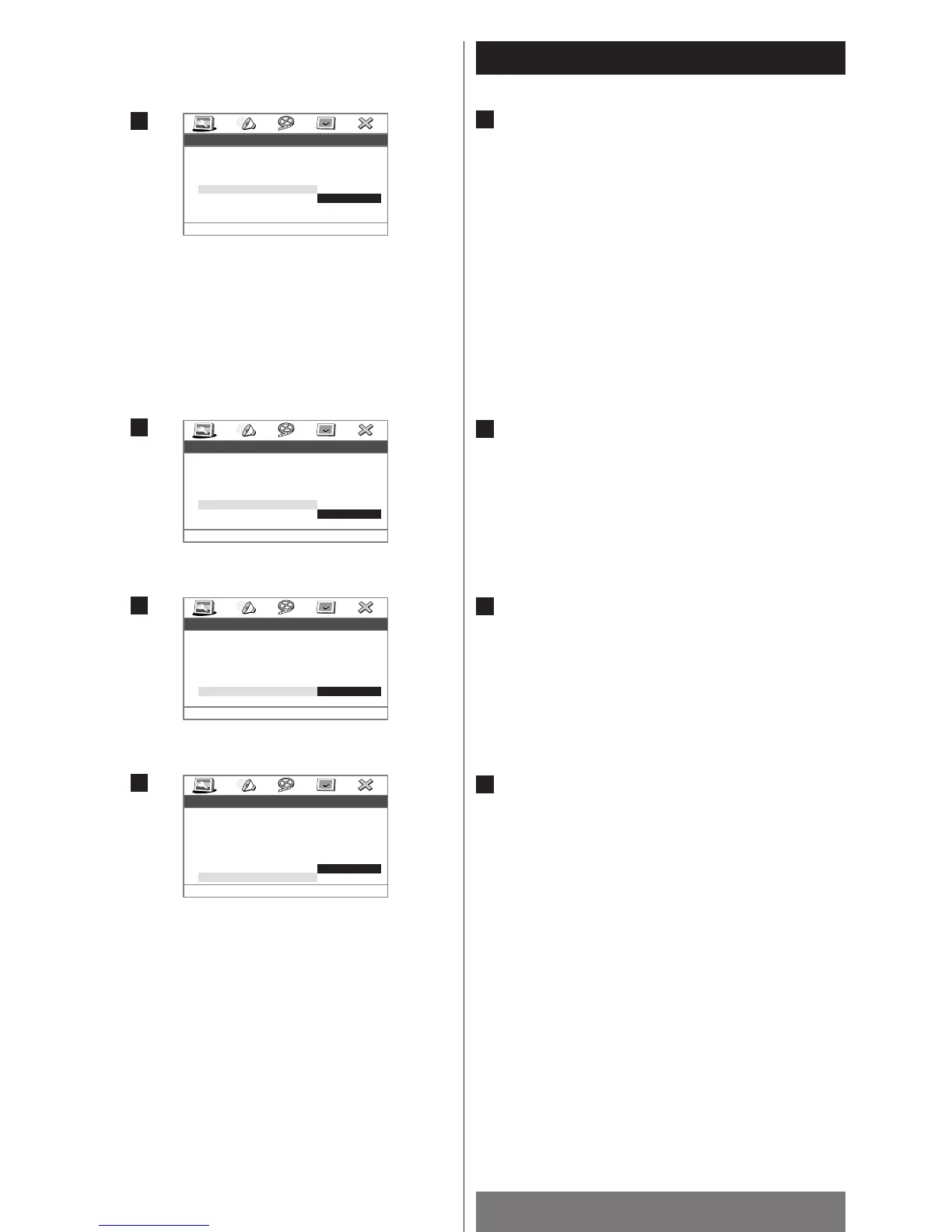
SPDIF Output
SPDIF OFF:
Select this when you don’t use the DIGITAL OUT terminal.
No signal is output from the DIGITAL OUT terminal.
SPDIF/RAW (Default):
Select this when the unit is connected to an audio
component equipped with a built-in Dolby Digital or DTS
decoder via the DIGITAL OUT terminal.
SPDIF/PCM:
Select this when the unit is connected to an audio
component such as amplifier/receiver, CD recorder or MD
deck via the DIGITAL OUT terminal.
Captions
ON:
Closed captions appear on the screen.
OFF (Default):
Closed captions do not appear on the screen.
Screen Saver
ON (Default):
The screen saver starts up if nothing is played back and no
operations are performed for 3 minutes.
OFF:
The screen saver does not start up.
Last Memory
ON (Default):
The Last memory is activated. (see page 46)
OFF:
The Last memory is disactivated.
H
G
F
E

--General Setup Page--
Setup SPDIF
TV Type
TV Display
Angle Mark
OSD Lang
SPDIF Output
Captions
Screen Saver
Last Memory
PAL
LB
ON
ENG
RAW
OFF
ON
ON
SPDIF OFF
SPDIF/RAW
SPDIF/PCM
E
--General Setup Page--
Closed Caption
TV Type
TV Display
Angle Mark
OSD Lang
SPDIF Output
Captions
Screen Saver
Last Memory
PAL
LB
ON
ENG
RAW
OFF
ON
ON
On
Off
F
--General Setup Page--
Screen Saver
TV Type
TV Display
Angle Mark
OSD Lang
SPDIF Output
Captions
Screen Saver
Last Memory
PAL
LB
ON
ENG
RAW
OFF
ON
ON
On
Off
G
--General Setup Page--
Set Last Memory State
On
Off
TV Type
TV Display
Angle Mark
OSD Lang
SPDIF Output
Captions
Screen Saver
Last Memory
PAL
LB
ON
ENG
RAW
OFF
ON
ON
H

Table of Contents

Other manuals for Teac MC-DV250

Related product manuals