ENGLISH
60
Select an Audio
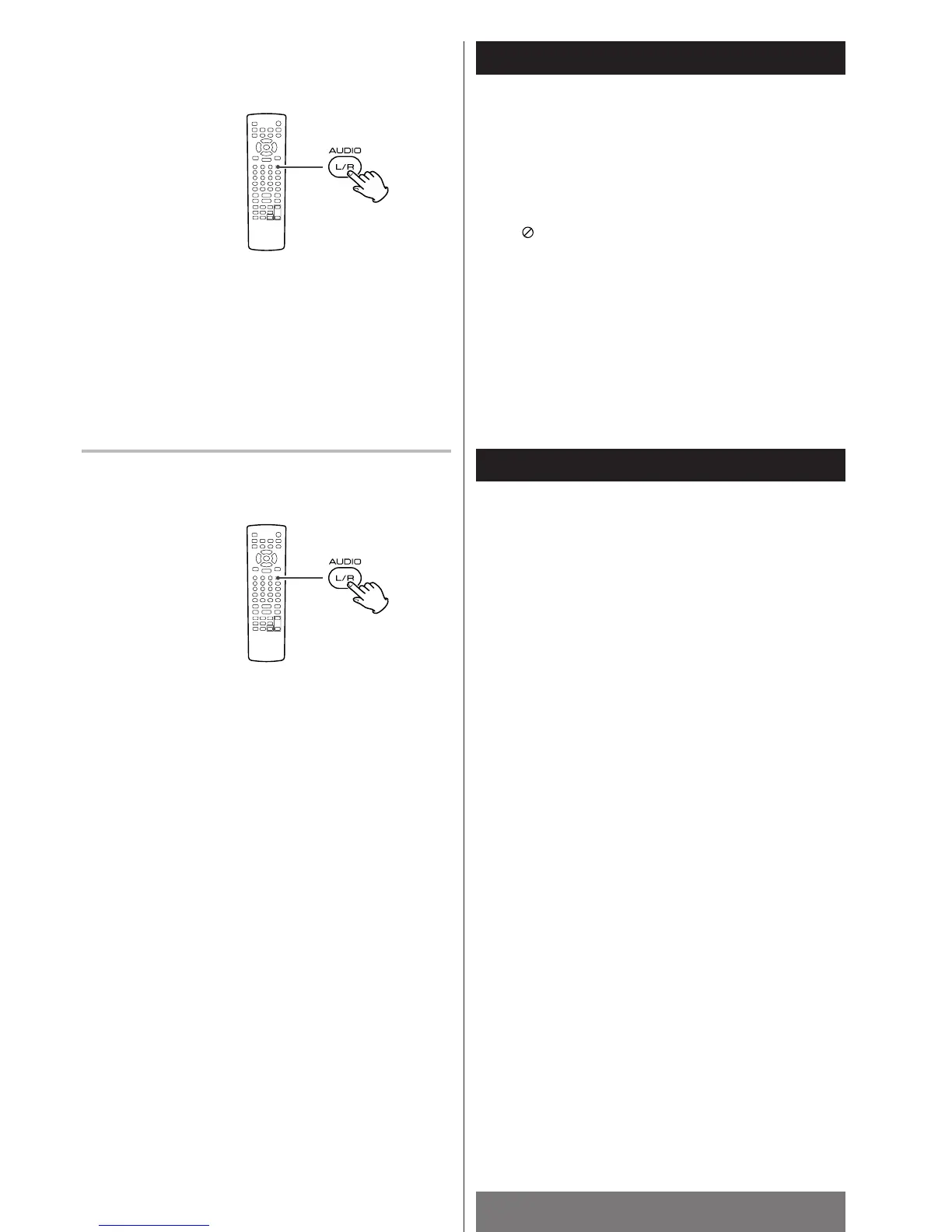
To select an audio on a DVD containing multiple language
soundtracks, press the AUDIO button during playback.
Each time the AUDIO button is pressed, the audio will change to
the next one recorded on the DVD.
<
When no other audio is recorded on the disc, the PROHIBIT
icon will be displayed.
<
Some discs allow you to change the audio only via the disc
menu. In that case, press the MENU or TOP MENU button and
change the settings.
Audio Channel Selection
Each time the AUDIO (L/R) button is pressed, the audio output
will change as follows:
Mono left w
Mono right w Mix mono w Stereo
DVD
VCD



 To Next Page