ENGLISH
50
Slow-Motion Playback
For video discs only (DVD and VCD)
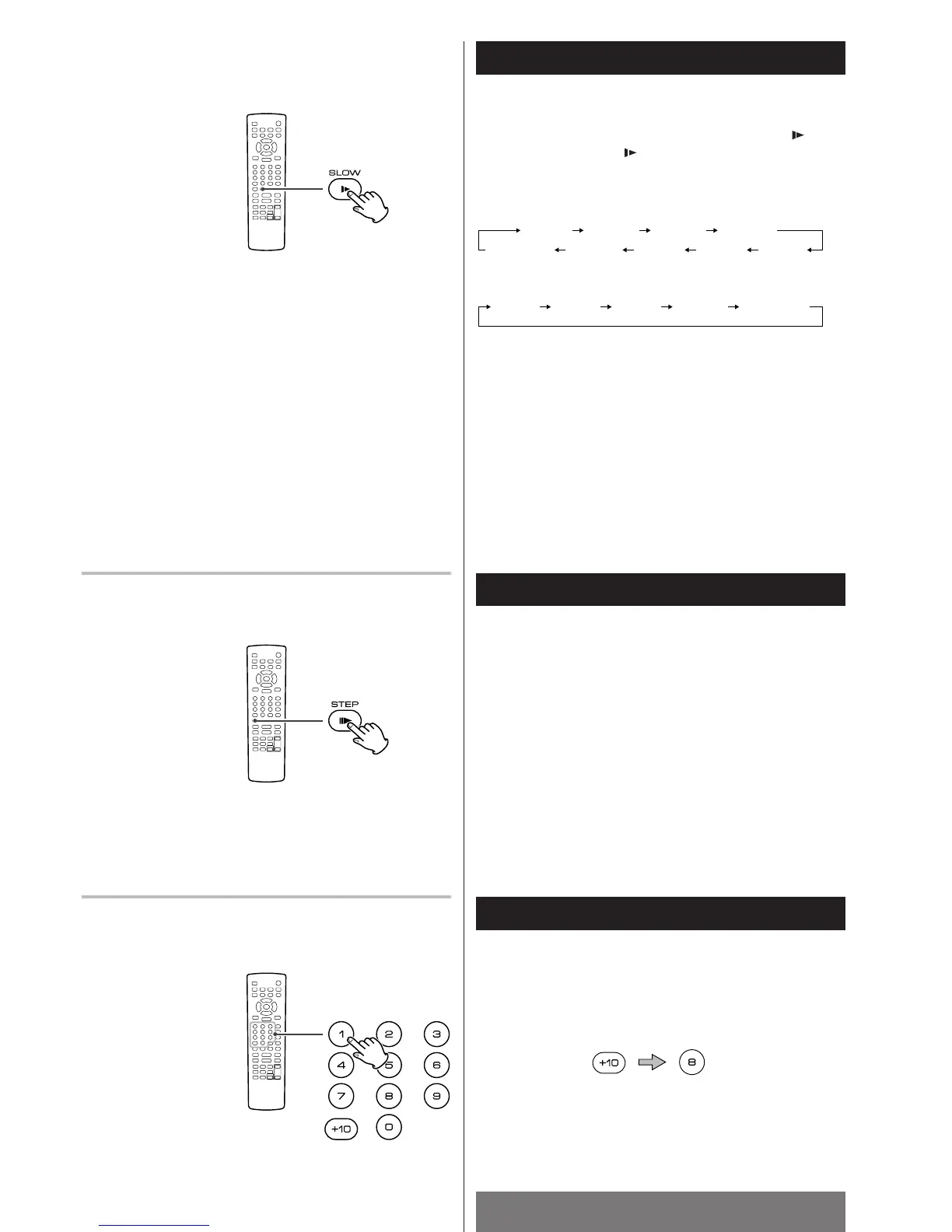
To play a disc in slow motion, press the SLOW button ( ). Each
time the SLOW button ( ) is pressed, the speed changes as
follows:
DVD:
VCD:
SF: slow forward, SR: slow reverse
To resume normal playback, press the PLAY/PAUSE button
(y/J).
<
The sound is muted during slow-motion playback.
<
This function is not available for CD and MP3.
Direct Playback (except DVD)
Select a track by pressing the numeric buttons.
example: To select track No.18
<
During playbackof a VCD with PBC function, Direct Playback is
not available.
Step playback
For video discs only (DVD and VCD)
Press the STEP button (
J
G) to advance the frame.
Each time the button is pressed, the DVD/VCD advances one
frame.
To resume normal playback, press the PLAY/PAUSE button
(y
/J).
DVD/VCD
VCD/CD
DVD/VCD



 To Next Page