ENGLISH
Setting the Clock
90
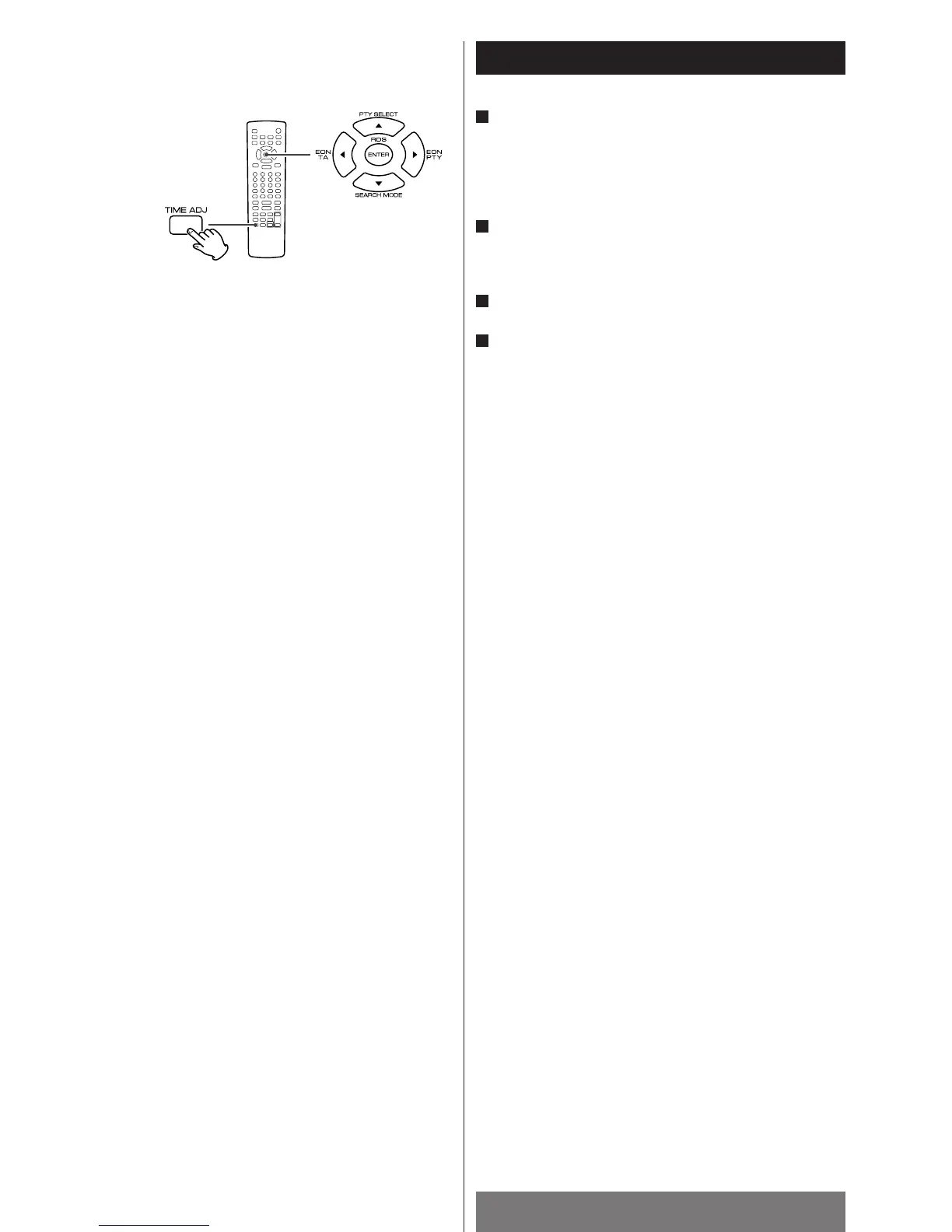
Press the TIME ADJ button.
The “hour” value blinks.
<
You can not adjust the clock when the unit is in the standby
mode.
<
The unit uses the 24 hour “military” clock.
Press the 5/b buttons to set the current hour and press
the g
/t buttons to set the current minute.
Press the ENTER button.
Press the TIME ADJ button to return to normal display.
4
3
2
1



 To Next Page